NoniusSoft, Software e Consultoria para
Telecomunicações, S.A.
Rua Actor Ferreira da Silva, 100
4200-298 Porto • Portugal
4.9. Maintenance Menu
Figure 57: Maintenance Menu
4.9.1. Network Devices Submenu
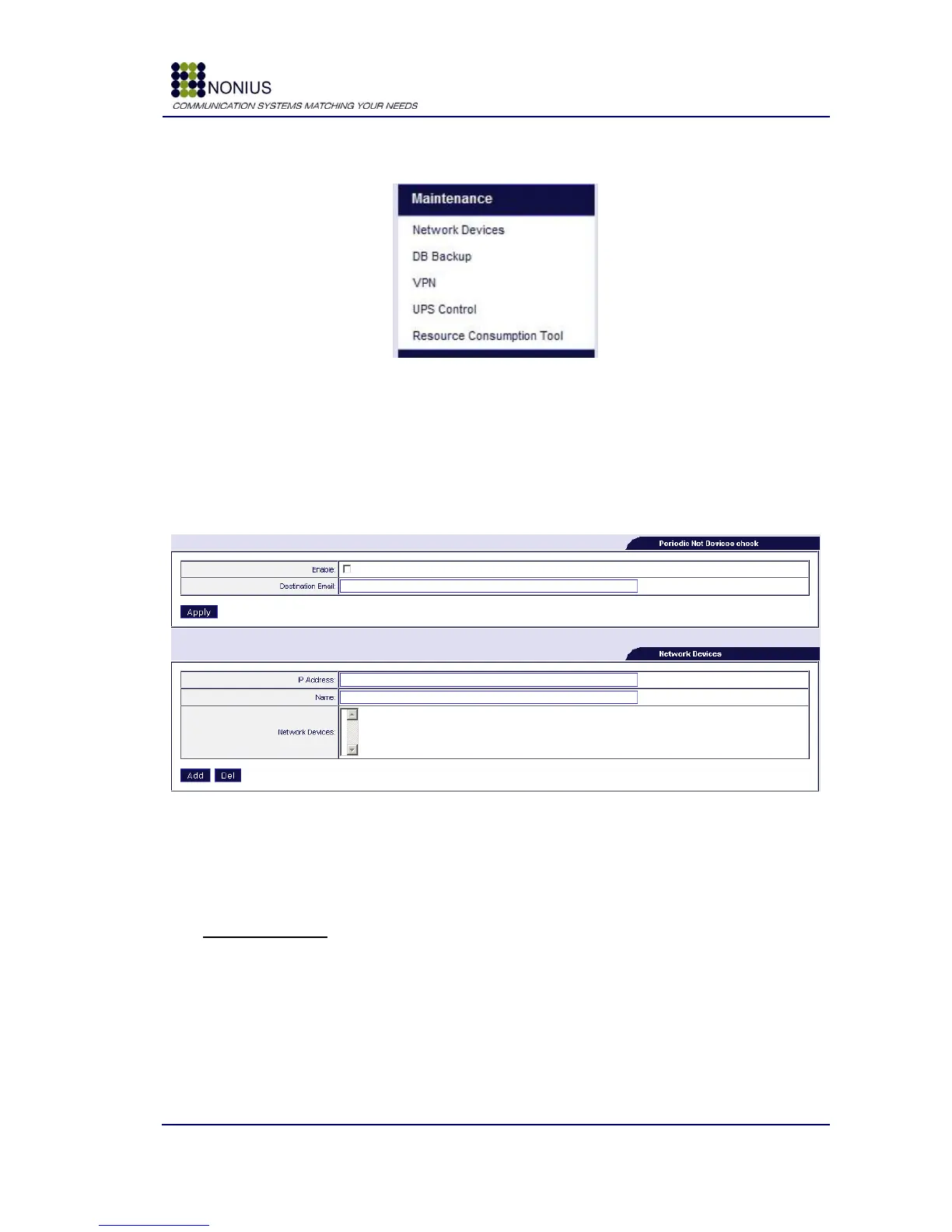
If the Network Devices Check is enabled, the WGS5000 periodically checks the status of network
devices and sends an e-mail to the configured address if some device is malfunctioning. Email is
sent once in a day at 7 AM, local time.
Figure 58: Maintenance Menu – Network Devices
Enable: Enable/disable network devices checking.
Destination Email: Define destination e-mail address in case of malfunction;
Network Devices
IP Address: Define IP addresses of network devices
Name: Insert the desired name for the network device
Network Devices: This box lists the network devices IP addresses that will be checked-up.



 To Next Page