NoniusSoft, Software e Consultoria para
Telecomunicações, S.A.
Rua Actor Ferreira da Silva, 100
4200-298 Porto • Portugal
4.7.5. Radius Server Submenu
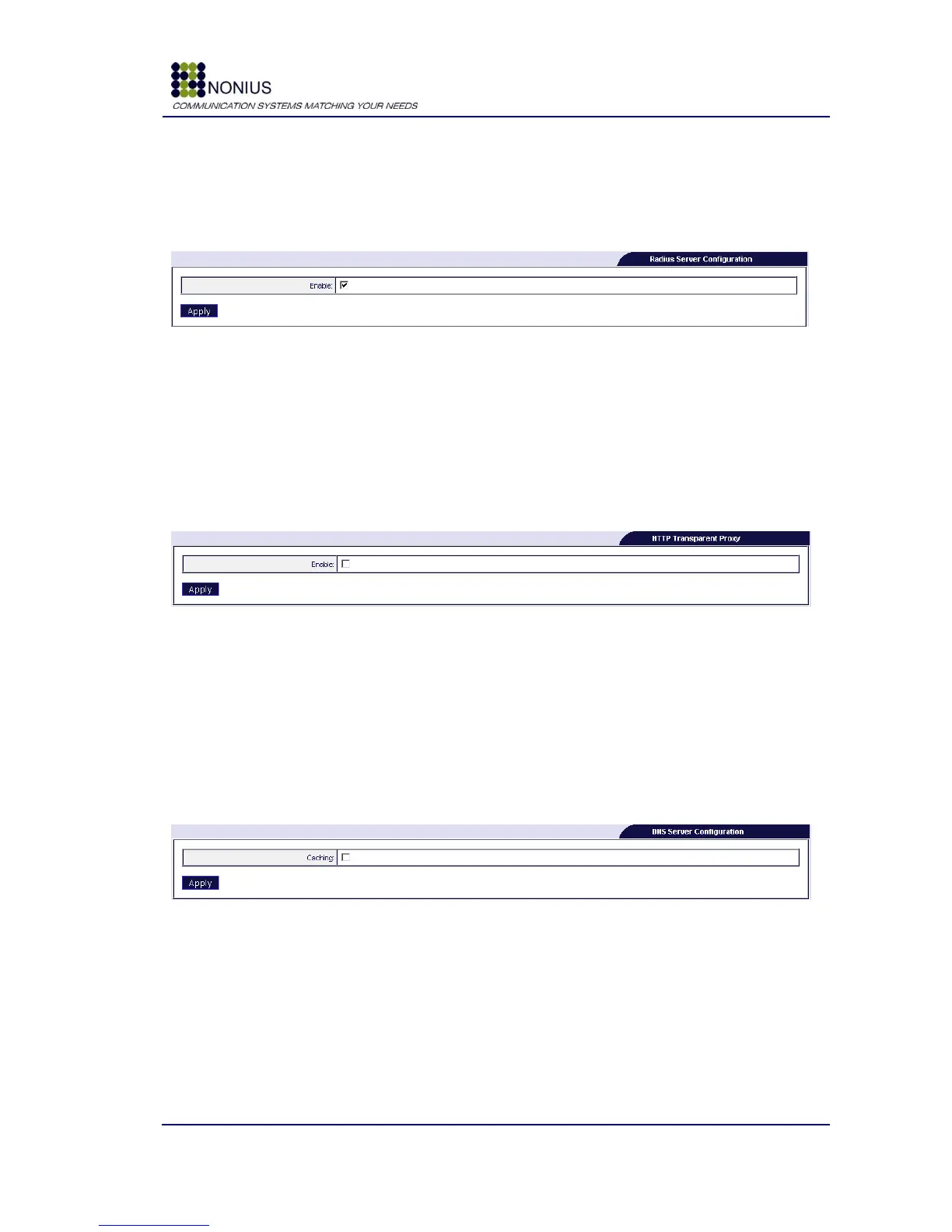
An Authentication, Authorization and Accounting (AAA) server is present on the WGS5000. This
menu enables or disables this feature.
Figure 40: Services Menu – Radius Server
Enable: Enable/disable RADIUS server.
4.7.6. HTTP Transparent Proxy
The WGS5000 can “transparently” (i.e., without user intervention) proxy HTTP requests and cache
replies. This enables a faster reply for subsequent requests. To enable this feature, click on the
“Enable” checkbox.
Figure 41: Services Menu – HTTP Transparent Proxy
Enable: Enable/disable HTTP Transparent.
4.7.7. DNS Server
This menu enables DNS acceleration. The WGS5000 caches DNS requests and locally replies to
subsequent requests if the answer is already cached. This menu enables the DNS cache.
Figure 42: Services Menu – DNS Server Configuration
Enable: Enable/disable DNS Server Configuration.



 To Next Page