NoniusSoft, Software e Consultoria para
Telecomunicações, S.A.
Rua Actor Ferreira da Silva, 100
4200-298 Porto • Portugal
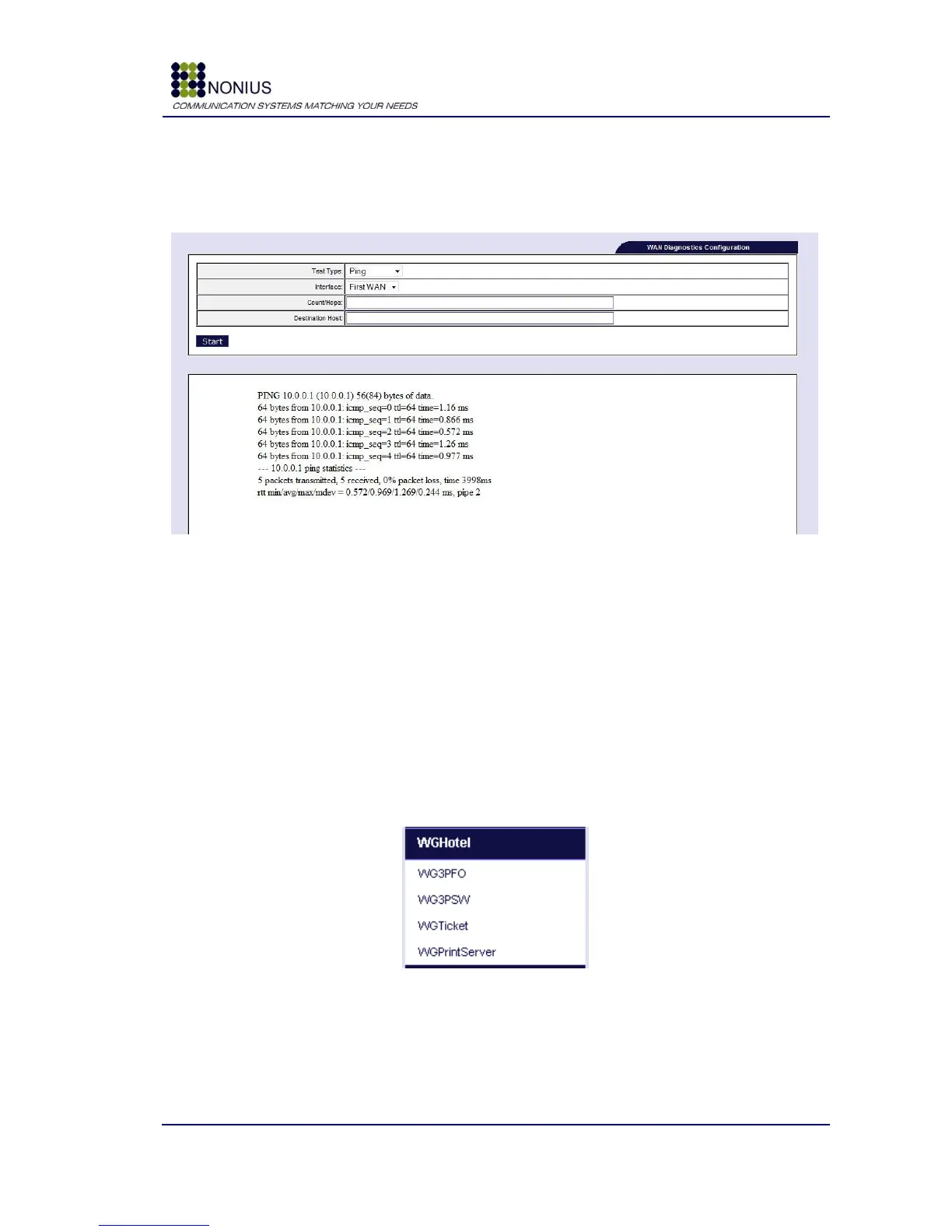
4.11.11. WAN Diagnostics Submenu
In this submenu the administrator can perform basic network tests to check the connectivity of the
WGS5000 with the surrounding network equipments.
Figure 84 - Wan Diagnostics submenu
Test type: It allows choosing between the ping or traceroute test.
Interface: Choose the interface where the test will run.
Count/Hops: Set the number of packets to send via ping command, or in the case of traceroute,
the number of hops that traceroute can perform.
Destination Host: Sets the destination hostname or IP that will be used to contact during the
test.
4.12. WGHotel menu
This menu is available only if WGHotel is the active solution.
Figure 85: WGHotel Menu
4.12.1. WG3PFO Configuration Submenu
The WG3PFO module is the interface with the hotel‟s Front-Office system. Currently integrated
systems are: EasyLinq, EasyLynq-CLS, Micros Fidelio Opera, New-Hotel, Brilliant, Bilógica and Sihot.
When the client is checked-in at the Front-Office, the WG3PFO automatically creates a username



 To Next Page