NoniusSoft, Software e Consultoria para
Telecomunicações, S.A.
Rua Actor Ferreira da Silva, 100
4200-298 Porto • Portugal
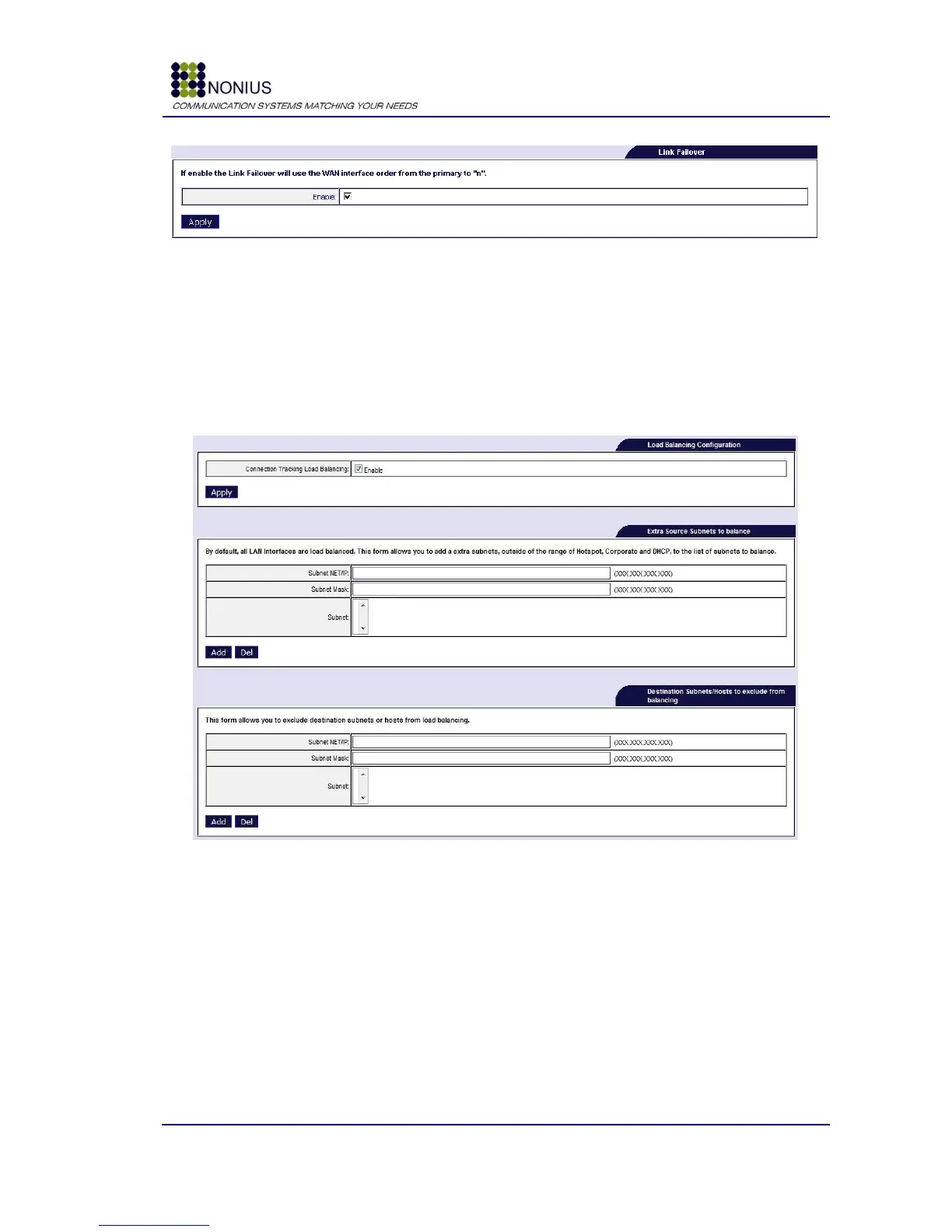
Figure 30 - Link Failover submenu
4.6.2. Load Balancing
Enables load balancing between two or more WAN connections. It improves the performance of the
WGS5000 by balancing the number of connections that each WAN port will have based in its
bandwidth capabilities. In this menu it is also possible to add or exclude certain networks that are
present in the WGS5000 network from load balancing.
Figure 31: Load Balancing Submenu
Connection Tracking Load Balancing: Enable/disable load balancing feature.
Subnet NET/IP: This input is present in both of the forms which add/exclude networks and it
allows adding a specific network IP to the preferred action.
Subnet Mask: This input is present in both of the forms that add/exclude networks and it allows
to set the network mask for each network IP entry.
v Some sites/servers may have connection issues or may not be compatible or even prevent load
balancing mechanisms from working properly. These should be added to the exclusion list, so that
the load balancing is not used in those cases.



 To Next Page