NoniusSoft, Software e Consultoria para
Telecomunicações, S.A.
Rua Actor Ferreira da Silva, 100
4200-298 Porto • Portugal
4.4.3. WGManager submenu
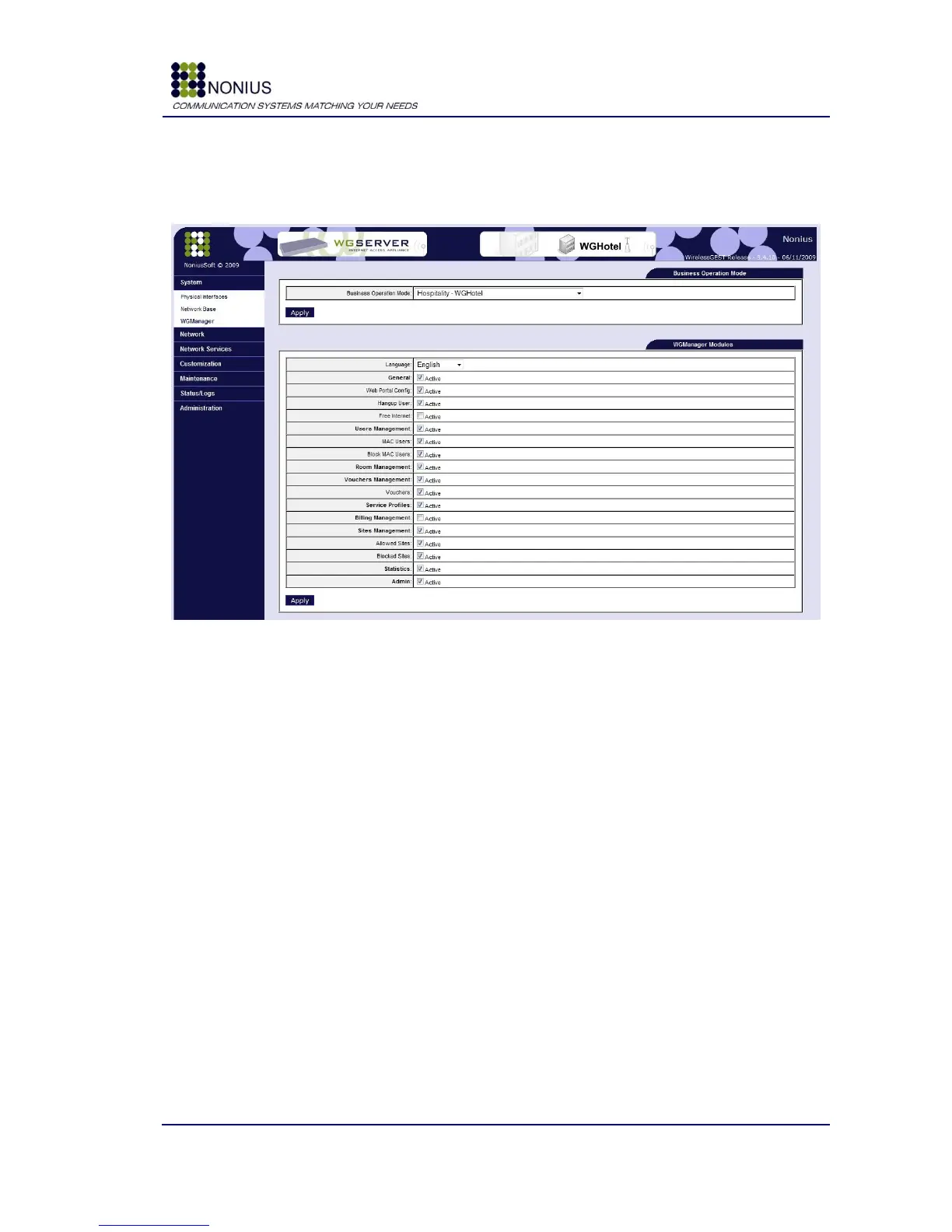
This submenu allows the configuration of the WGManager interface.
Figure 10 - WGManager submenu
Business Operation Mode: select the correct value according to your client‟s business profile.
The options are (for descriptions please check [2.1]:
Hospitality – WGHotel
Public Internet Access – WGPublic
Business Park – WGBizPark
Hotspot Management – WGHotspotManager
Hotspot Gateway - miniWGS5000
Language: set the WGManager‟s default language. The options are:
Portuguese
English
French
Spanish
Turkish
The following parameters allow the enabling or disabling of WGManager‟s menu and submenus. For
example, if the General menu is disabled, this menu and the corresponding submenus (Web portal
Config, Hangup user and Free Internet) will not appear in the WGManager.



 To Next Page