NoniusSoft, Software e Consultoria para
Telecomunicações, S.A.
Rua Actor Ferreira da Silva, 100
4200-298 Porto • Portugal
4.7.8. Service Unavailable
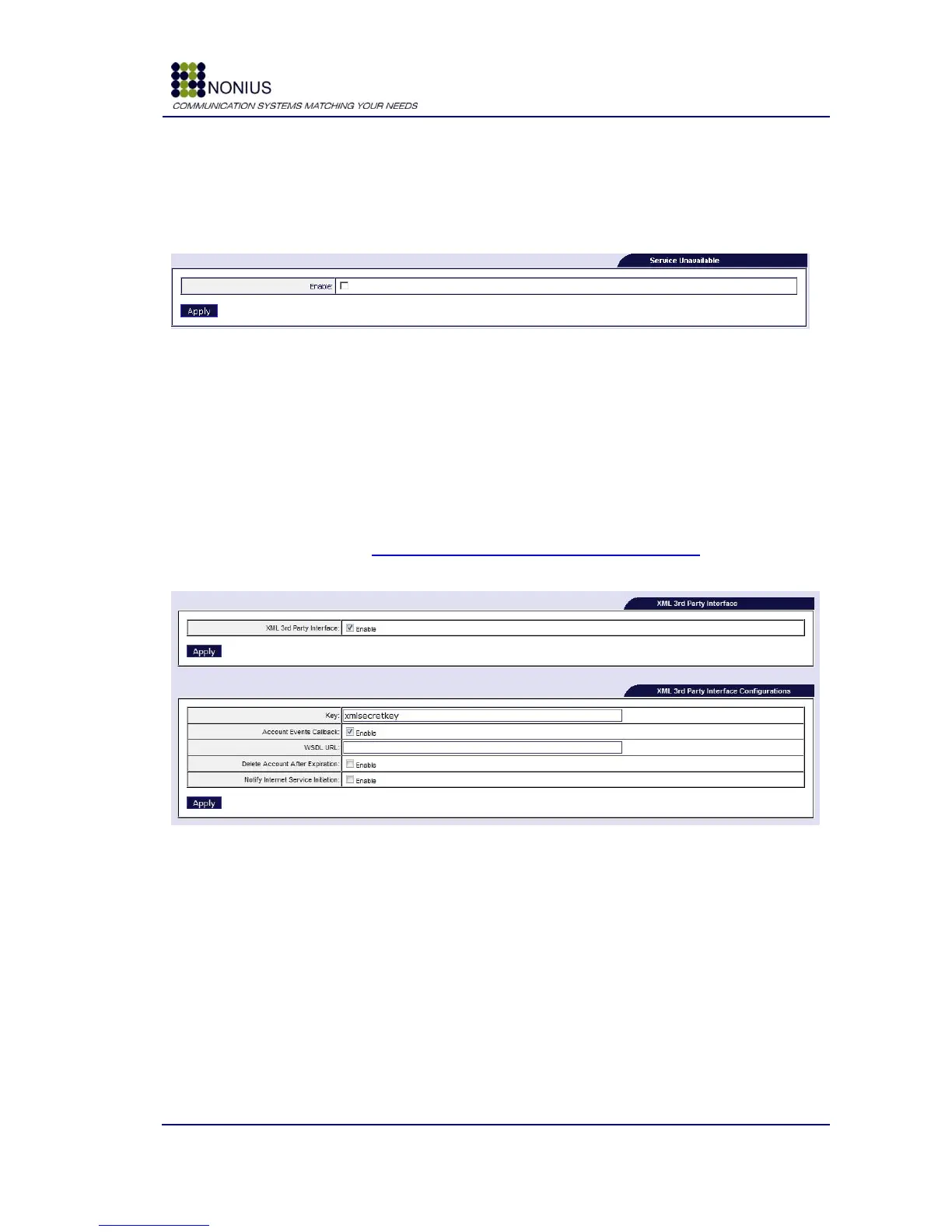
The Service Unavailable feature displays a “Service Unavailable” message to users if, for some
reason, the Internet Access service is not available (due, for example, to problems in the access
line, or others).
Figure 43: Services Menu – Service Unavailable
Enable: Enable/disable Service Unavailable
4.7.9. XML 3rd Party Interface
This submenu is only visible if the XML 3
rd
Party Interface module is enabled. This feature allows
external platforms to invoke the WGS5000 via a Web Services interface. For seeing the list of
available Web Services go to: https://<<WGS5000’s_IP_address>>/WebServices. The WSDL file is
available at https://WGS5000’s_IP_address/WebServices/index.php?wsdl.
Figure 44 - XML 3rd Party Interface Configuration
Enable: Enable/disable XML 3
rd
Party Interface.
Key: Key used for authentication (must be the same in both peers).
Account Expired Callback: Enabling this option makes the WGS5000 invoke a Web Service
located at the peer, informing that a given account has expired.
WSDL URL: Web Service location. Insert the peer‟s WDSL URL.
Delete Account After Expiration: Enable this option to remove expired accounts. The WGS5000
will remove any expired account and a new account needs to be created before the user is allowed
to use the Internet again.



 To Next Page