NoniusSoft, Software e Consultoria para
Telecomunicações, S.A.
Rua Actor Ferreira da Silva, 100
4200-298 Porto • Portugal
Protocol: Select Static (for static IP address) or DHCP (for dynamic IP address).
Note: If you select DHCP you will not know the IP address provided to the WGS5000, unless you
check your DHCP server. However you will be able to access the WGConfig interface through the
LAN1 card, opening a browser and typing the https://169.254.255.10/WGConfig address.
IP Address: Insert the WAN IP address (if you‟ve selected static as protocol).
Netmask: Chose network mask (255.255.255.0 for class C).
Gateway: Chose the gateway IP address.
User defined DNS Server: If you enable this checkbox you can configure DNS servers at “DNS
Primary Server” and “DNS Secondary Server”. If this checkbox is disabled, DHCP or PPP (3G) will
determine the DNS servers that will be used.
DNS Primary Server: Define primary DNS server.
DNS secondary Server: Define secondary DNS server.
Tip: Ask your ISP (Internet Service Provider) which DNS servers are to be used.
WAN Enabled: after clicking the Apply button, this check box appears and the previous fields
become not editable. Unselect this check box, if you need to change this WAN interface‟s
parameters.
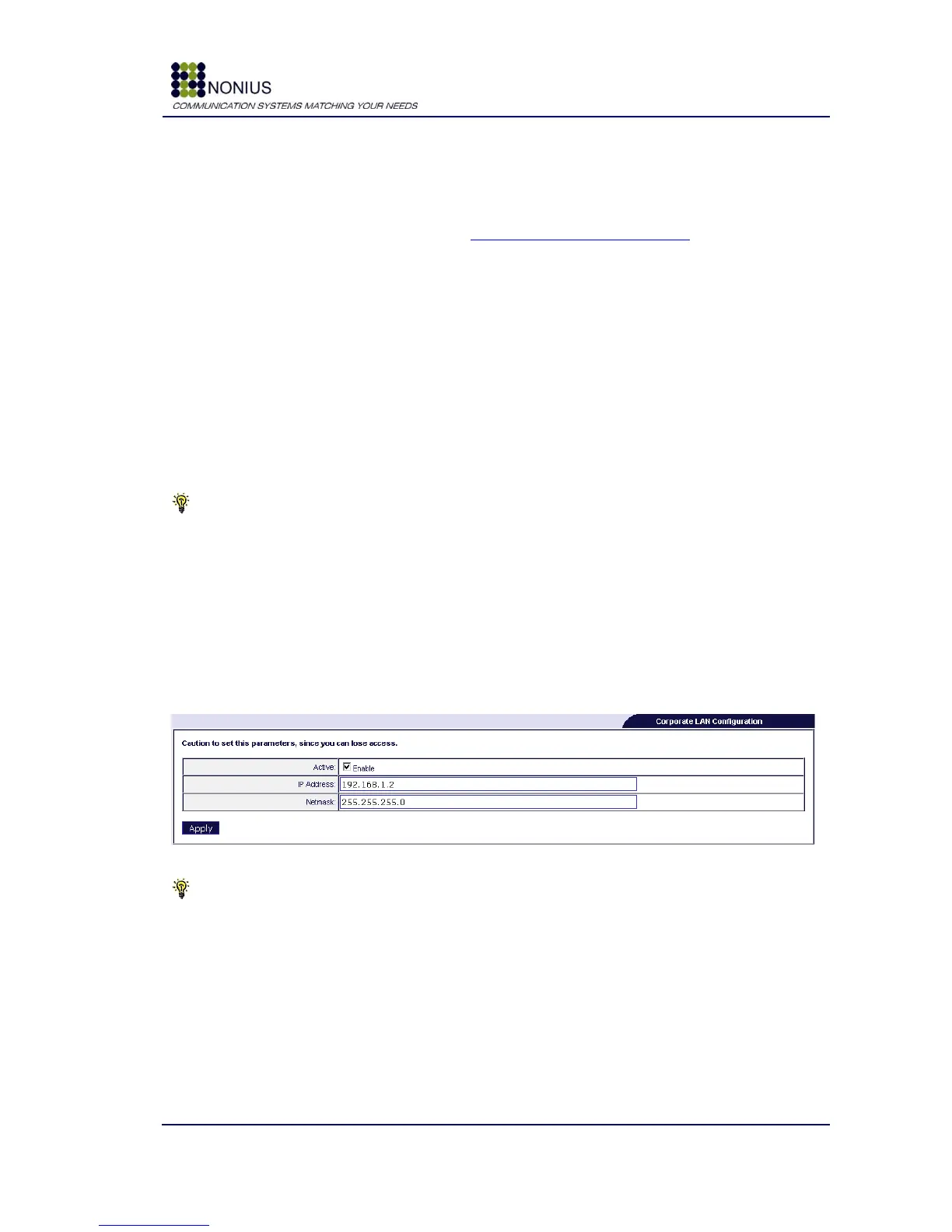
4.5.2. Corporate Interface
Use this menu for configuring the network parameters of the interfaces defined as „Corporate
switch‟ in the Physical Interfaces menu.
Figure 13 - Corporate Interface configuration
Tip: This interface‟s default IP Address is 192.168.1.2 and the default netmask is 255.255.255.0.



 To Next Page