How this works:
WGS5000 creates six queues, and classifies the traffic accordingly. The Traffic is then served by its
priority. In figure, for the “high priority rate” the average for Upload “Up Avrg” is 20% and for
Download is 40%. This means that for the management traffic the average service rate is 20%.
When the queue reaches 40% of its limit it has to be served until it reaches reasonable values and
keeps a good average. If the average service rate for this rule is nearly 20%, the system will treat
the next queue, “Real-time Rate”, which works as it is described for the first queue, and so on to
the others queues.
The functioning of the QoS system is only visible when the rate of traffic at the WGS5000‟s input
interface is so high that packets tend to become queued at the input buffers. This means that QoS
will only improve the system‟s performance in high load scenarios! Otherwise, no improvement will
be perceivable.
The use of a Contention Ratio is required when the system administrator wants to give a
guaranteed bandwidth to each hotspot user. It explicitly sets the contention ratio that the WGS5000
will apply to its WAN connection.
Use Case: If the hotel has a 100Mbps line and the contention ratio is set as 1:5, it means that
WGS5000 can allocate 500 users at 1Mbps each. The contention ratio 1:5 is an excellent value for a
hotel environment when compared to home usage access, where we find typical contention ratios
around 1:50.
4.6. Link Services Menu
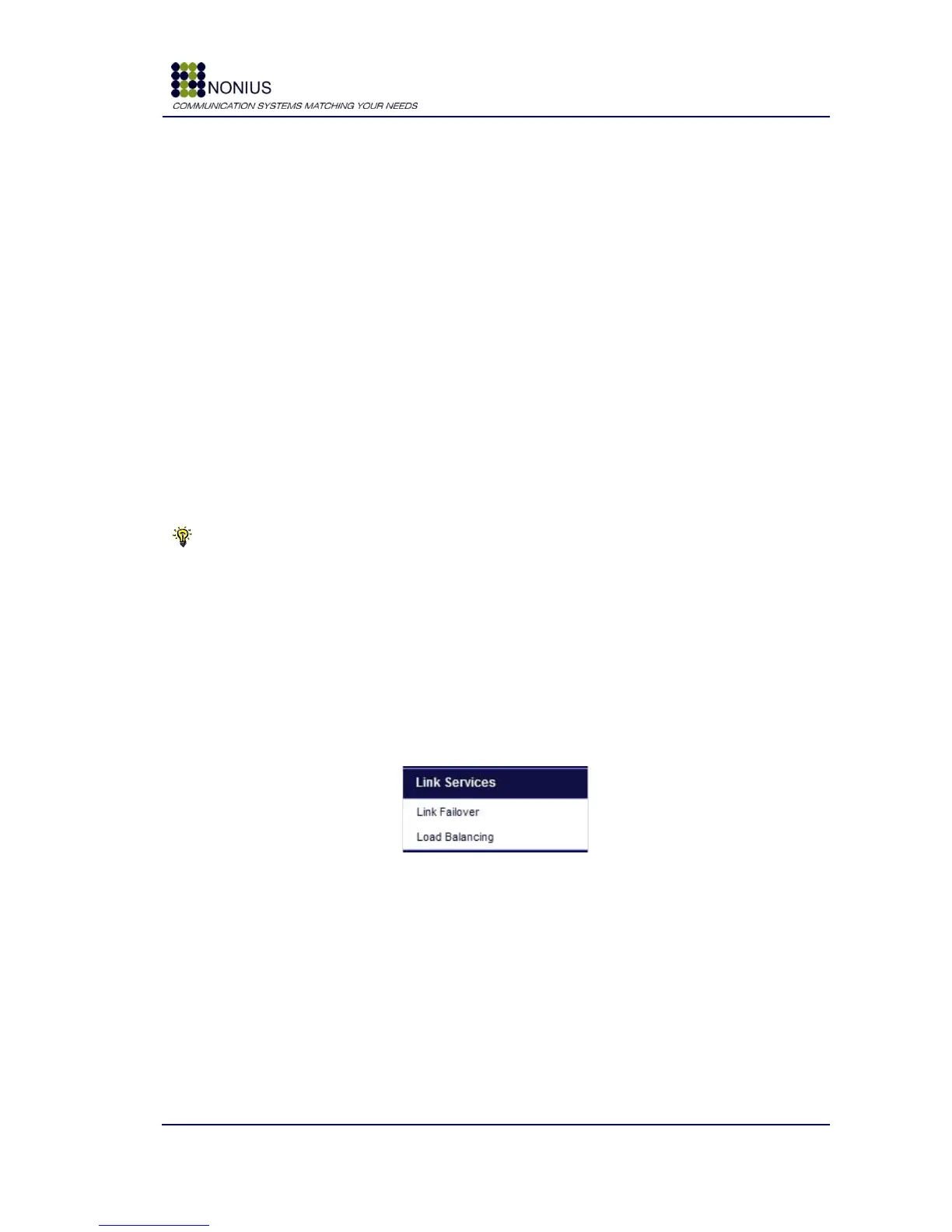
This menu is used for configuring generic link services provided by the High Availability module.
This menu is only visible if the High-availability license is enabled. Here you can enable or
disable the link failover functionality or the Load Balancing.
Figure 29 - System Menu
4.6.1. Link Failover submenu
The WGS5000 tests the Internet connectivity over the first WAN interface. If it fails, it will test the
connectivity over the second interface and so on until it finds a WAN interface with connectivity. It
then routes all traffic over the fine WAN interface until the first one becomes fine again. The
maximum number of WAN interfaces is 8.



 To Next Page