NoniusSoft, Software e Consultoria para
Telecomunicações, S.A.
Rua Actor Ferreira da Silva, 100
4200-298 Porto • Portugal
4.10.4. Radius Log
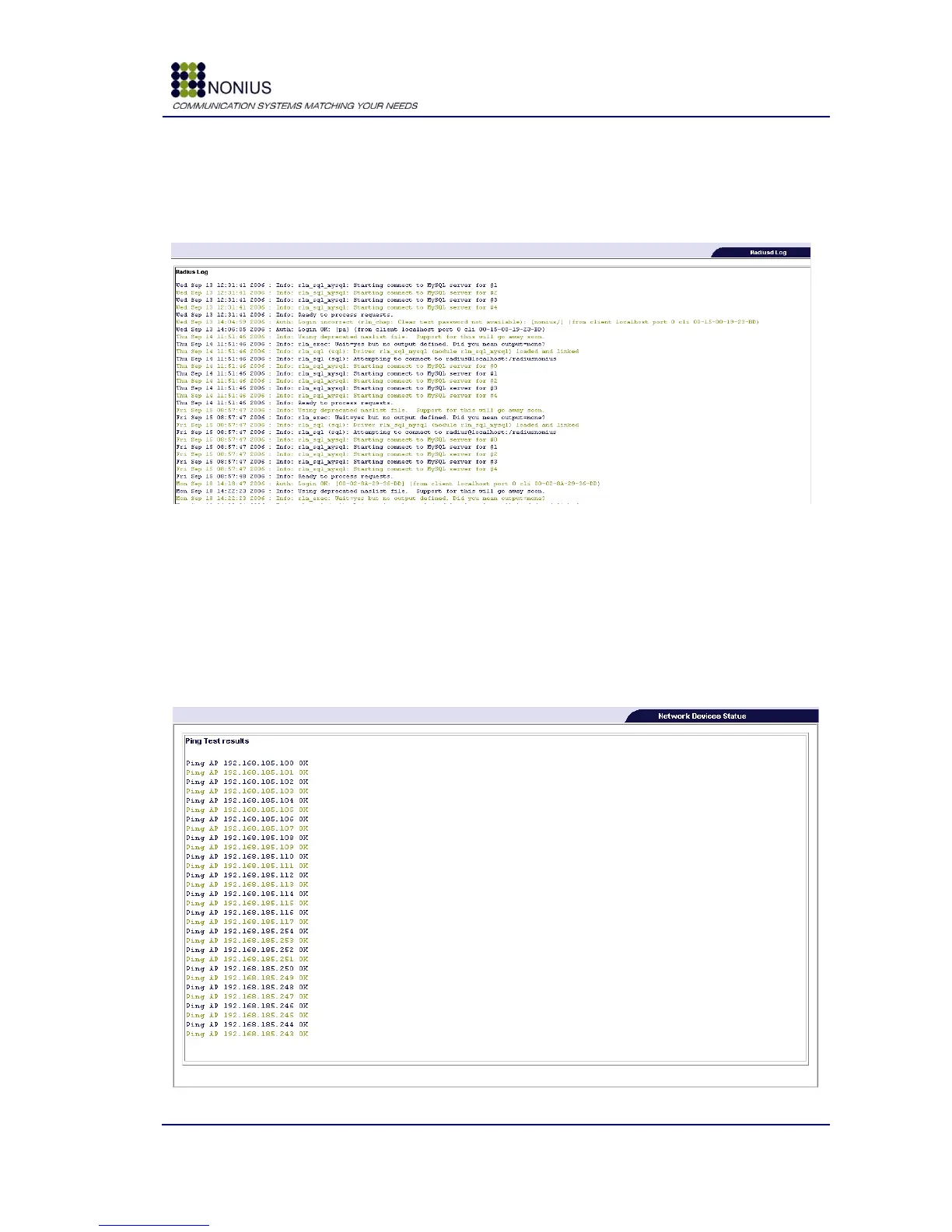
This submenu shows the WGS5000‟s Radius‟ server log messages.
Figure 69: Status/Logs Menu – Radius log
4.10.5. Network Devices Status Submenu
The connectivity test is based on sending and receiving ICMP packets (Ping) to each connected
device. If the first packet sent to a given device doesn‟t receive an answer, the WGS5000 will
repeat the connectivity test 5 times. Only when the 5 tests fail a „FAILED‟ message is shown on
screen.
Figure 70 : Status/Logs Menu – Network Devices Status



 To Next Page