NoniusSoft, Software e Consultoria para
Telecomunicações, S.A.
Rua Actor Ferreira da Silva, 100
4200-298 Porto • Portugal
Change WGConfig‟s admin account password. Nonius recommends the change of this password
because the default password is written in this guide, which is a public guide!
4.11.7. Factory Defaults Submenu
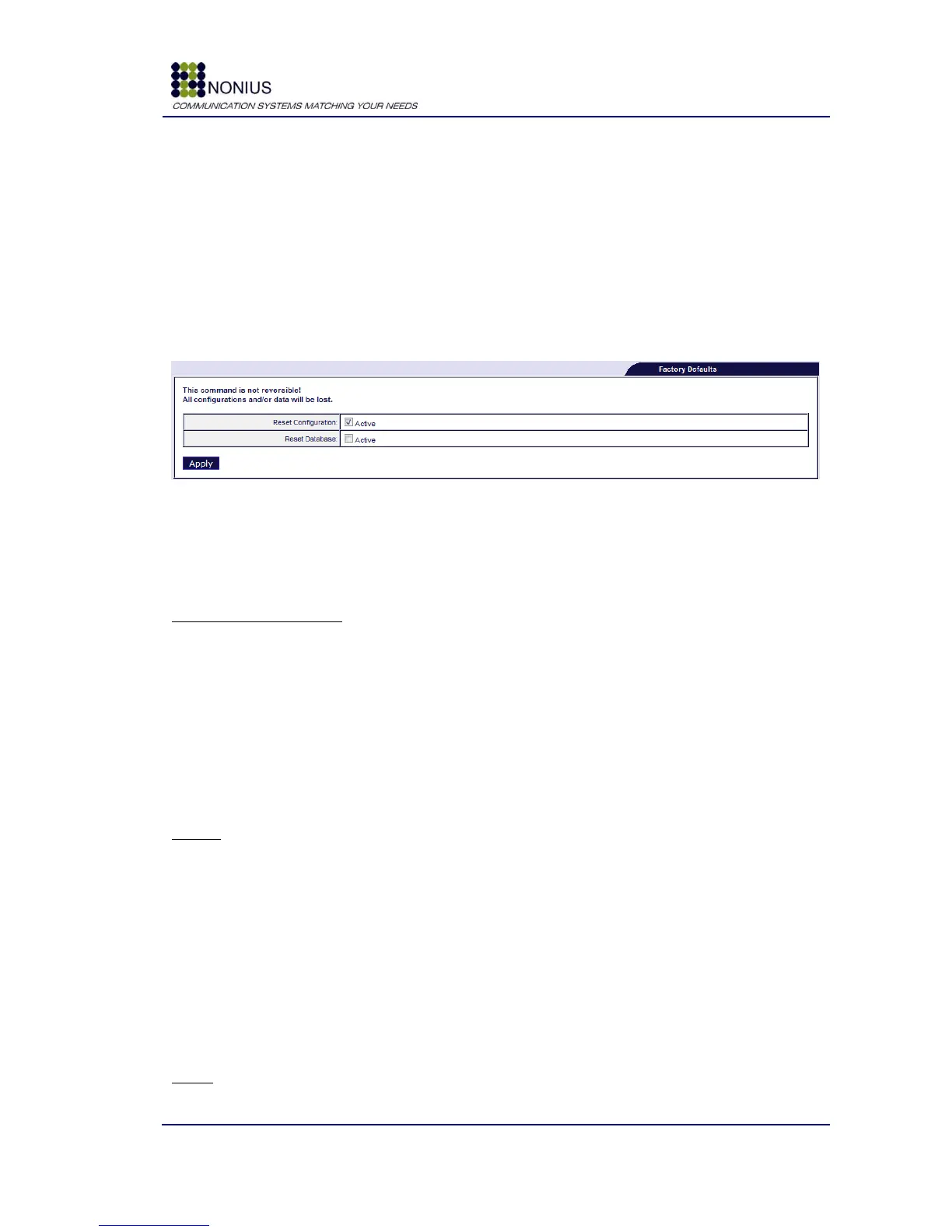
Factory Defaults selection will make the system return to default configuration values. You can
choose to reset the entire configuration and maintain the WGManager‟s database or to erase both
the configuration and the database.
Figure 81: Administration Menu – Factory Defaults
Default configurations are:
WAN interface parameters:
Protocol: none
IP Address: 10.0.0.160
Network Mask: 255.255.255.0
Gateway: 10.0.0.1
Primary DNS: 192.168.1.100
Secondary DNS: 192.168.1.1
User Defined DNS: enable
Firewall
IPSEC PASS Through: disable
LAN Protect: disable
Internal Proxy: disable
IP Internal Proxy: not configured
Port Internal Proxy: not configured
Add User Port Forwarding: not configured
Port User Port Forwarding: not configured
Port Forwarding users: not configured
VLANs
VLAN: disable



 To Next Page