NoniusSoft, Software e Consultoria para
Telecomunicações, S.A.
Rua Actor Ferreira da Silva, 100
4200-298 Porto • Portugal
Tip: You can check the Customer Name and the WirelessGEST version when accessing the
WGConfig page. This can be seen in the header near the top right corner.
Figure 66: Top Header with WGS5000 information
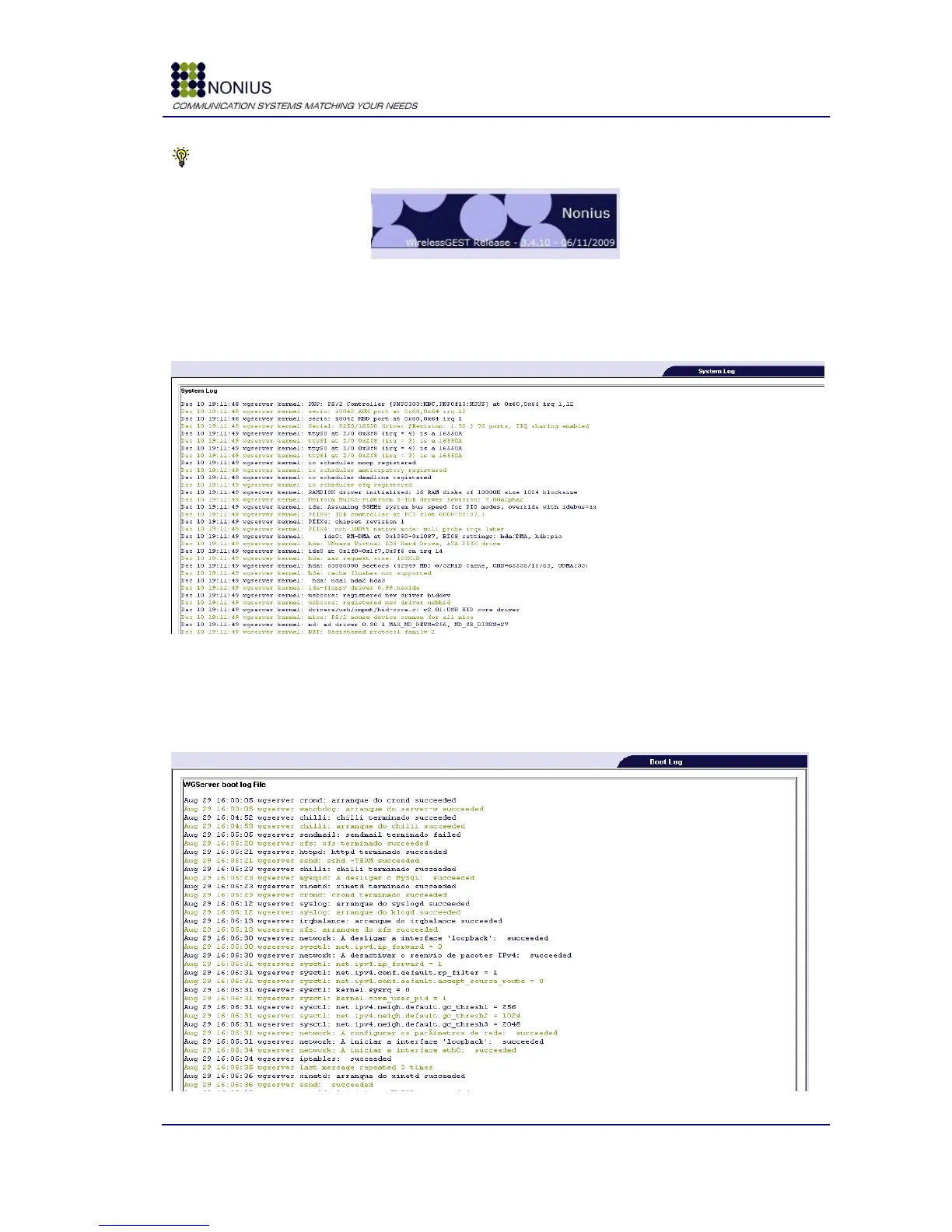
4.10.2. System Log Submenu
This submenu shows the WGS5000‟s system logs.
Figure 67: Status/Logs Menu – System log
4.10.3. Boot Log Submenu
This submenu shows the WGS5000‟s boot process log messages.
Figure 68: Status/Logs Menu – Boot log



 To Next Page