NoniusSoft, Software e Consultoria para
Telecomunicações, S.A.
Rua Actor Ferreira da Silva, 100
4200-298 Porto • Portugal
Corporate LAN switch - use this option for connecting the WGS5000 to the client‟s
corporate network. This is useful, for example, for communication with PMS (Property
Management Systems) systems;
Trunk port – use this option if you need to connect the WGS5000 to an 802.1q enabled
switch.
The options for the USB interfaces are:
None – use this option if no USB device will be connected to the WGS5000.
UMTS/GPRS/GSM – use this option to connect a USB 3G card.
EvDO – use this option to connect a EvDO (Zapp) telemodem.
The options for the Serial interface are:
None – disables the serial interface;
WGS5000 console – use this option for resetting the WGS5000 to factory defaults;
UPS – use this option for connecting the WGS5000 to a programmable UPS that may be
able to restart power under certain conditions;
WG3PFO Serial Interface – use this option for connecting the WGS5000 via serial port to a
PMS system.
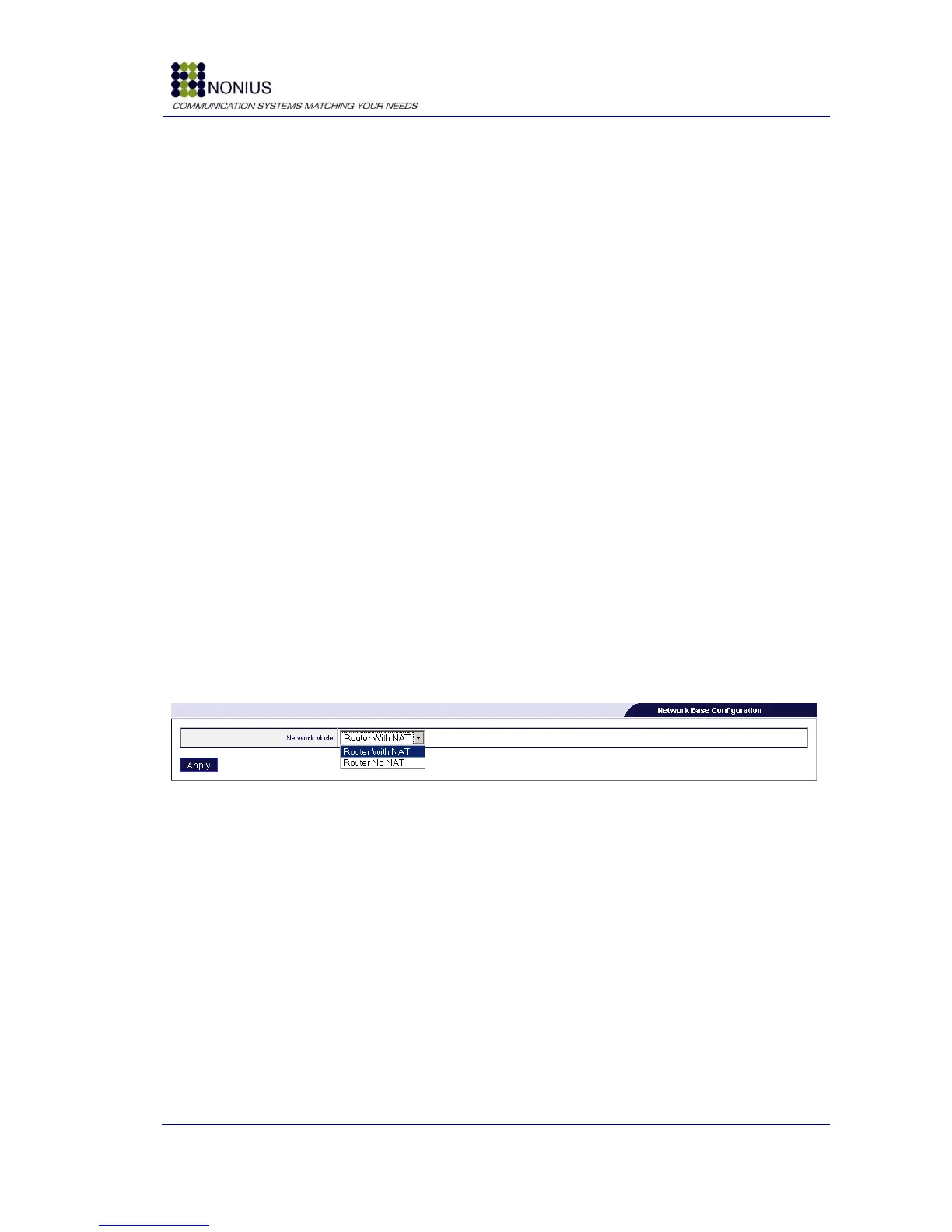
4.4.2. Network base submenu
By default the WGS5000 performs NAT to the internal interfaces. It is possible to disable this
behaviour by selecting the option “Router No NAT”.
Figure 9 - Network base submenu



 To Next Page