NoniusSoft, Software e Consultoria para
Telecomunicações, S.A.
Rua Actor Ferreira da Silva, 100
4200-298 Porto • Portugal
4.10.6. WGTicket Status Submenu
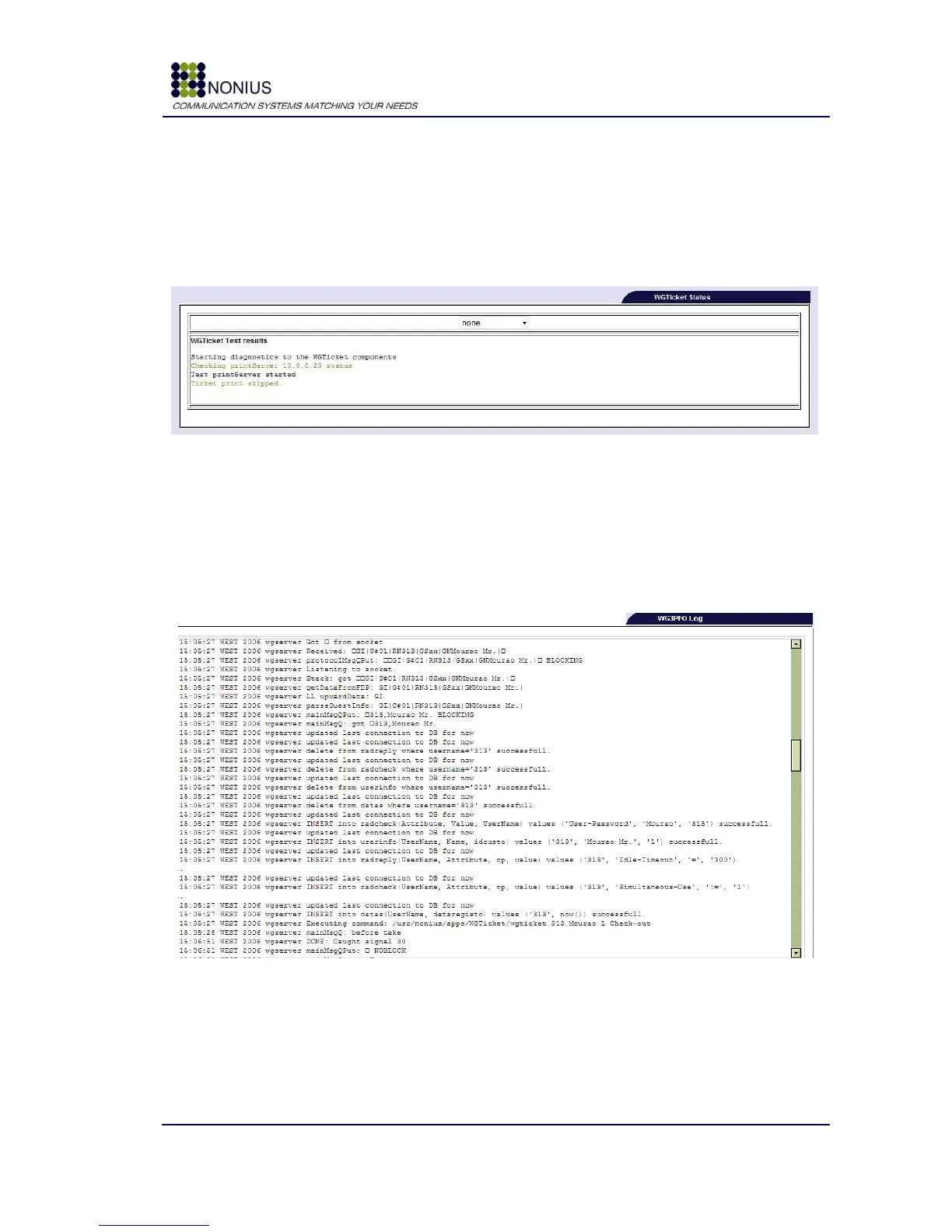
This submenu is only visible if the WGTicket license is active. In the top of the form you can choose
the printer in which you want print the test ticket. The WGS5000 will try to print a test ticket in the
selected printer and will report back the printer status.
Figure 71 : Status/Logs Menu – WGTicket Status
In the figure above you can see failed printer test.
4.10.7. WG3PFO Log Submenu
This submenu is only visible if the WG3PFO license is active. It shows WG3PFO‟s log messages.
Figure 72 : Status/Logs Menu – WG3PFO Log



 To Next Page