NoniusSoft, Software e Consultoria para
Telecomunicações, S.A.
Rua Actor Ferreira da Silva, 100
4200-298 Porto • Portugal
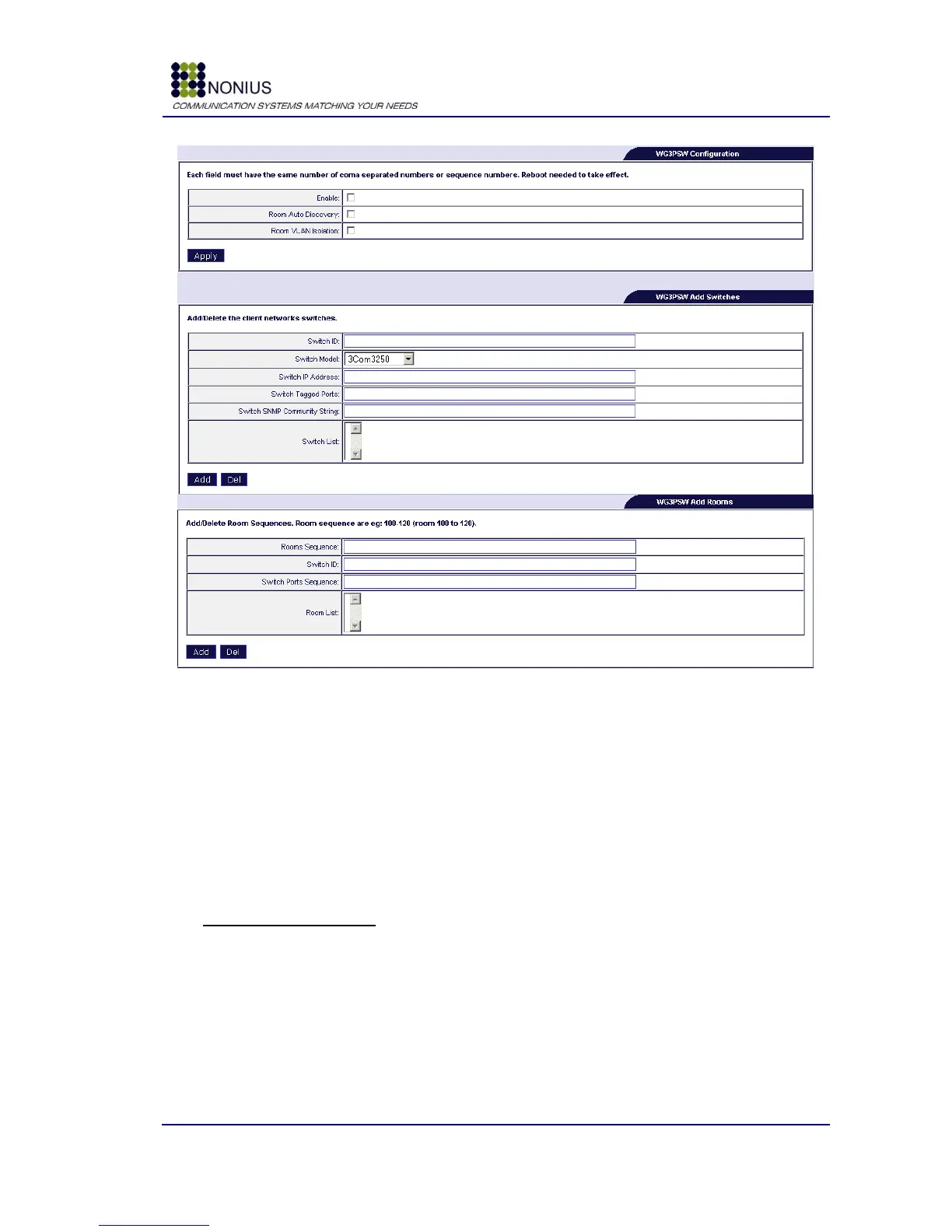
Figure 88: WGHotel - WG3PSW Configuration
Enable: Enable/disable WG3PSW configuration.
Room Auto Discovery: enable this feature if you want the WGS5000 to query your switches for
the port where a given MAC is coming from. The WGS5000 is then able to identify the user and to
perform an automatic login.
Room VLAN Isolation: enable this feature if you want that every room is VLAN separated from
each other. This prevents communication between rooms.
WG3PSW Add Switches
Switch ID: Define the switch ID, example: 1, 2, 100
Switch Model: Select the switch model from the list. If your switch is not on the list, please
contact your local Nonius commercial channel partner for details on adding support for your switch.
Switch IP Address: Insert the switch‟s IP address.
Switch Tagged Ports: Insert the switch‟s tagged ports, for all switches.
Switch SNMP Community String: Insert the switch‟s SNMP community string.



 To Next Page