OPERATING MANUAL
5-10
21833-3.4
NORMARC 7013
INSTRUMENT LANDING SYSTEM
Remote Maintenance and Monitoring ©1999 Navia Aviation AS
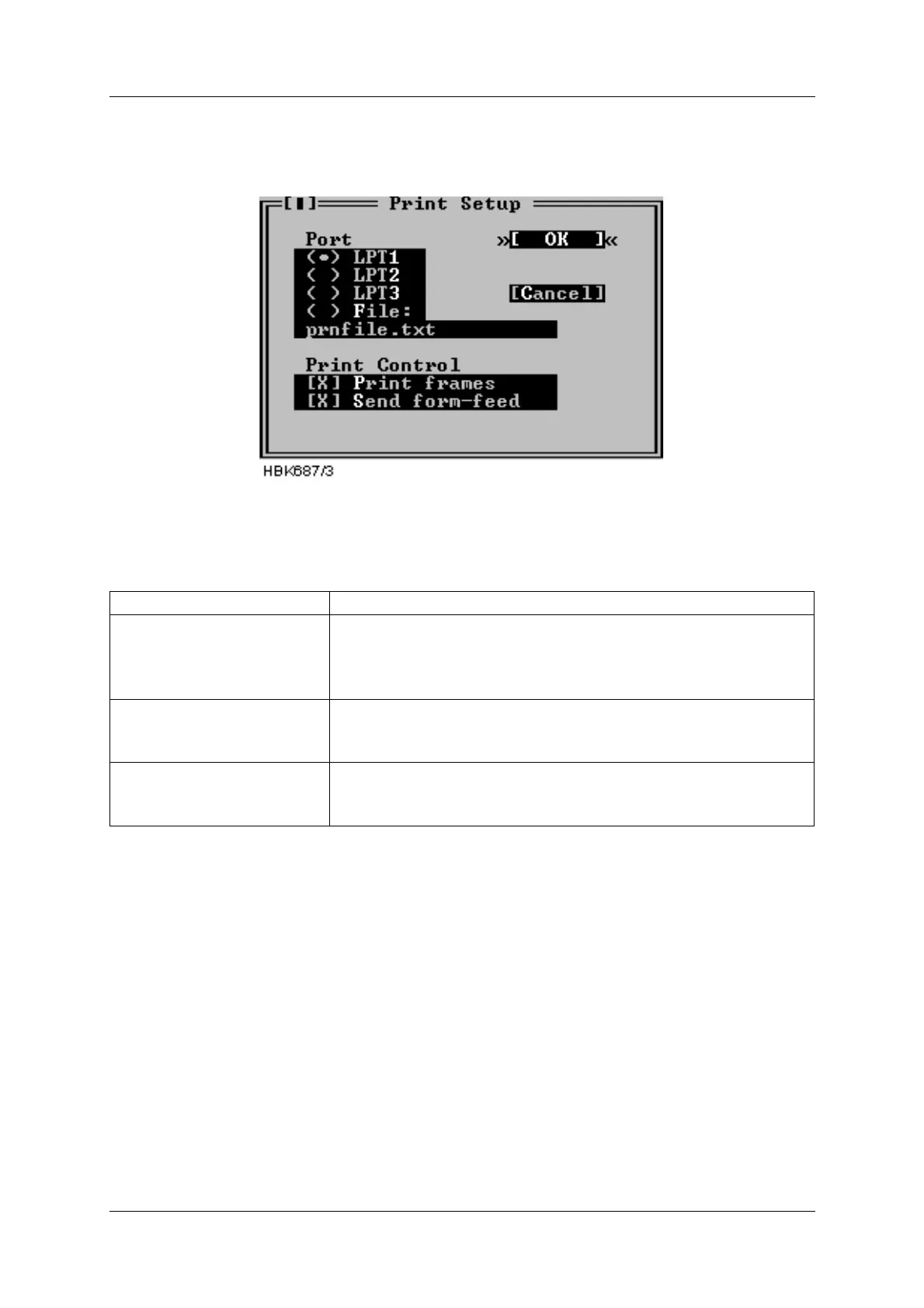
The Printer setup dialog contains options for an optionally connected printer. The dialog is
shown below.
Figure 5-5 Print setup dialog
The purpose of each field in the dialog is described below.
Table 5-4 Print setup operations.
To print the report, select File|Print report.
5.4.4 Preferences
The Preferences dialog allows the user to set general program preferences
Item Purpose
Port Determines the printer port to use for the printing.
If “File” is selected the output will be sent to the file specified in
the string input field. The file will be created in the “Log direc-
tory” for the current station (see 5.5).
Print frames Allows enabling/disabling the printing of special frame charac-
ters. Uncheck this checkbox if your printer does not support the
PC-8 bit character set.
Send form-feed Allow for sending a form-feed (ASCII 12) character to the printer
following each print-out. The extra form-feed is required by
most laser printers.



 To Next Page