OPERATING MANUAL
5-18
21833-3.4
NORMARC 7013
INSTRUMENT LANDING SYSTEM
Remote Maintenance and Monitoring ©1999 Navia Aviation AS
Table 5-9 Status codes.
Digital parameters are displayed as outlined in the above table. Analog parameters are dis-
played with the same character and color codes as the monitor measurements.
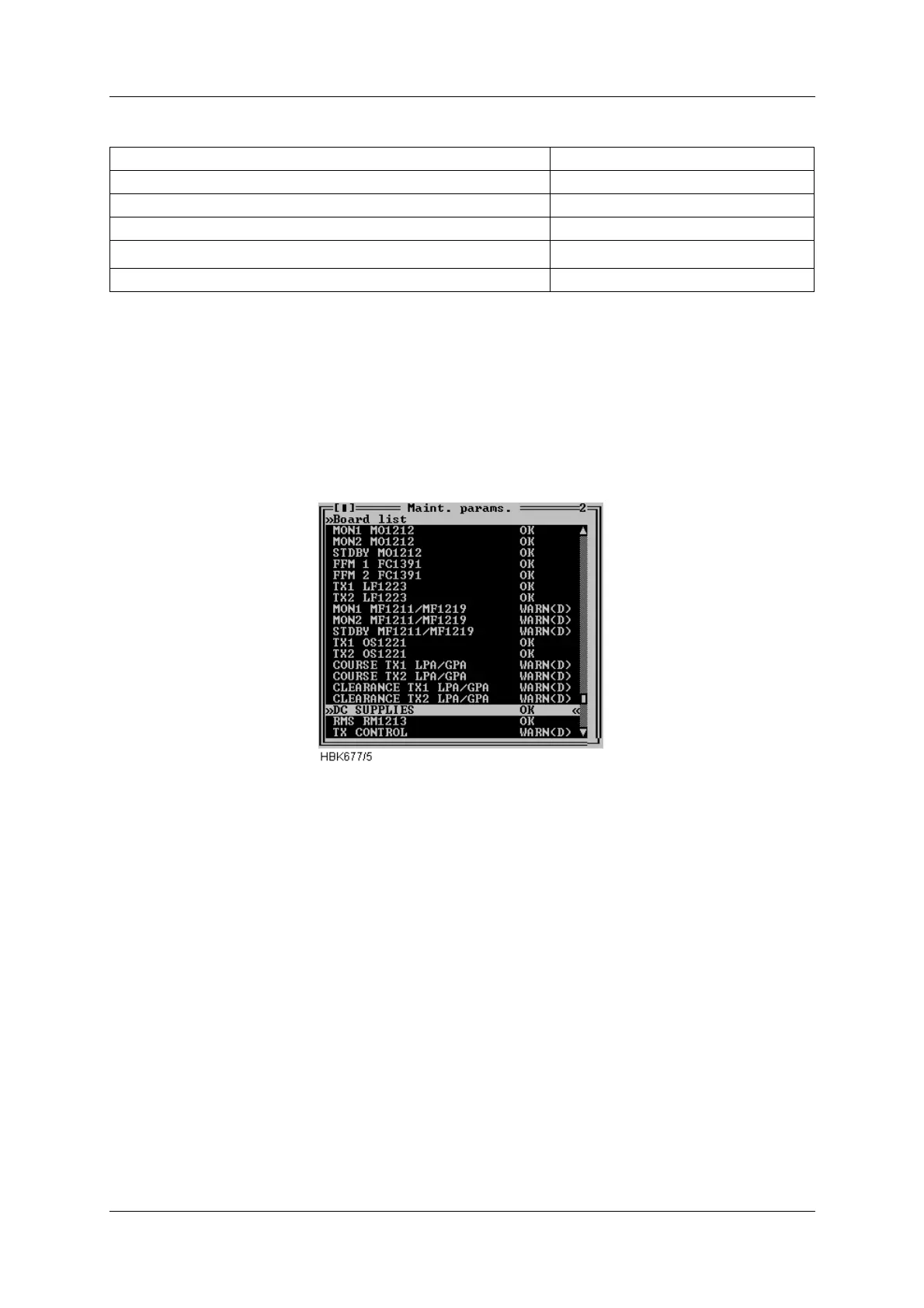
By selecting a board on the list and double-clicking it or pressing Enter opens another window
which displays the status/measurements on that specific board.
Figure 5-15 Maintenance monitor window
The following figures show the available status/measurement windows.
Status Status code
All parameters OK OK
Raw warning on at least one param. WARN (R)
Delayed warning on at least one param. WARN (D)
Internal I
2
C error on at least one param.
ERROR
No measurements applicable N/A



 To Next Page