OPERATING MANUAL
5-40
21833-3.4
NORMARC 7013
INSTRUMENT LANDING SYSTEM
Remote Maintenance and Monitoring ©1999 Navia Aviation AS
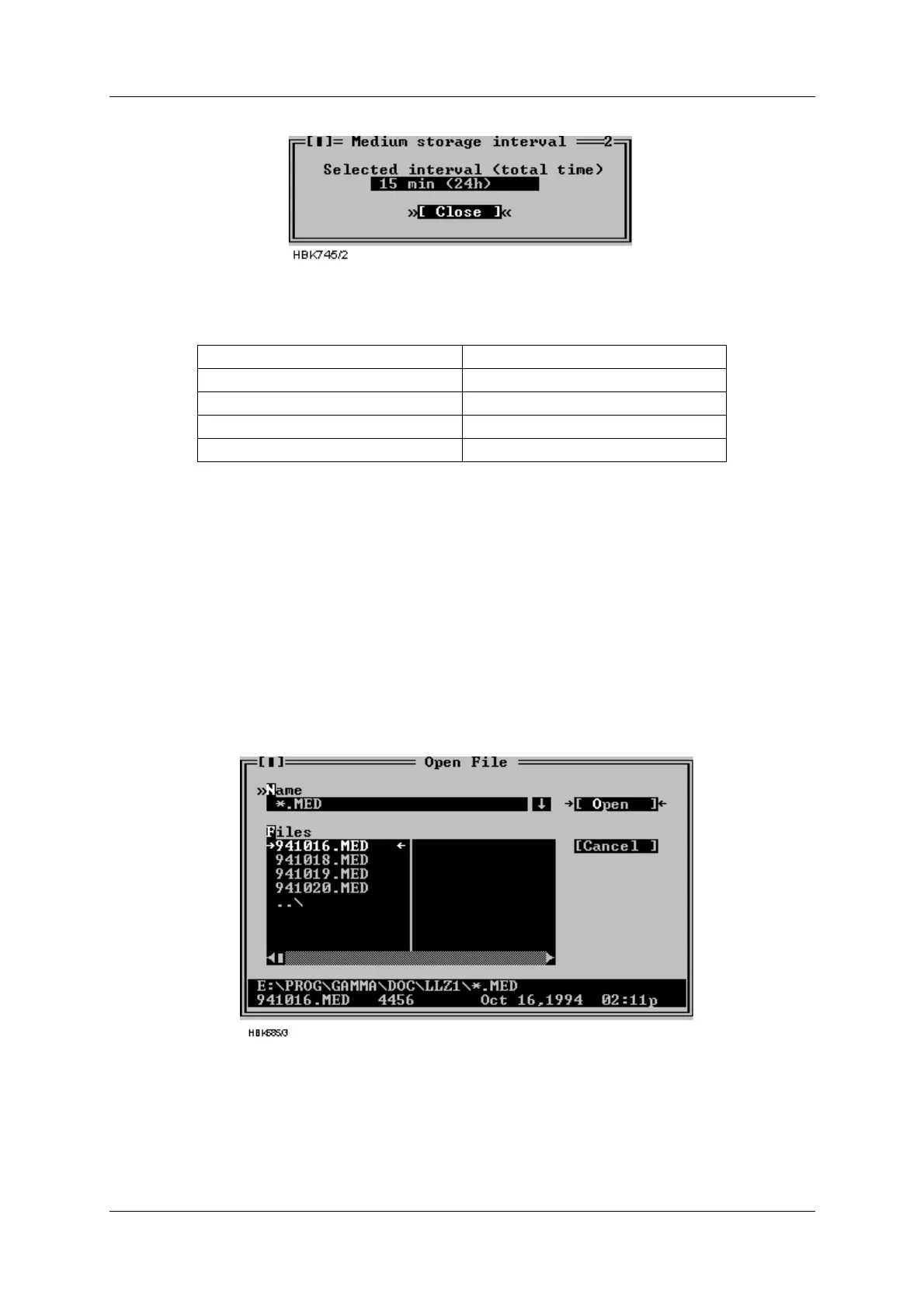
Figure 5-53 Medium storage interval setting dialog
The following intervals way be selected
Table 5-15 Medium time storage interval settings
5.23 Displaying stored measurements
5.23.1 General
This chapter describes how to open and display a storage buffer after it has been downloaded
and stored on the local hard disk, as described in chapter 5.12.
The desired file is opened by selecting File|Open log. A dialog like the one shown below will
be displayed. This dialog shows the files matching the wild card mask in the Name field. The
directory may be changed by double clicking (or by pressing Enter) a list entry with a back
slash (“\”) appended to the name.
Figure 5-54 Open log file dialog
When a selection has been made a new window will be opened. This window displays infor-
mation about the data stored in the opened file. The different types of storage files have differ-
ent information displayed in this window, as described in the following chapters.
When a this window is opened, you would display the stored status/measurements by open-
Storage interval Total medium storage time
15 Minutes 24 Hours
30 Minutes 48 Hours
60 Minutes 4 Days
120 Minutes 8 Days



 To Next Page