OPERATING MANUAL
5-32
21833-3.4
NORMARC 7013
INSTRUMENT LANDING SYSTEM
Remote Maintenance and Monitoring ©1999 Navia Aviation AS
standard deviation of all monitor and analog maintenance parameters.
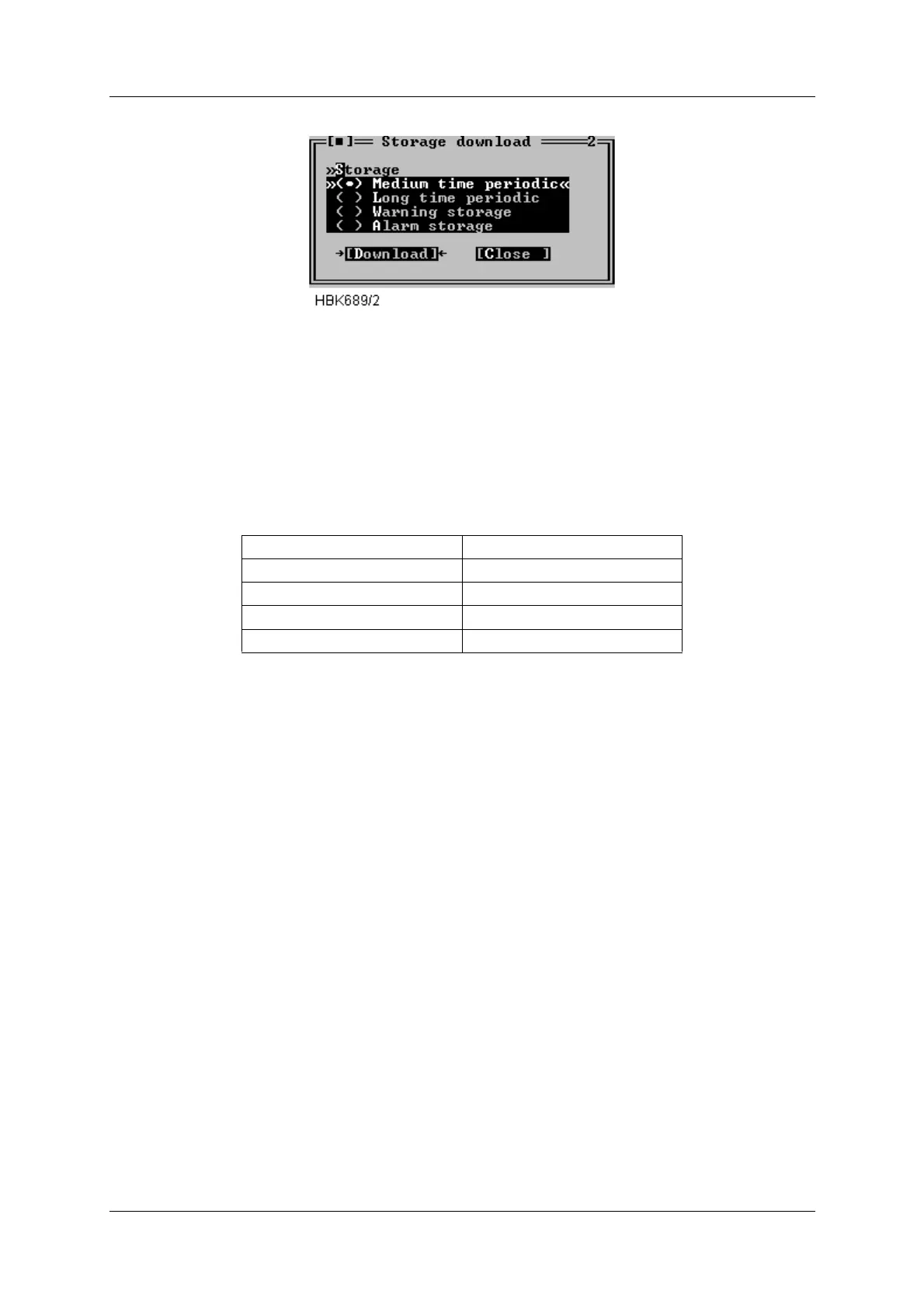
Figure 5-42 Storage download window
E.g. to download the alarm storage buffer; just select the Alarm storage radio button and
press the “Download“ button. The software will then retrieve the alarm storage and store the
data on the local hard disk.
The software automatically creates a name for the file in which the data is stored. The name is
of the form YYMMDD.ext. Where YY is the last two digits of the current year, MM is the month
and DD is the day of month number. The filename extension field is defined in the following
table.
Table 5-12 Filename extensions.
The file will be created in the directory specified in the Log dir. field of the current station
setup.
5.12.2 Alarm storage specific
The software will check the .ALA file for the current day (if it exists) to see whether or not a
new alarm has occurred. If no new alarm is available in the ILS storage buffer no data will be
downloaded, and you will be notified about the situation.
5.13 Continuous data logging
When ILS|Continuous logging is selected the dialog in Figure 5-43 is opened. From this dialog
the user controls the writing of received data to a file. The data written to a file can be dis-
played on screen and exported to text format for later use in a spreadsheet program. The user
may select which types of data to be stored on disk, as displayed in Figure 5-43.
Storage type Extension
Medium time periodic .MED
Long time .LON
Warning .WRN
Alarm .ALA



 To Next Page