©1999 Navia Aviation AS 21833-3.4 Remote Maintenance and Monitoring
OPERATING MANUALNORMARC 7013
INSTRUMENT LANDING SYSTEM
5-21
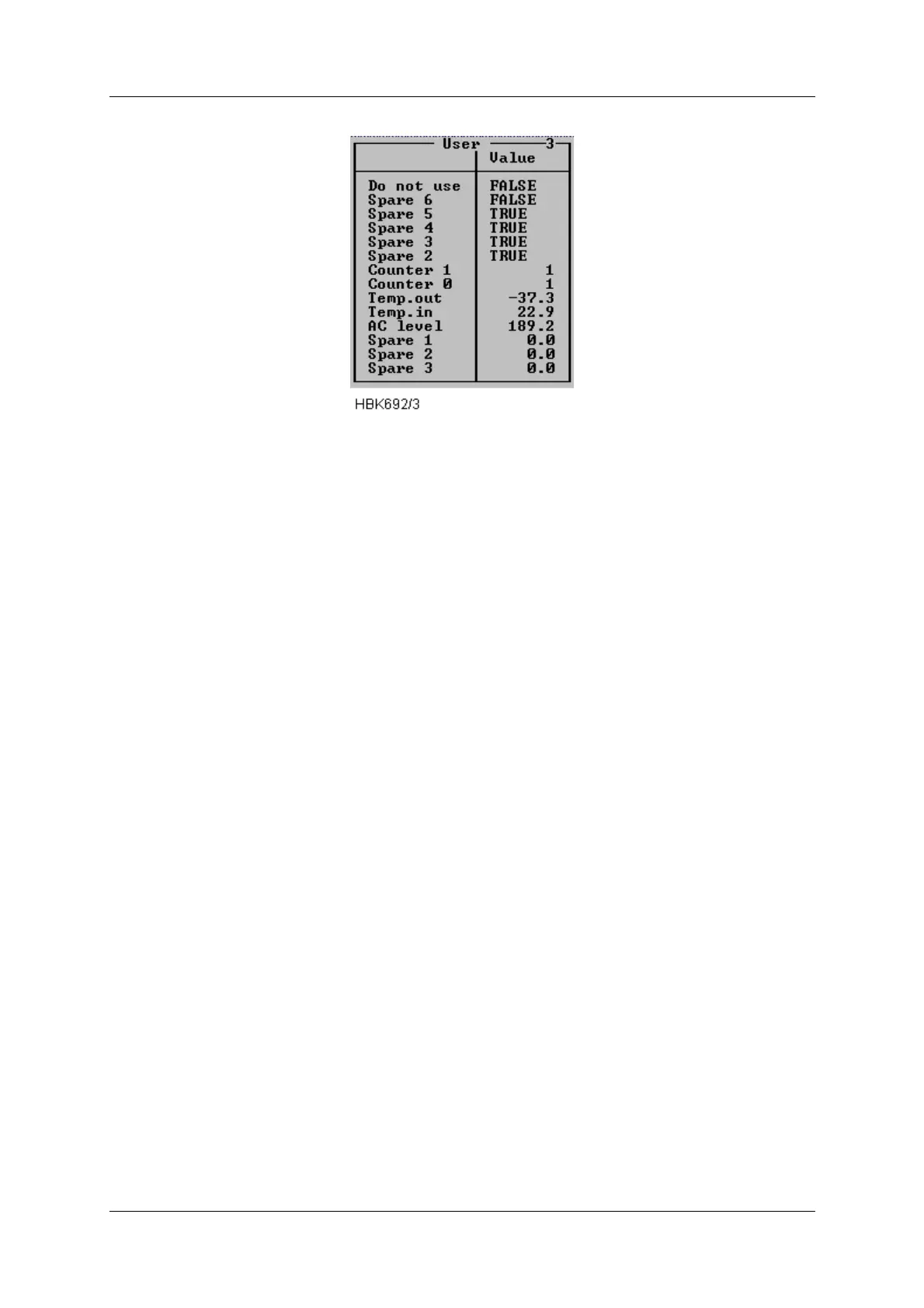
Figure 5-22 User parameters window (sample configuration).
If a digital user parameter is defined as a output and you have at least access level 2, you can
change the output value by changing the state of the corresponding toggle in this window.
5.8 Monitor settings
The functions described in this and the following sub-chapter are accessed via the ILS|Moni-
tor settings sub-menu.
The current access level determines which functions will be available. If a function is not avail-
able because of to low access level, the function will not be possible to activate.
All access levels allow the currently stored setting to be displayed; but in order to change a
setting an access level of at least 3 is required.
5.8.1 Limits Monitor 1&2
When the ILS|Monitor settings|Limits Monitor 1&2 menu option is selected a window showing
the currently configured monitor 1 and 2 alarm and warning limits is displayed. A window with
sample data is displayed below.



 To Next Page