OPERATING MANUAL
5-34
21833-3.4
NORMARC 7013
INSTRUMENT LANDING SYSTEM
Remote Maintenance and Monitoring ©1999 Navia Aviation AS
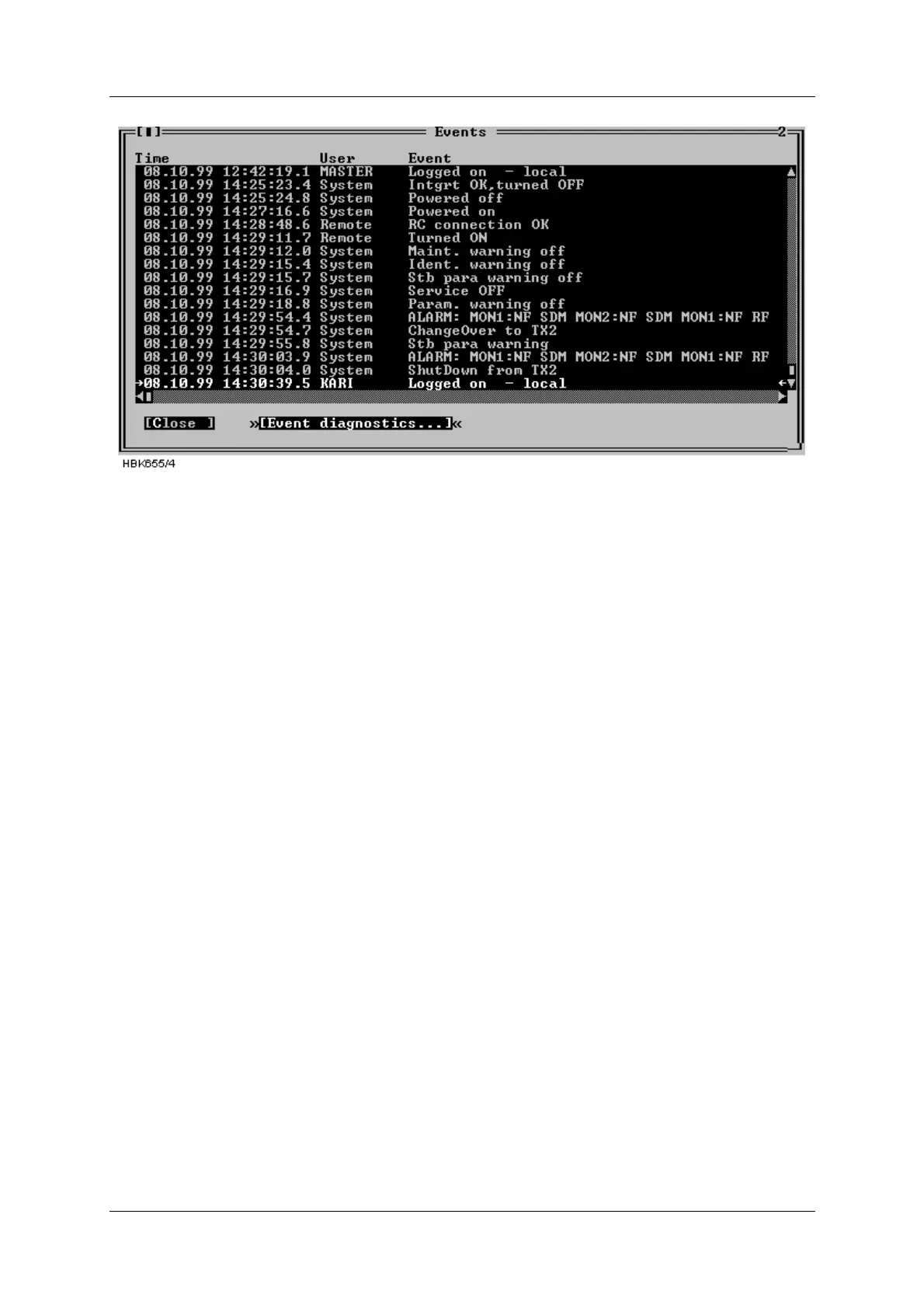
Figure 5-44 Events window
5.15 Test DDM
The ILS|Test DDM function is for use when a DDM flight test is performed on the system. The
Test DDM window is shown in Figure 5-45. The window contains the following fields:
• The current CL and NF DDM nominal, measurement, and low and high alarm limit.
• Buttons for quick access to the monitor alarm/warning configuration dialog (see chapter
5.8.1).
• DDM adjustment “potentiometers” for adjusting dominance levels.
The Inc and Dec buttons increase/decrease the dominance level.
NOTE: Pressing Inc on a 150 Hz level will decrease the potentiometer value, while Dec will
increase the value.
• Toggles for setting the type of dominance (toggles between Off, 90 Hz and 150 Hz)
The required access levels for the fields in this dialog is as follows:
• To change monitor limits (use of the “monitor CL/NF DDM” buttons) requires access
level 3.
• All other settings require access level 2.



 To Next Page