OPERATING MANUAL
5-26
21833-3.4
NORMARC 7013
INSTRUMENT LANDING SYSTEM
Remote Maintenance and Monitoring ©1999 Navia Aviation AS
be opened.
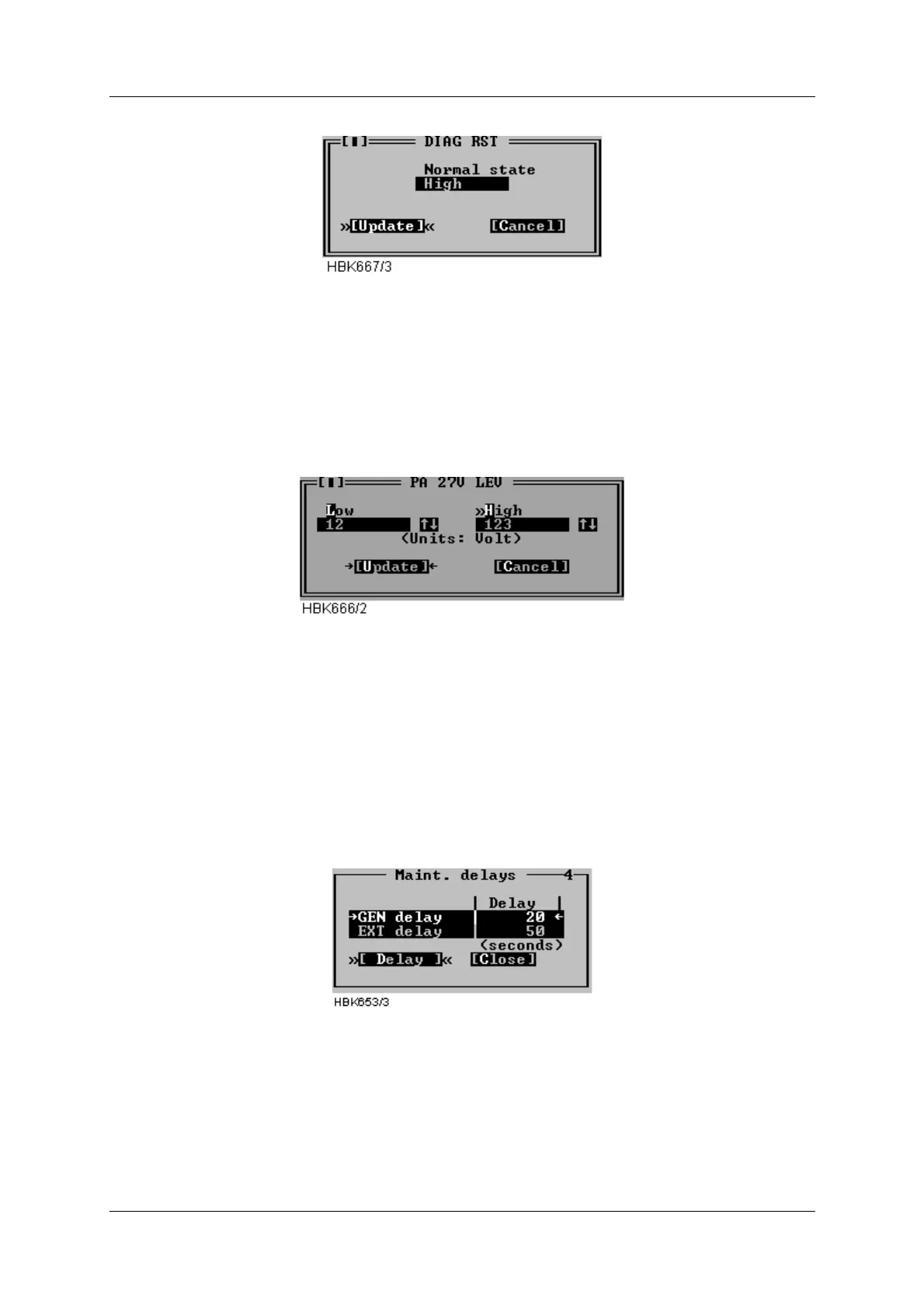
Figure 5-29 Input dialog for digital maintenance parameters
To change the setting for a digital parameter click in the normal state field or use the space bar
to toggle. The normal state field will toggle between Low, High and OFF. The settings for the
CHARGER 1 STATUS and CHARGER 2 STATUS parameters is On and Off.
Press the Update button when the desired state is shown.
Figure 5-30 Input dialog for analog maintenance parameters
To change the setting for a analog parameter, type in the wanted low and high warning limits
in the corresponding fields. Then press the Update button.
5.8.5 Delays Maintenance monitor
To display or change the maintenance monitor delay parameters, select the ILS|Monitor set-
tings|Delays maintenance monitor menu item. The window shown below will be displayed.
The operation of the window is similar to the operation of the Monitor delays window.
Figure 5-31 Maintenance delay window
The resolution of the maintenance delay parameters is 1 second. Valid input range is 1 to
1023 seconds.
5.8.6 Analog user parameters
Selecting ILS|Monitor settings|Analog user parameters opens the window in Figure 5-32. This



 To Next Page