©1999 Navia Aviation AS 21833-3.4 Remote Maintenance and Monitoring
OPERATING MANUALNORMARC 7013
INSTRUMENT LANDING SYSTEM
5-15
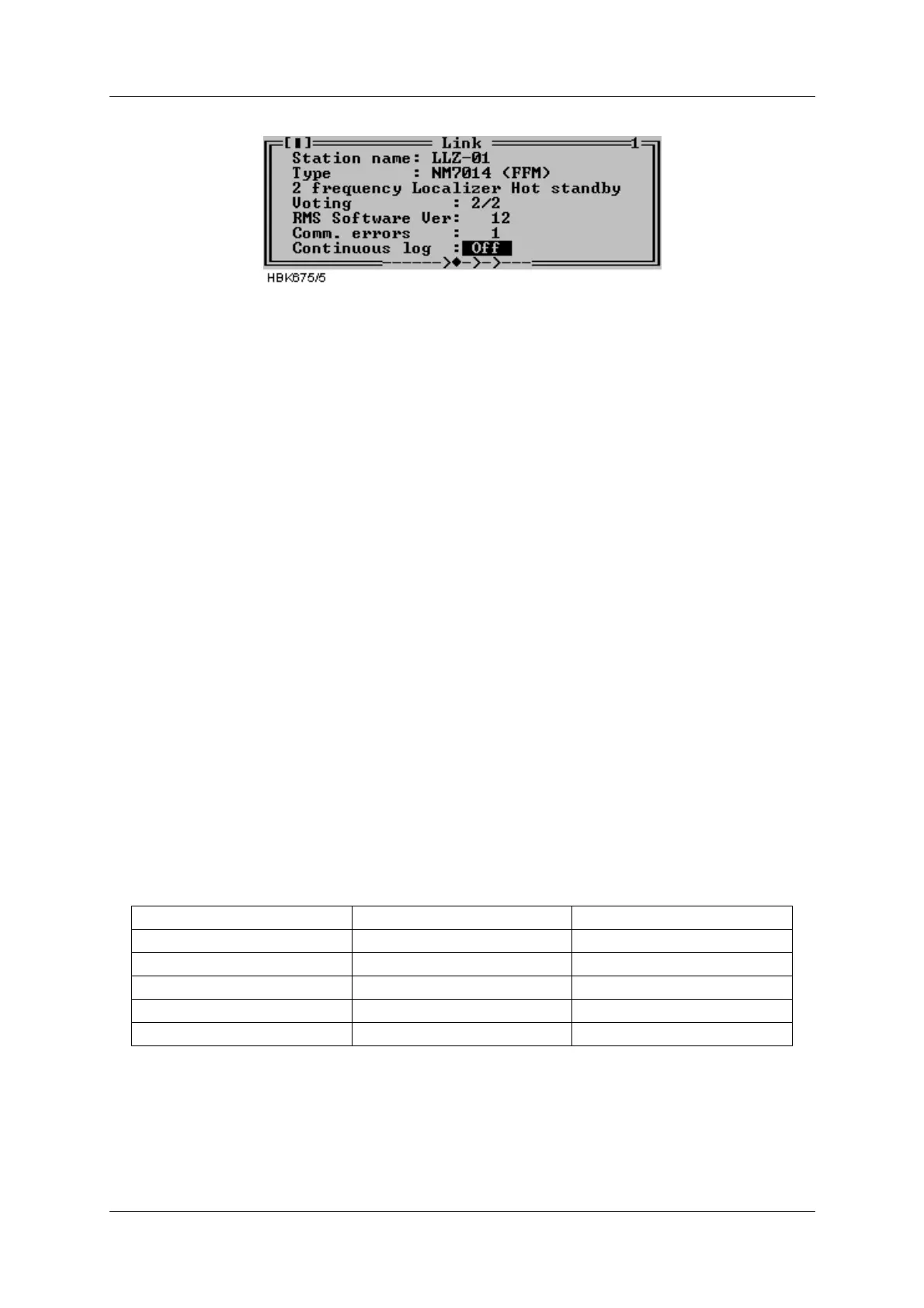
Figure 5-11 A typical Link window
5.6.1 Shutting down the connection to an ILS
To shut down an ILS connection, close the Link window for the connection you want to shut
down. For information on how to close a window, see Table 5-2.
Do not close the windows you want reopened the next time you connect to this ILS station.
5.6.2 Baud rate recommendations
When connecting to the ILS at 9600 bps, Remote port 2 or Local port on the ILS should be
used. For performance reasons, remote port 1 should not be used at 4800 and 9600 bps. This
will affect the response times of the Local RMS front panel as well as message handling on
the other RS-232 ports.
5.7 Monitor measurements and status
5.7.1 General
The functions described in this and the following chapters are accessed via the ILS|Measure-
ment sub-menu.
The windows described here will automatically be updated with new measurements as long
as the windows remain open.
The monitors signal the state of each parameter. For analog measurements, the states will be
displayed by a character code preceding the measurement and by the color of the displayed
number.
Table 5-8 Monitor codes.
For digital measurement only two states are defined; OK and ERROR. The ERROR string is
shown in red, while the OK string is shown in black.
5.7.2 Monitor window
State Character code Colour code
Normal (None) (Black)
Raw warning w Yellow
Delayed warning W Yellow
Raw Alarm a Orange (light red)
Delayed Alarm A Red



 To Next Page