OPERATING MANUAL
5-12
21833-3.4
NORMARC 7013
INSTRUMENT LANDING SYSTEM
Remote Maintenance and Monitoring ©1999 Navia Aviation AS
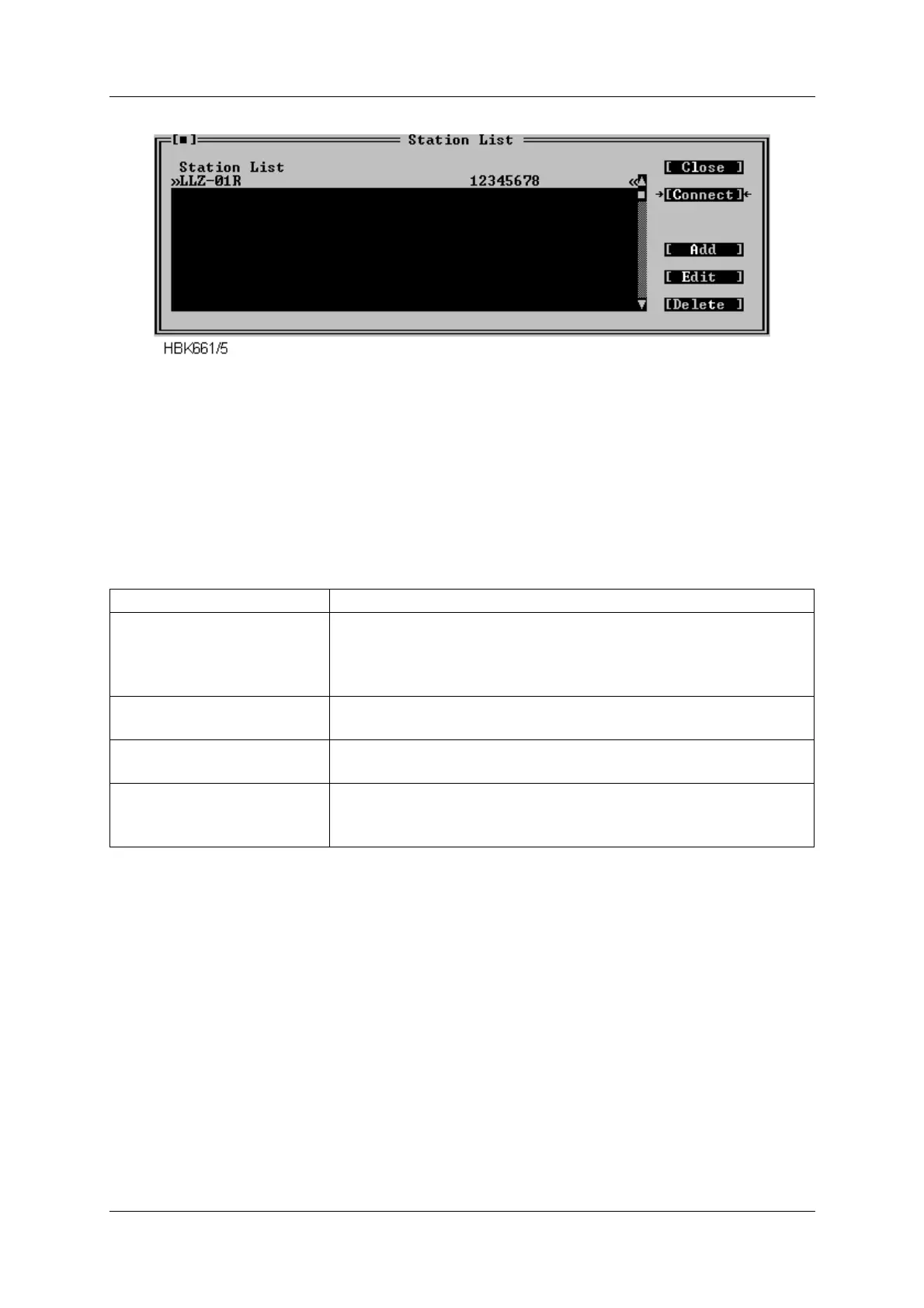
Figure 5-8 Station list dialog.
This dialog contains a list showing the name and number of the configured stations. Use the
scroll bar to the left of the list to scroll or user the up/down arrow keys. If the selected Channel
for a station is a “Direct connect” channel, the number field will show DIRECT/CHx. Up to 50
stations may be configured.
The following table describes how use this dialog.
Table 5-5 Station list operations.
When you have selected Add or Edit from the above dialog, another dialog appears. This dia-
log is shown in Figure 5-9.
To accomplish this Do this
Change the configuration for
a specific station.
Select the station from the list, and press the Edit button. You
can also press ENTER, when the desired station is highlighted.
Double-clicking the desired station also activates the Edit func-
tion.
Add a new station to the list Press the Add button, or edit an empty name/number line from
the list.
Delete a station Select the station you want to delete and press the Delete but-
ton. You may also press Del on your keyboard.
Connect to the station
(see the Displaying meas-
urements chapter)
Press the Connect button.



 To Next Page