©1999 Navia Aviation AS 21833-3.4 Remote Maintenance and Monitoring
OPERATING MANUALNORMARC 7013
INSTRUMENT LANDING SYSTEM
5-25
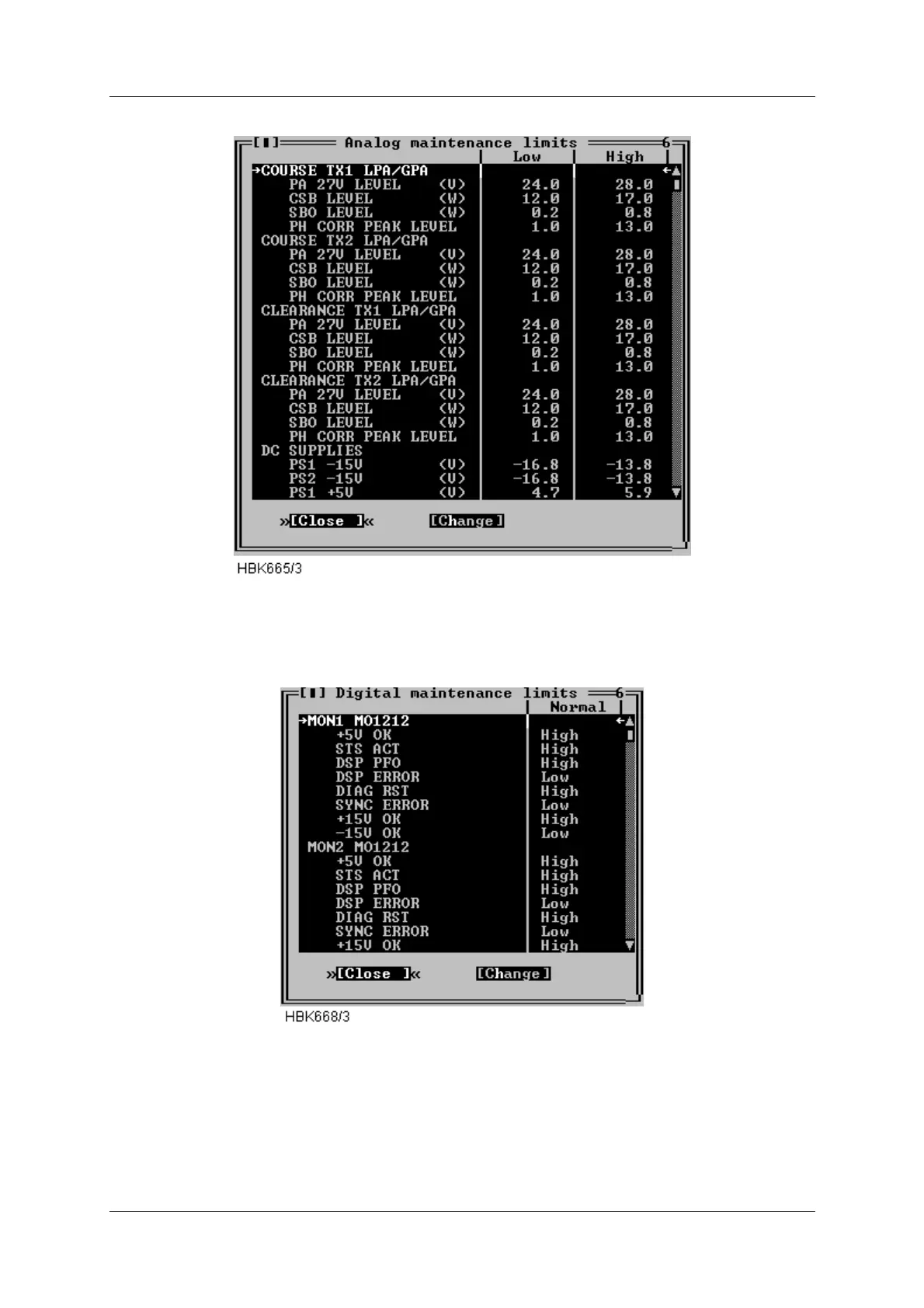
Figure 5-27 Analog maintenance monitor limits window
This list is scrollable, all defined parameters are listed in the Maintenance monitor chapter.
Figure 5-28 Digital maintenance monitor limits window
This list is scrollable, all defined parameters are listed in the Maintenance monitor chapter.
To change a warning limit; first select the desired parameter on the list and press the “Change”
button. Depending on the type (digital/analog) of the dialog, one of the dialogs shown next will



 To Next Page