©1999 Navia Aviation AS 21833-3.4 Remote Maintenance and Monitoring
OPERATING MANUALNORMARC 7013
INSTRUMENT LANDING SYSTEM
5-11
.
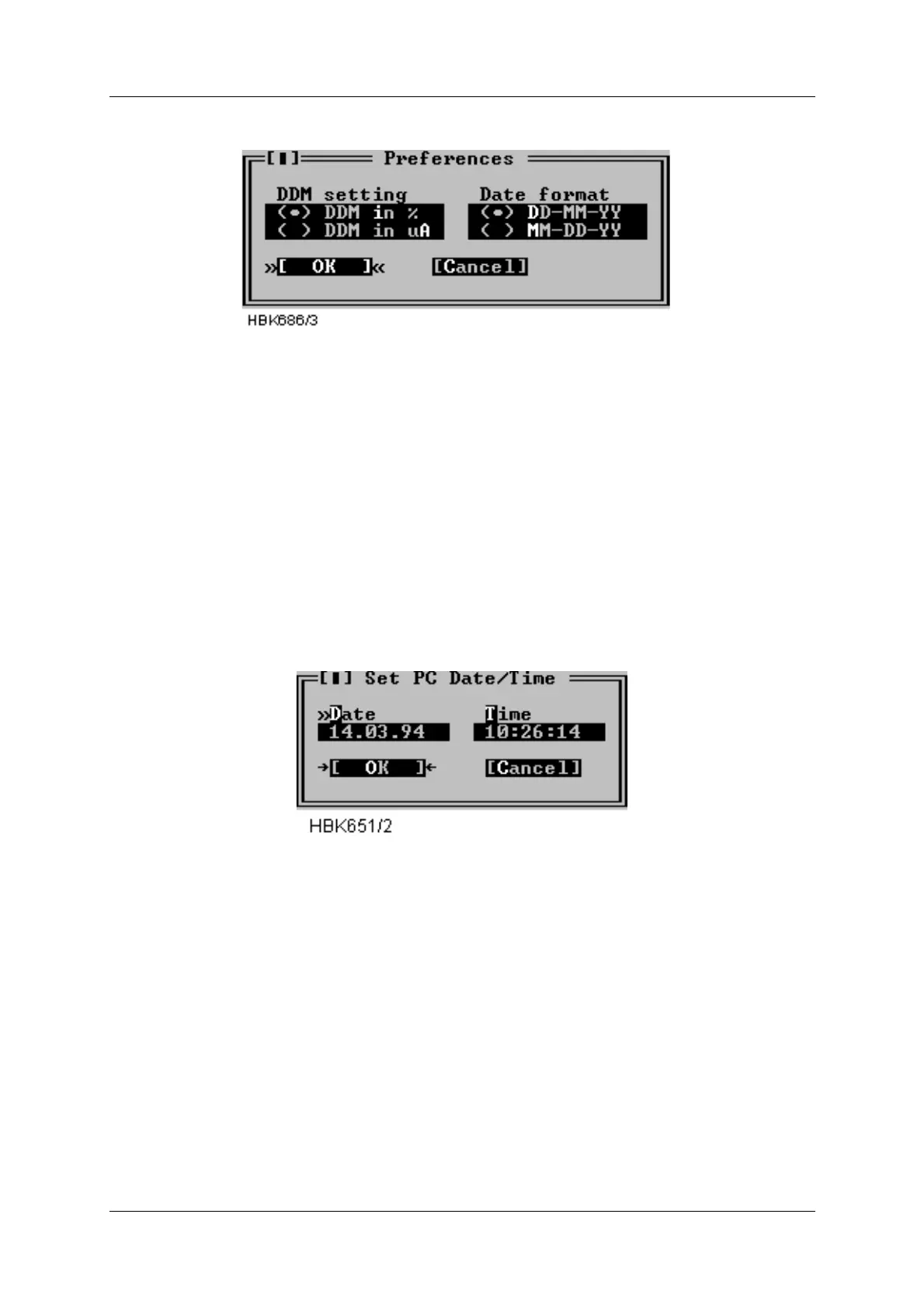
Figure 5-6 Preferences dialog
The DDM setting applies to all user input and all screen or printer output of DDM measure-
ments. Selecting % means that input/output is in percent, likewise, selecting uA results in
micro ampere input/output.
The date format field selects day-month-year or month-day-year display of time.
5.4.5 Toggle video mode
This menu selection toggles the current video mode between 25 lines and 43/50 lines.
5.4.6 Set date/time
To set the date and time of the PC, select Set date/time from the Options menu. A dialog as
show next is shown.
Figure 5-7 Set date/time dialog
In the Date field, enter the current date in day.month.year format if DD.MM.YY is selected in
the Preferences dialog (Figure 5-6). Else enter the date in MM.DD.YY format. In the time field,
enter the current time of day in standard 24 hour format.
5.5 Setting up ILS stations
Before connecting to an ILS station the station must be added to the “station list”. Some infor-
mation about each station must also be entered, e.g. the number to dial to connect to the sta-
tion. This chapter describes how to set up ILS stations.
Selecting the ILS | Station list menu command brings up a dialog like the one shown below.



 To Next Page