OPERATING MANUAL
5-38
21833-3.4
NORMARC 7013
INSTRUMENT LANDING SYSTEM
Remote Maintenance and Monitoring ©1999 Navia Aviation AS
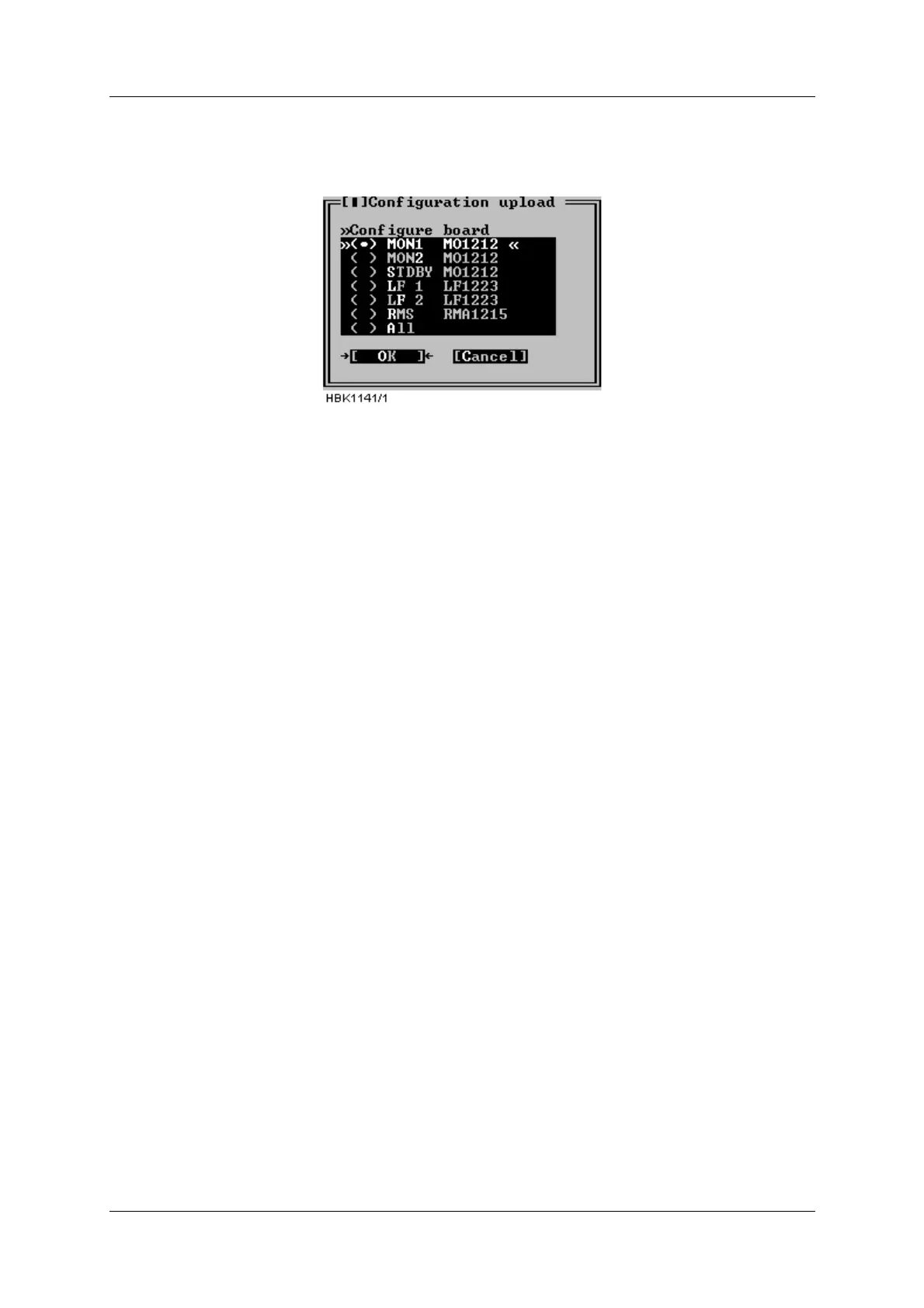
be uploaded. Configuration for one board or all boards (normally used only for new cabinets)
can be uploaded.
This is an access level 3 operation.
Figure 5-50 Configuration upload
When the OK button is clicked, the RMM software starts the upload and displays a window
telling the user that the operation is in progress. The upload may take a few minutes, depend-
ing on the board type selected for upload. In order to speed up the upload process, it is a good
idea to close all windows that display monitor or maintenance measurements (this frees up
communication bandwidth).
Note 1: Refer to chapter 7 for detailed information on uploading configuration after e.g. a
board replacement.
Note 2: The following configuration data for the RMS board are not stored in the configuration
file and therefore require manual updating: “Lamp mappings”, “ILS modem configuration”, and
“User list/ adm.”.
5.20 Write configuration to file
As described in section 5.19, different boards store configuration data in internal EEPROM.
The configuration data can be stored on disk with the use of the “ILS | Configuration options |
Write configuration to file” menu item. Selecting this menu item brings up the window shown in
Figure 5-51 The user must enter a new filename, or select an existing file for storing the con-
figuration parameters. If an existing file is selected, the user is asked whether or not the file
should be overwritten.



 To Next Page