OPERATING MANUAL
5-42
21833-3.4
NORMARC 7013
INSTRUMENT LANDING SYSTEM
Remote Maintenance and Monitoring ©1999 Navia Aviation AS
5.23.4 Continuous data log (CNT)
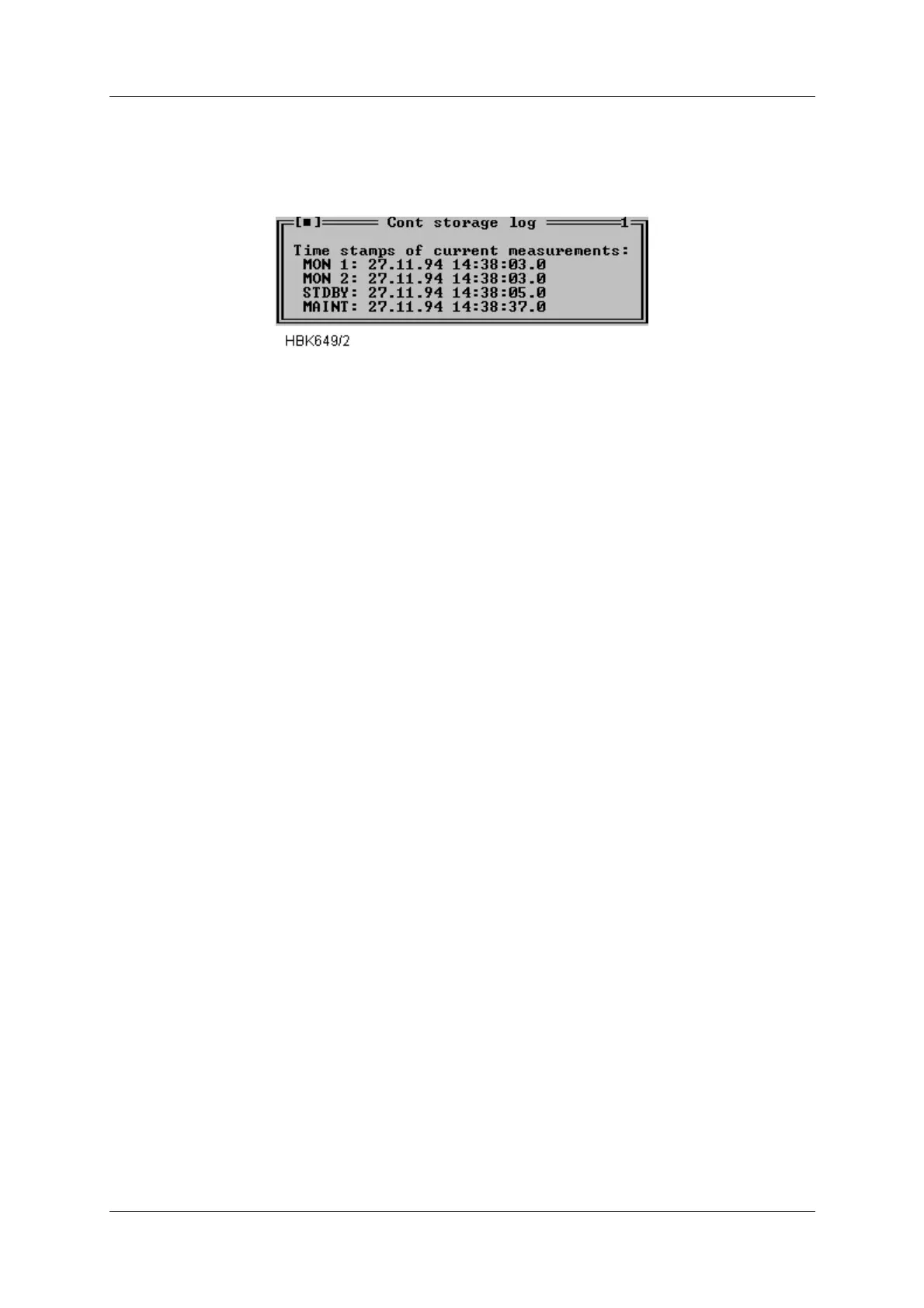
When a CNT file has been opened a window as shown below will be opened. This window
shows the same information as the Alarm storage window, except that this window does not
have the alarm specific functions.
Figure 5-57 CNT file log window.
5.24 DIAGNOSTICS
5.24.1 General description of the diagnostic functions
The NM7000 RMM system has two algorithms to isolate a failure in the ILS. The algorithms
are the Current data diagnostics and the Alarm Event diagnostics. See chapter 7 for a thor-
ough description of these alghorithms.
5.24.2 Current data diagnostics
This diagnostic function are invoked by selecting ILS|Current data diagnostics. Based upon
the current status of the equipment, the program will suggest the faulty module, if any.
5.24.3 Alarm Event diagnostics
This diagnostic function are invoked from the Event list window. A CHANGEOVER or SHUT-
DOWN event must be selected in the event list, then may the diagnostic function be invoked
by pressing the Event diagnostics button below the event list. Based upon the nature of the
CHANGEOVER or SHUTDOWN event, combined with the contents of the corresponding
alarm storage, the program will suggest the faulty module which originated the alarm. Note
that the event storage diagnostics function will only be able to isolate faults to module level
when a single fault has occurred
5.25 Exporting data
You can export stored measurements to a spreadsheet with the function described in this sec-
tion. Exported data will be stored in an ASCII text file. This text file may then be imported into
a spreadsheet program or a graphical presentation program.
Data from all types of log files may be exported.
The Export data function is located on the file menu. In order to use the function, you must first
open the log file from which you want to export data. This is done by using the File|Open log
function (described in chapter 5.22). When a log file has been opened you may select the
Export data function. The dialog shown in Figure 5-58 will appear. Select the type of data to
export and press OK. You will be prompted to enter a file name for the exported data. The
Decimal point field selects the type decimal point character used when stored data are
exported to a text file. Select the proper setting for use by your spreadsheet program or graph-
ical presentation program.



 To Next Page