About the Nortel IP Phone 2004
22
Note: The default configuration for Password Protection is off.
To turn Password Protection On or Off:
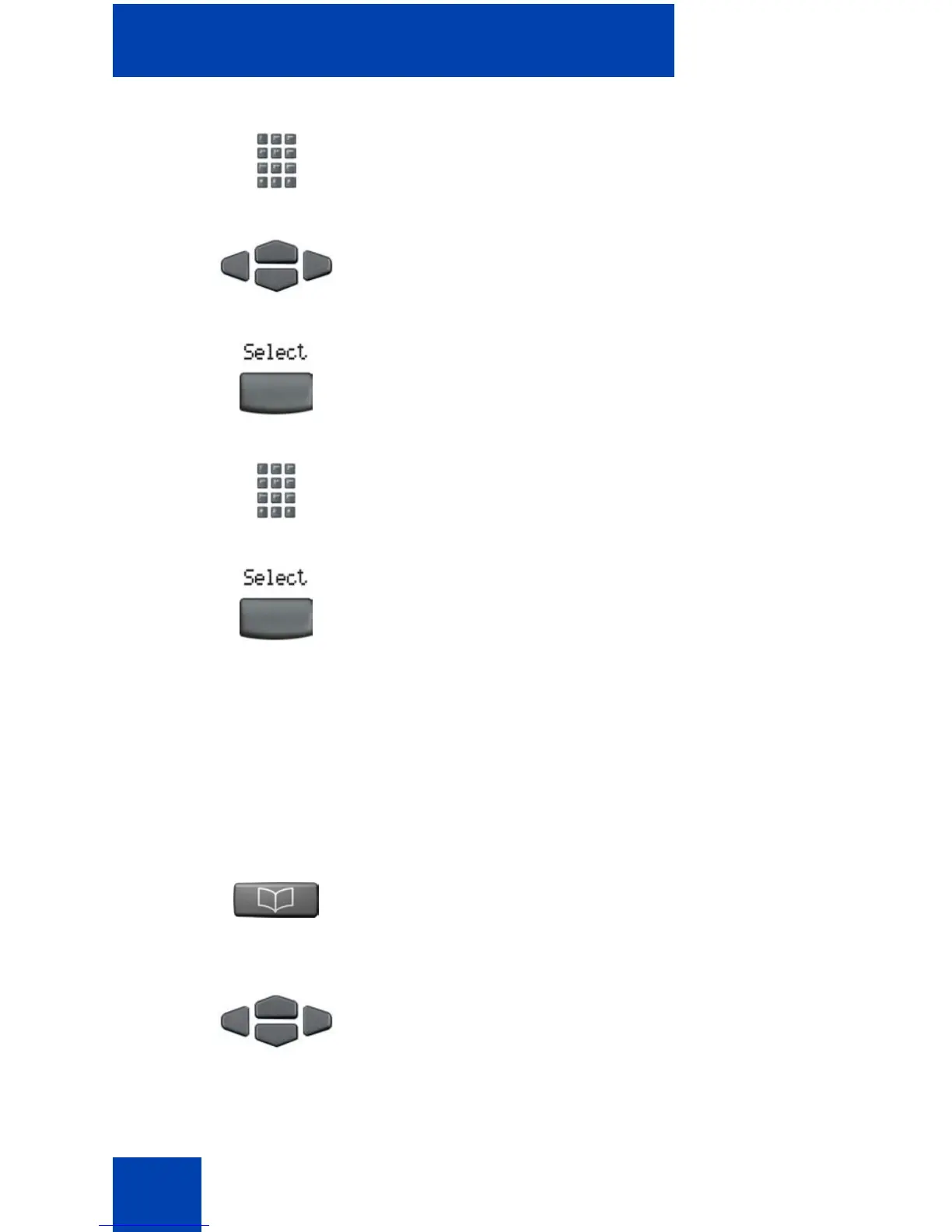
4. Use the dialpad to enter your password
at the prompt.
5. Press the Up/Down keys to scroll and to
highlight New Password.
6. Press the Select soft key.
7. Use the dialpad to enter the new
password.
8. Press the Select soft key to accept the
new password.
Note: If you have been locked out of
your IP Phone 2004, or have forgotten
your SPCW, contact your system
administrator.
(Directory)
1. Press the Directory key.
2. Press the Up/Down navigation keys to
scroll and to highlight Change
Protection Mode.















 To Next Page