About the Nortel IP Phone 2004
23
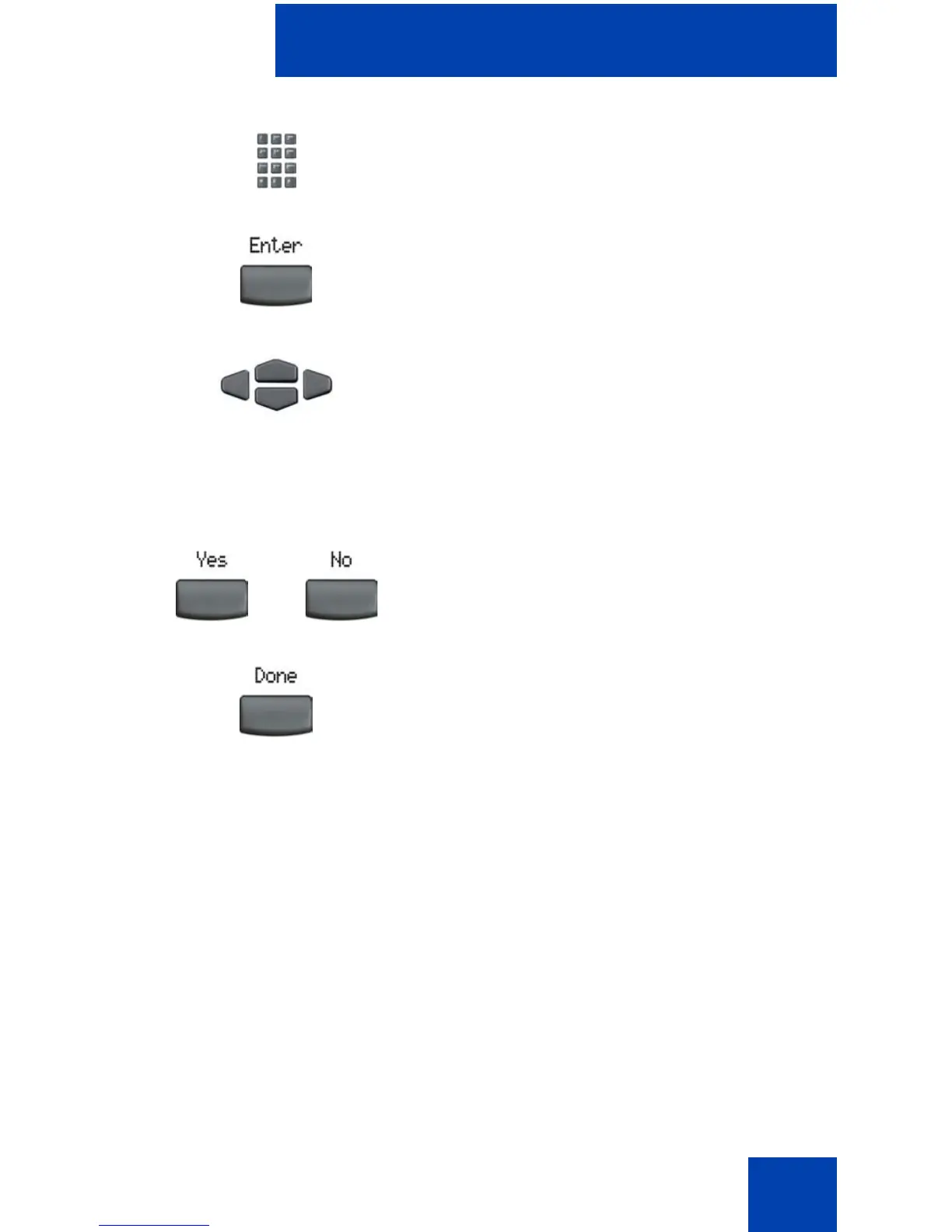
3. Use the dialpad to enter your password
(if Password Protection is enabled).
4. Press the Enter soft key.
5. Press the Up/Down navigation keys to
scroll and highlight one of the following:
— Enable Password Protection
— Disable Password Protection
6. Choose one of the following soft keys:
— Yes to accept the selection.
— No to return to the Directory menu.
7. Press the Done soft key.
or















 To Next Page