Using the BayStack 350 Series 10/100 Autosense Switch
3-6
893-00992-E
Screen Fields and Descriptions
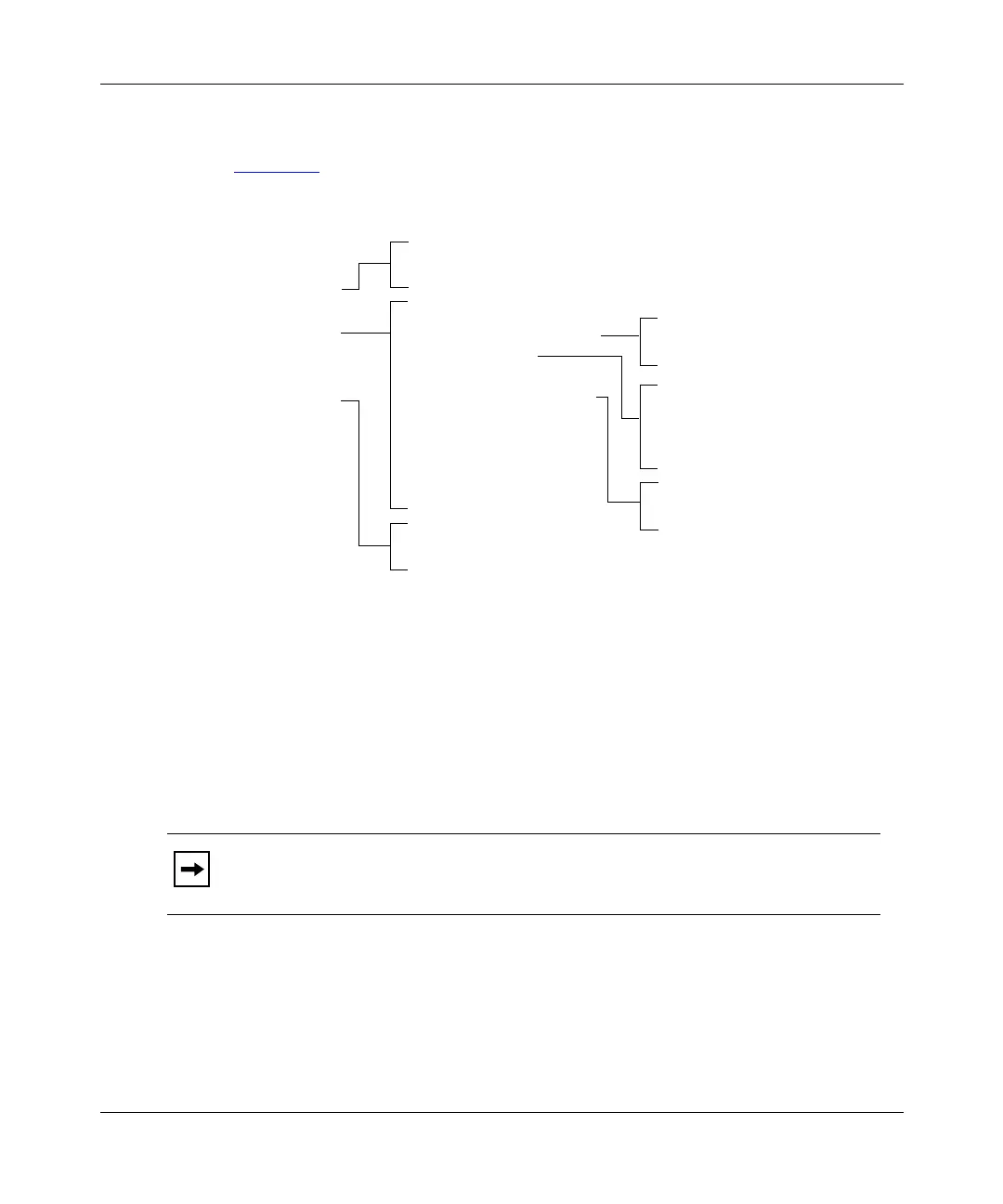
Figure 3-1 shows a map of the CI screens. The remainder of this chapter describes
the CI screens and their fields, beginning with the main menu.
Figure 3-1. Map of console interface screens
The CI screen examples provided in this chapter are for the BayStack Model 350T
switch. Most of the screens and fields apply to all three models. If there are
differences, it is clearly noted in the text.
The CI screens for your switch will show the correct model name in the screen
title and the correct number of ports and port type.
Note:
The field values shown in the CI screens in this section are provided as
examples only.
IP Configuration
SNMP Configuration
System Characteristics
Switch Configuration
Console/Service Port Configuration
Spanning Tree Configuration
TELNET Configuration
Software Download
Configuration File
Network Security
Display Event Log
Reset
Reset to Default Settings
Logout
Main Menu
MAC Address Table
MAC Address-Based Security
VLAN Configuration
Port Configuration
MultiLink Trunk Configuration
Port Mirroring Configuration
Rate Limiting Configuration
IGMP Configuration
Display Port Statistics
Clear Port Statistics
Spanning Tree Port Configuration
Display Spanning Tree Switch Settings
VLAN Configuration
VLAN Port Configuration
VLAN Display by Port
Traffic Class Configuration
MultiLink Trunk Configuration
MultiLink Trunk Utilization
BS35075A
MAC Address Security Configuration
MAC Address Security Table
SNMP Community Strings and Trap Addresses
SNMP Port Trap Enable/Disable Options













 To Next Page