Solver NEXT SPM. Instruction Manual
46
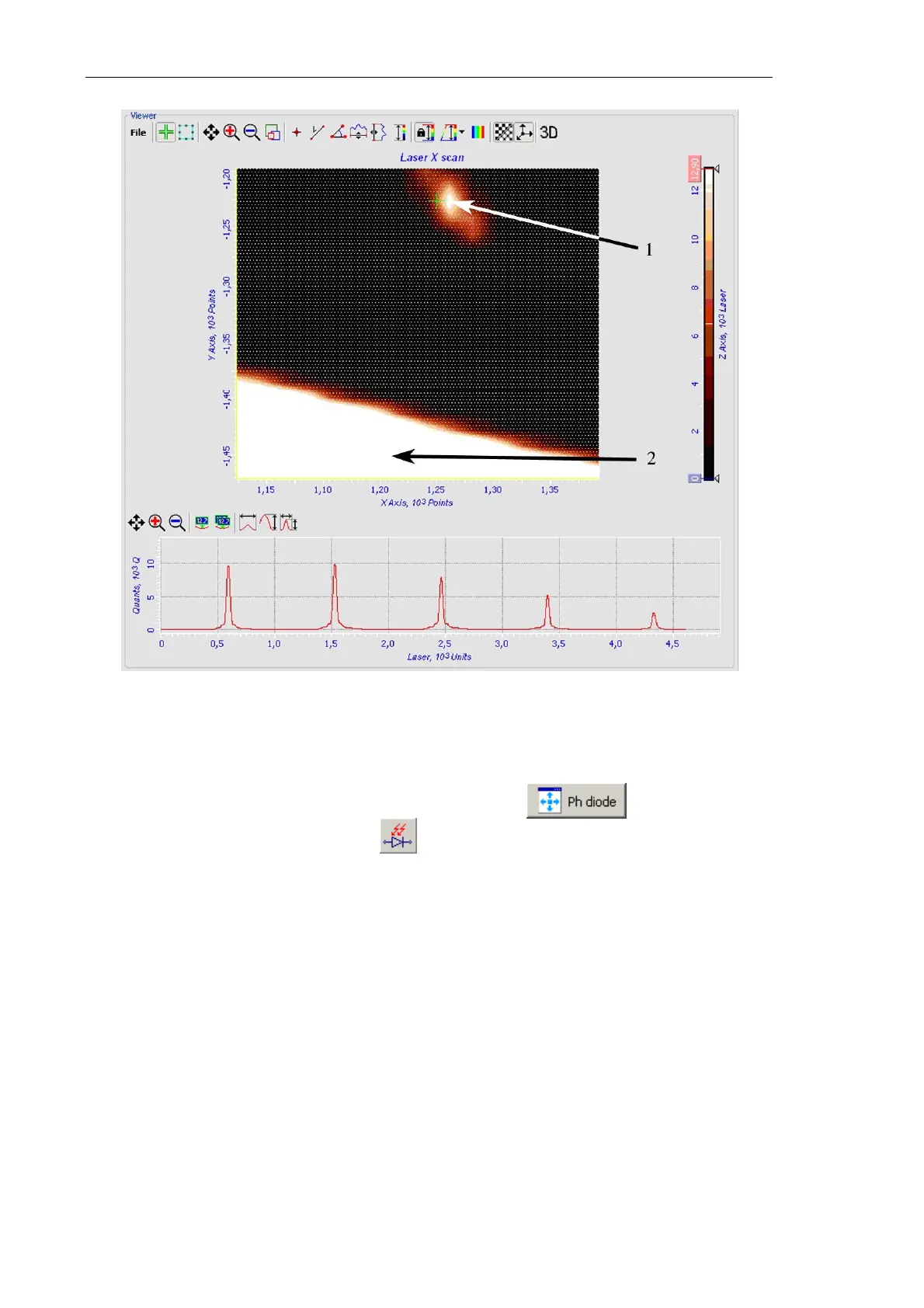
Fig. 6-36. 2D Viewer
1 – laser spot from the cantilever; 2 – laser spot from the chip
For repositioning the photodiode, click the button of the
Laser/Diode scan window or the button of the stepper motor control panel to
open the
Diode mover window (see Fig. 6-37). Switch to the Manipulator tab. With the
control buttons of the
XY Controls panel, move the photodiode so that it detects the
laser spot. Monitor the laser spot in the
Laser Aiming window (see Fig. 6-40). When
the spot becomes visible, repeat steps 2-4.



 To Next Page