524
LCD Option Board Function Section 8-6
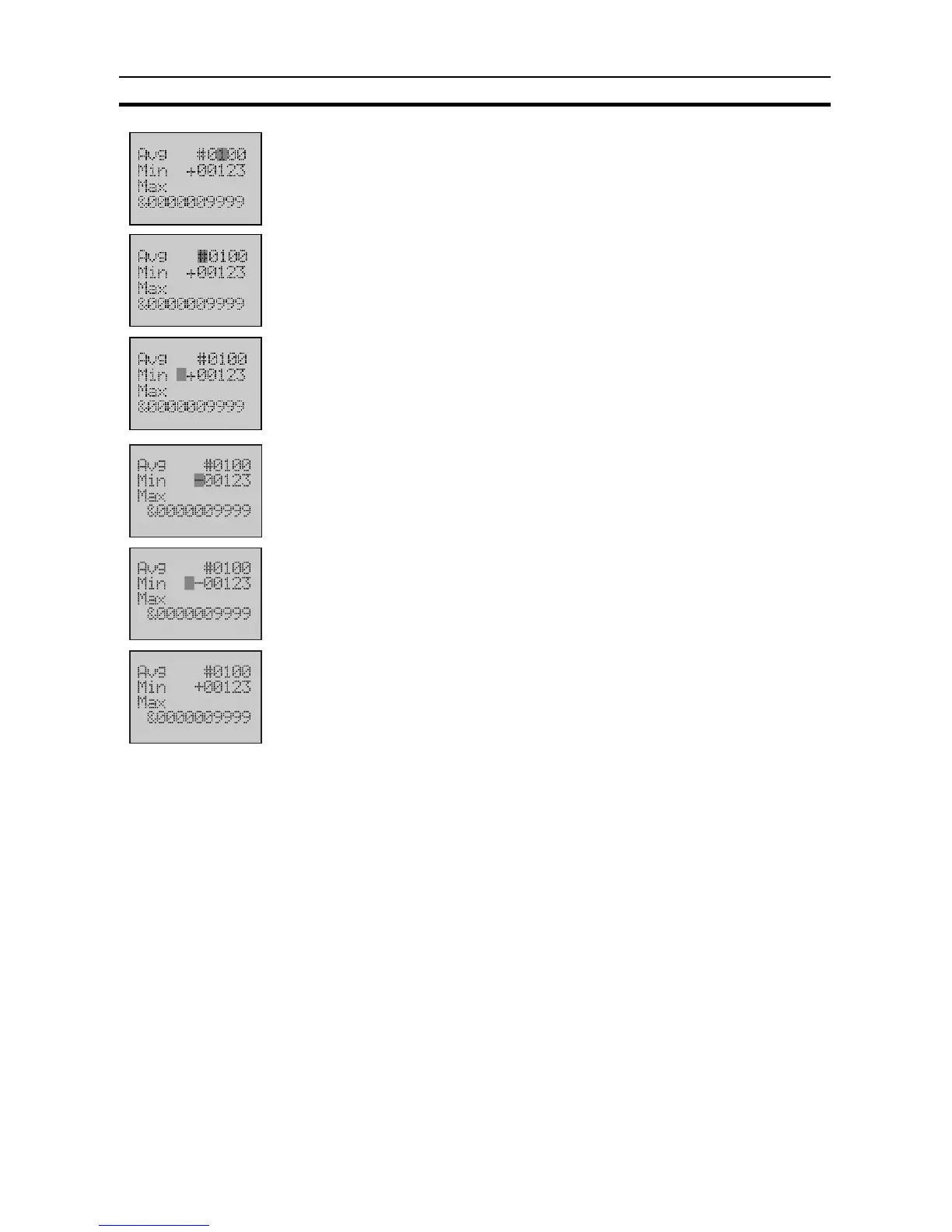
4. Use the Up button to change the value to
0100
.
5. Press the OK button to save the setting.
The column cursor will return to the digit before the value.
6. Use the Down button to move the cursor to line 2.
Note Only when the cursor is on the digit before the value, press the
Down or Up button to b move the cursor to other lines.
7. Use the Forward button to move the column cursor to the sign position.
Press the Down or Up button to change the sign to -.
8. Press the OK button to save the setting.
If the setting is invalid, the screen display will have no change.
9. Press the ESC button to return to the User Monitor Screen.
The average has been changed to 0100, but the minimum is still +00123.












 To Next Page