5-5
Chapter 5. Setup Menu
AP
5
Setup Menu
(2) Channel............................ This is used to set a radio communication channel of a wireless unit.
(Factory Shipment Status:36CH (5180MHz))
A wireless LAN terminal automatically detects a channel of a wireless
unit.
◎For communication by 2.4GHz (IEEE802.11b/g), select a channel from
1 to 13. (11 in United States)
*Ifother wireless network group exists that uses IEEE802.11b/g, "channels" of a wireless
unit must be configured with blank channels of 4 or more between them to avoid radio
interference.
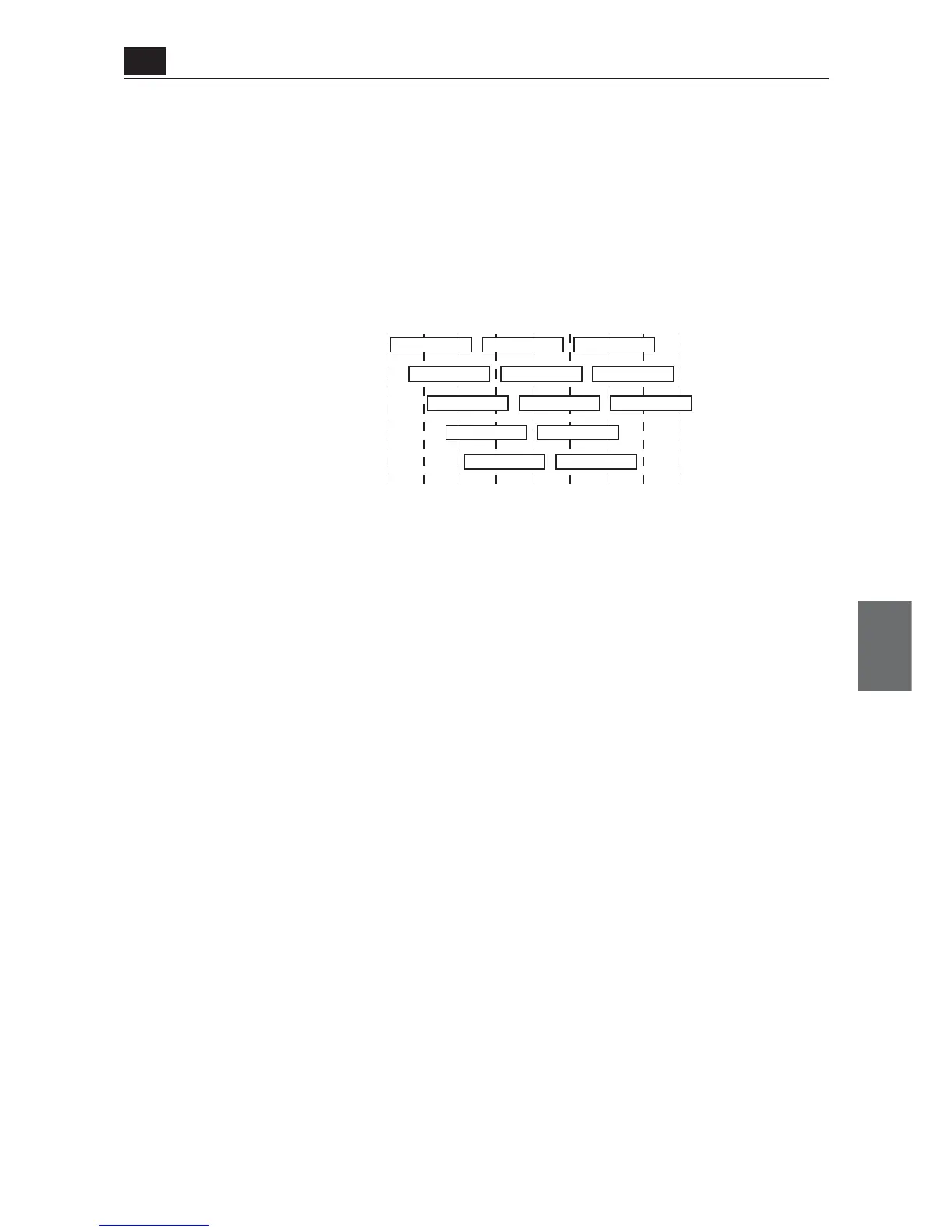
Otherwise a part of a band may overlap and cause cross talk as shown below.
For example, channel configuration of 1, 6, and 11 channels for each other will not cause
cross talk.
◎For communication by 5GHz (IEEE802.11a, select a channel from 36-
64 (except China), 100-140 (except China, Japan), 149-165 (United
States and China)
* DFS (Dynamic Frequency Selection) function will be activated if a channel of
IEEE802.11a (52CH-64CH, 100CH-140CH) is selected. Detection of interfering radio
waves such as weather radar automatically changes to a non-interfering IEEE802.11a
wireless channel.
Until a channel is changed after detection (for about 1 minute), wireless access to an
access point is stopped. The DFS function is activated on startup and thus startup takes
about 1 minute (WIRELESS lamp flashes).
* DFS function is stopped if a channel is changed to an IEEE802.11a (36CH-48CH,
149CH-165CH) channel.
* For communication using 5GHz band [IEEE802.11a], radio interference will not
occur as long as configured channels are different for each other.



 To Next Page