range Pi User Manual Copyright reserved by Shenzhen Xunlong Software Co., Ltd
93
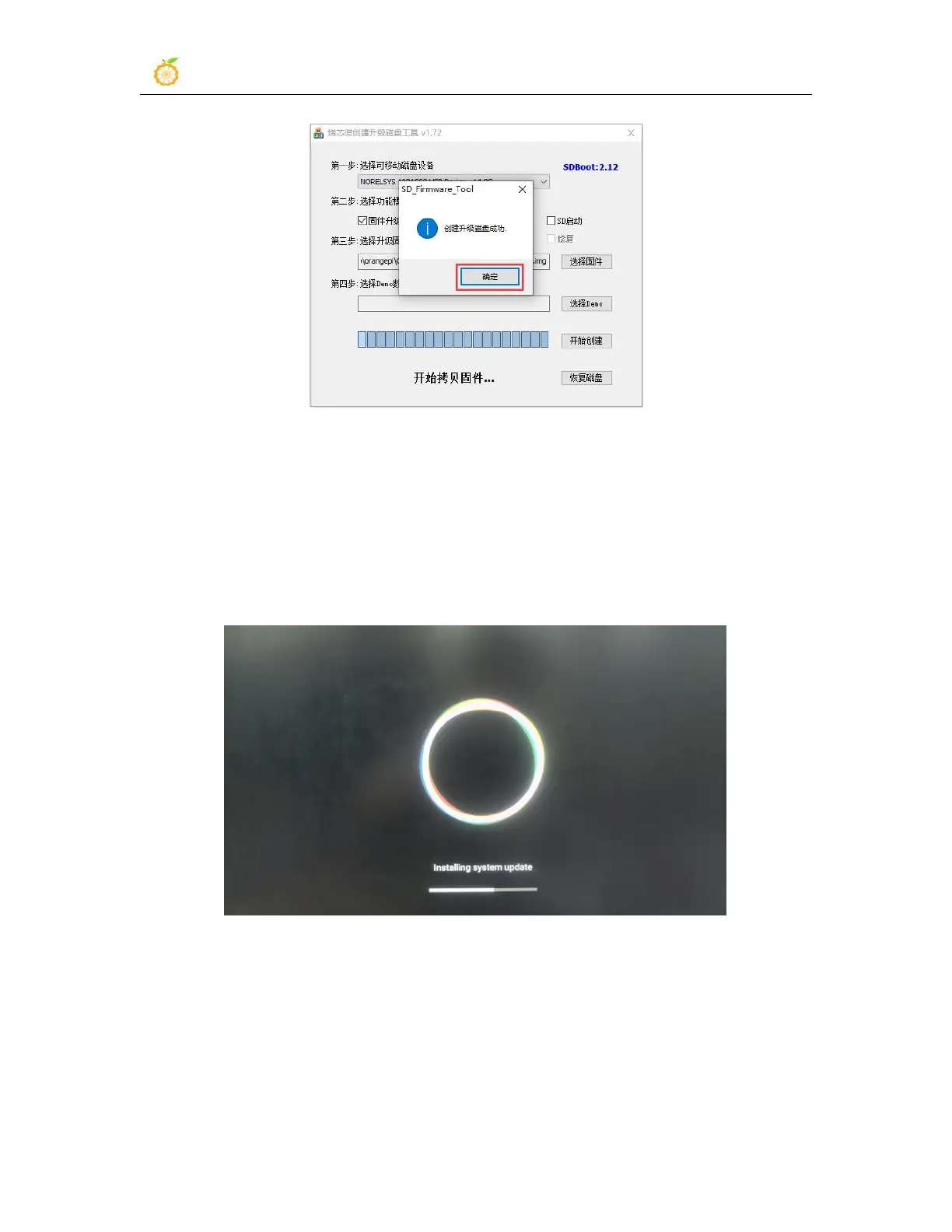
12) Then pull out the TF card from the computer and insert it into the development board.
After the development board is powered on, it will automatically start burning the
Android image in the TF card to the eMMC of the development board.
13) If the development board is connected to an HDMI display, you can also see the
progress bar of burning the Android image to eMMC from the HDMI display
14) When the HDMI monitor displays the following information, it means that the
burning of the Android image into the eMMC has been completed. At this time, the TF
card can be pulled out, and then the Android system in the eMMC will start.



 To Next Page