range Pi User Manual Copyright reserved by Shenzhen Xunlong Software Co., Ltd
147
PID: 8372
Network Manager found, set wlan0 as unmanaged device... DONE
Sharing Internet using method: bridge
Create a bridge interface... br0 created.
hostapd command-line interface: hostapd_cli -p
/tmp/create_ap.wlan0.conf.hXrfLdof/hostapd_ctrl
wlan0: interface state UNINITIALIZED->ENABLED
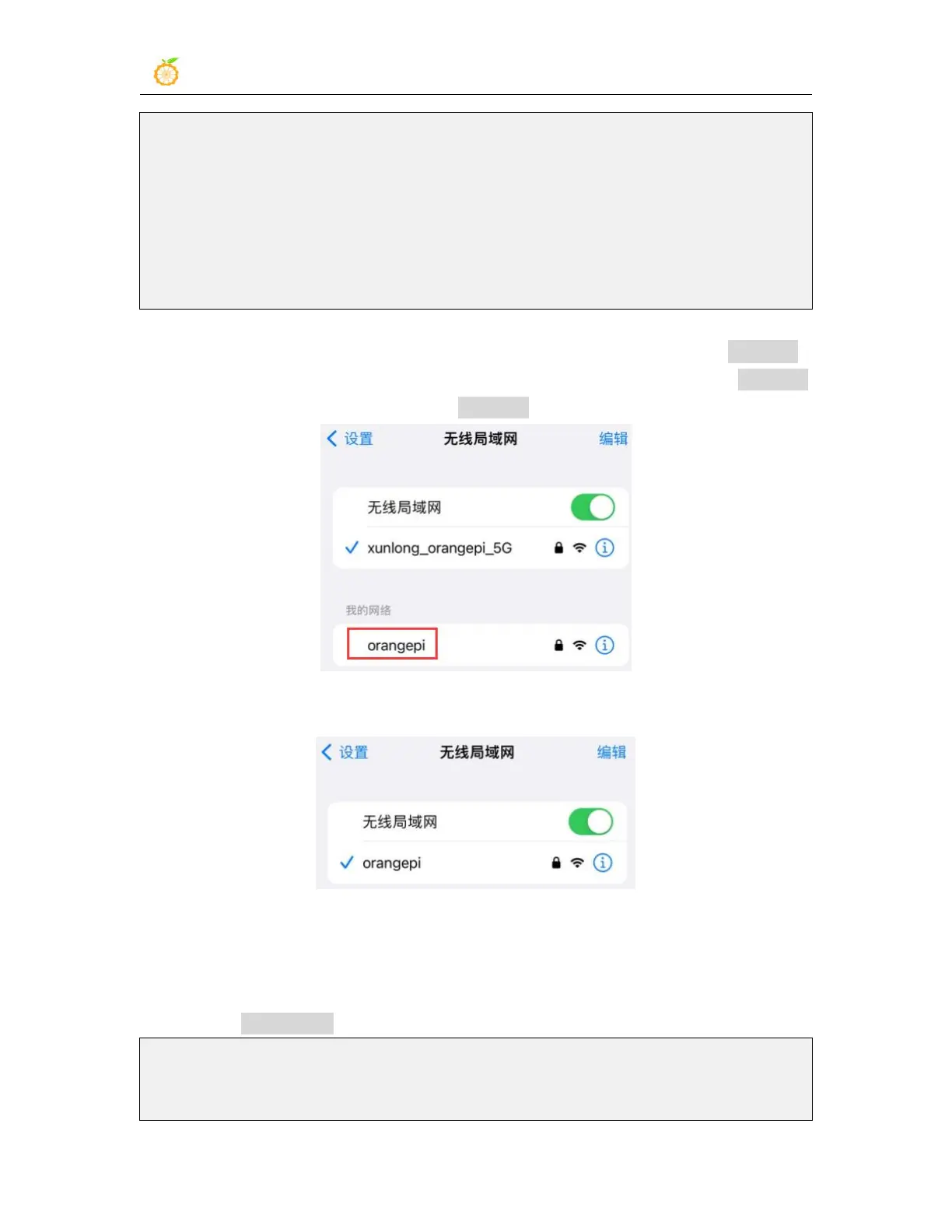
3)At this time, take out your mobile phone and find the WIFI hotspot named orangepi
created by the development board in the searched WIFI list. Then you can click orangepi
to connect to the hotspot. The password is orangepi set above.
4)The display after successful connection is as shown below
5)In bridge mode, the wireless device connected to the hotspot of the development
board also requests an IP address from the DHCP service of the main router (the router to
which the development board is connected). For example, the IP of the development
board here is 192.168.1.X
orangepi@orangepi:~$ ifconfig eth0
eth0: flags=4163<UP,BROADCAST,RUNNING,MULTICAST> mtu 1500
inet 192.168.1.150 netmask 255.255.255.0 broadcast 192.168.1.255



 To Next Page