range Pi User Manual Copyright reserved by Shenzhen Xunlong Software Co., Ltd
277
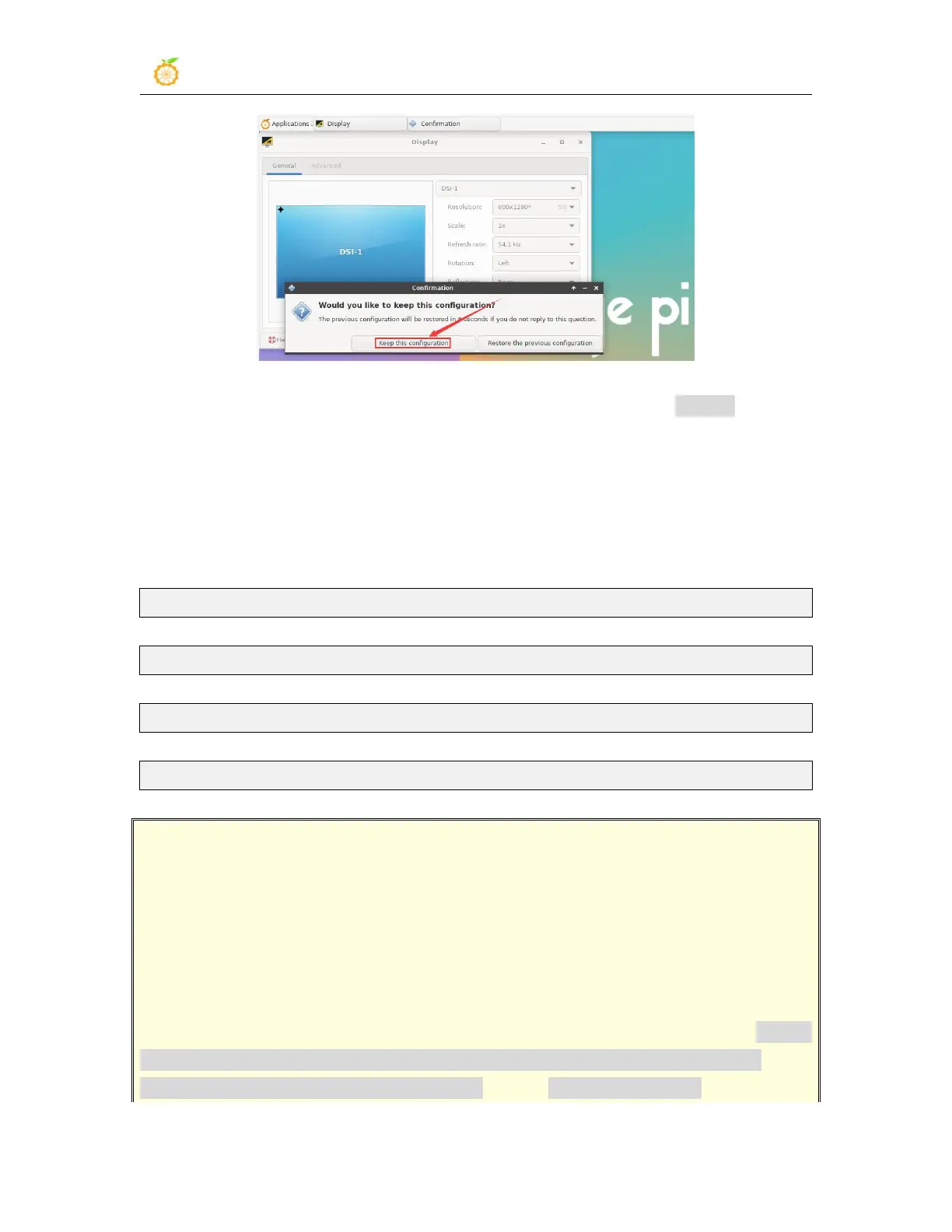
5) At this point, the screen display has been rotated, and then close the Display program
6) The above steps will only select the display direction, and will not rotate the direction
of the touch. Use the set_lcd_rotate.sh script to rotate the direction of the touch. After
the script is set, it will automatically restart, and then you can test whether the touch has
been used normally.
a. None: no rotation
orangepi@orangepi:~$ set_lcd_rotate.sh none
b. Left: rotate left 90 degrees
orangepi@orangepi:~$ set_lcd_rotate.sh left
c. Inverted: Flip up and down, which is equivalent to rotating 180 degrees
orangepi@orangepi:~$ set_lcd_rotate.sh inverted
d. Right: rotate right 90 degrees
orangepi@orangepi:~$ set_lcd_rotate.sh right
The set_lcd_rotate.sh script mainly does four things:
1. Rotate the direction displayed by the framebuffer
2. Rotate the direction of the touch
3. Turn off the boot logo
4. Restart the system
Rotating the touch direction is achieved by adding the line Option
"TransformationMatrix" "x x x x x x x x x" to
/usr/share/X11/xorg.conf.d/40-libinput.conf Where "x x x x x x x x x" is configured



 To Next Page