range Pi User Manual Copyright reserved by Shenzhen Xunlong Software Co., Ltd
78
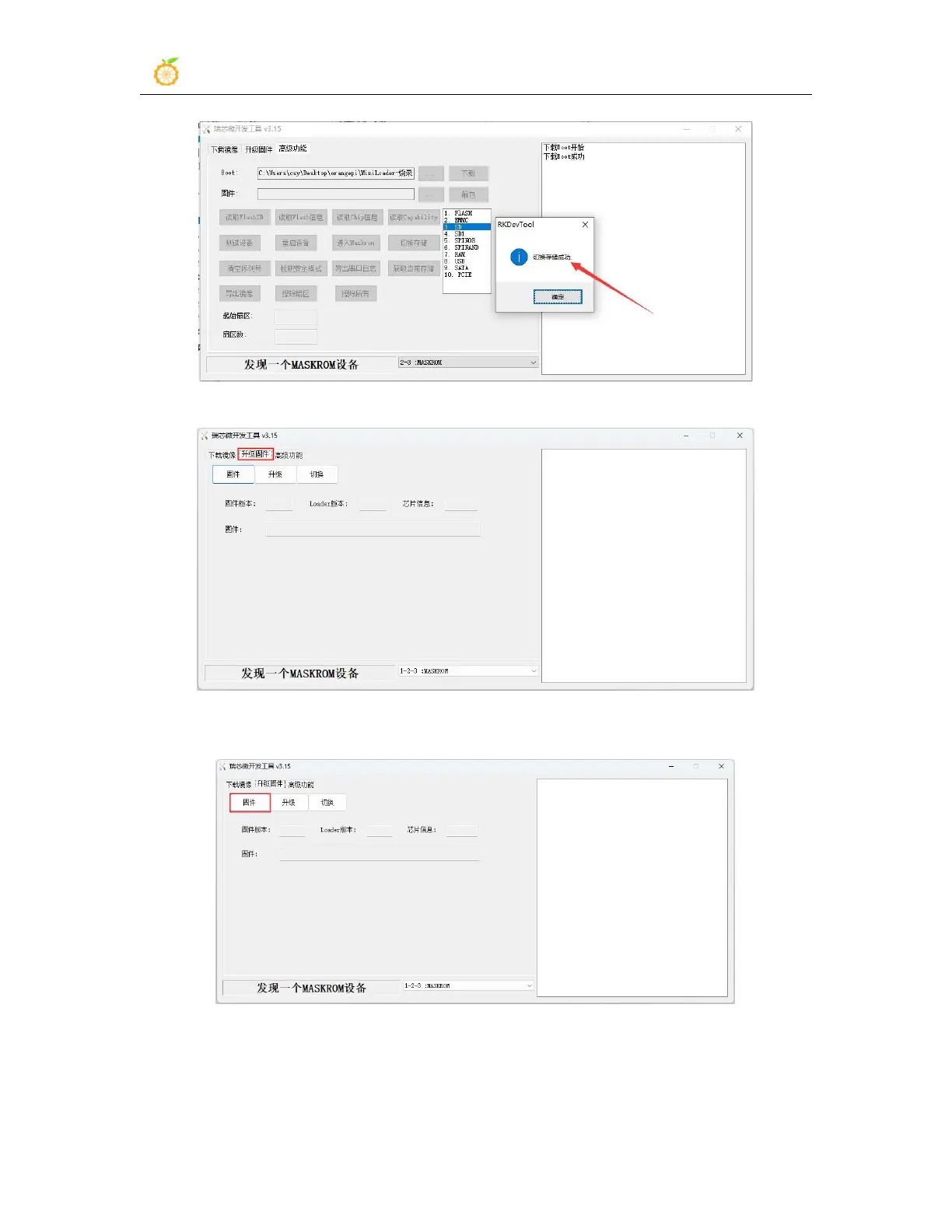
n. Then click the "Upgrade Firmware" column of the burning tool
o. Then click the "Firmware" button to select the path of the Android image that
needs to be burned
p. Finally, click the "Upgrade" button to start burning, and the log during the
burning process is shown in the figure below. After burning is completed, the
Android system will start automatically.



 To Next Page