Four-Channel Digital Video Recorder
15
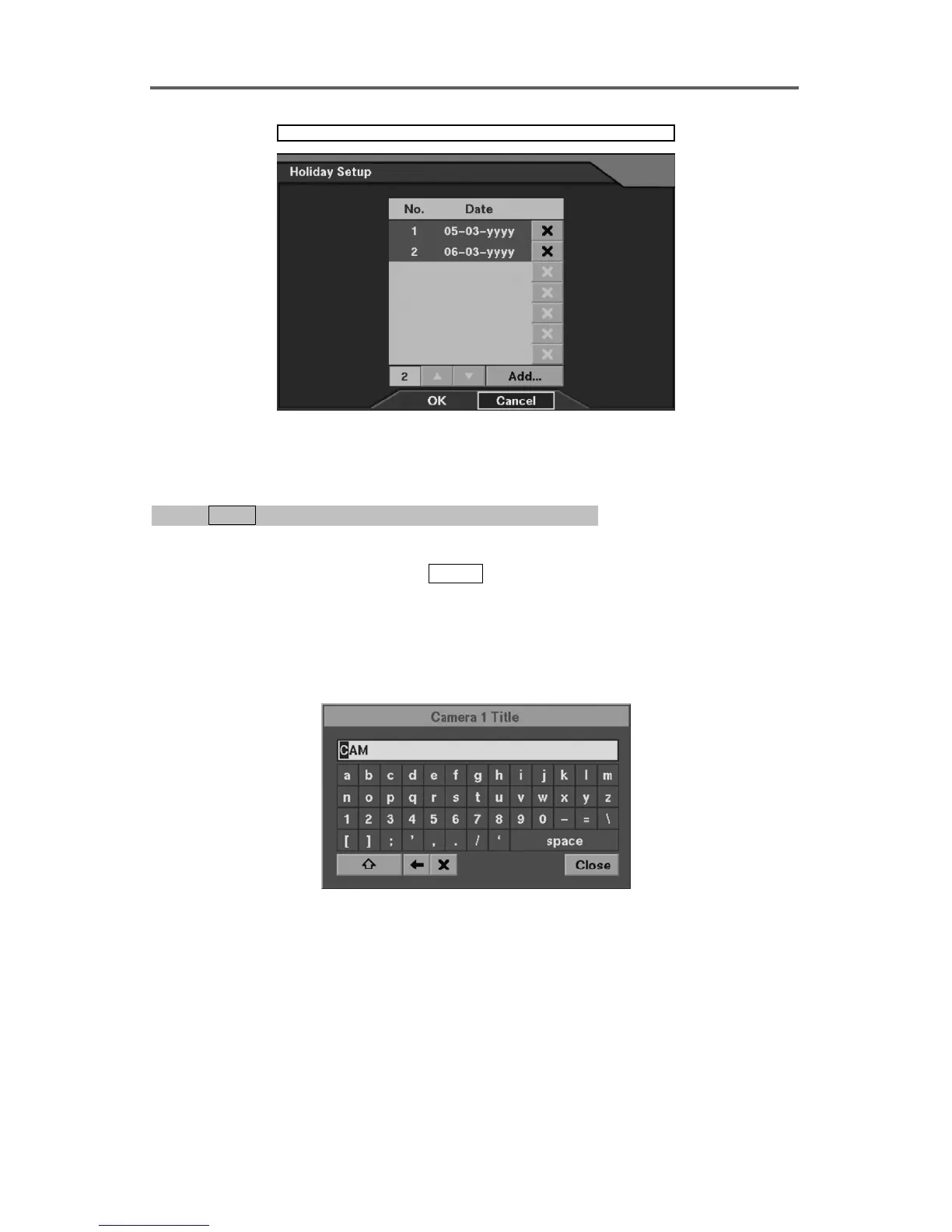
System ► Date/Time ► Holiday Setup
Figure 7 Holiday Setup Dialog
Set up System Location Information
0PATH: MENU ▶ System ▶ System Information ▶ Change0
(Refer to Figure 8 System Information Dialog.)
1. Move to the Change field, and press
ENTER to display the System Information Change
dialog box.
2. Move to the Site Description field, and enter a title of the location where the system is
installed using the software keyboard.
NOTE: Software keyboard dialog box







 To Next Page