Four-Channel Digital Video Recorder
53
Query System Log
0PATH: MENU ▶ System ▶ System Log0
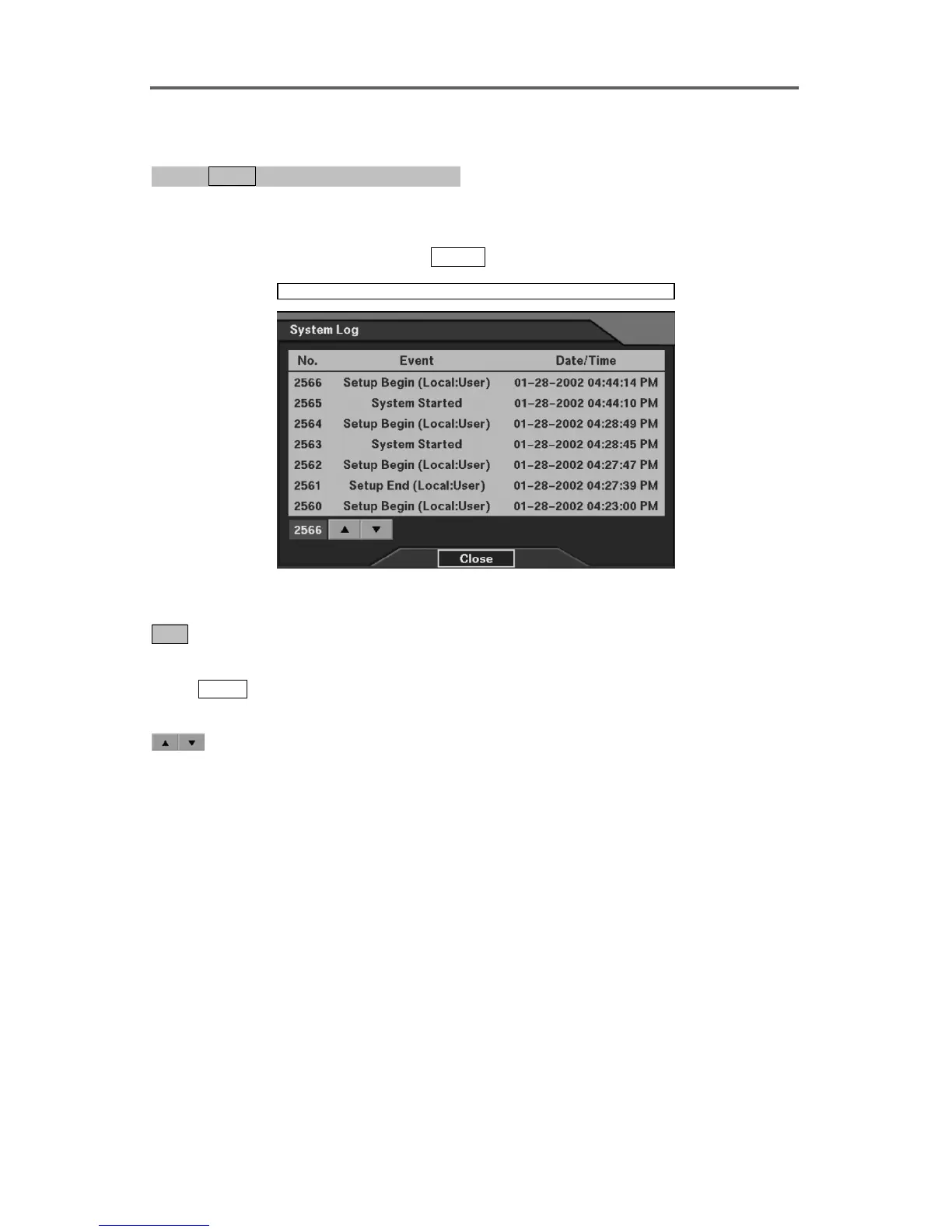
1. Shows the current system log.
2. Go to the previous and next system log pages by selecting the up/down-arrow buttons at the
left-bottom of the dialog box with the
ENTER
.
System ► System Log
Figure 47 System Log Dialog
Show the system log information.
2566 : Displays the total log numbers.
NOTE: This button can be used to go to a specific event by changing the number.
Press
ENTER on this button, and set the target event number using up/down-arrow
buttons on the front panel.
: Go to the previous or next page using the up/down-arrow buttons.







 To Next Page