Four-Channel Digital Video Recorder
45
Set up Callback Center (LAN)
0PATH: MENU ▶ Network ▶ Callback Center0
1. Move to the IP Address field, and enter the IP address of the callback center.
2. Move to the Retry field, and set the retry count (1~10).
NOTE: Callback Center setup is related with the RAS (Remote Administration System).
Refer to the RAS User's Manual for details of the Callback Center feature.
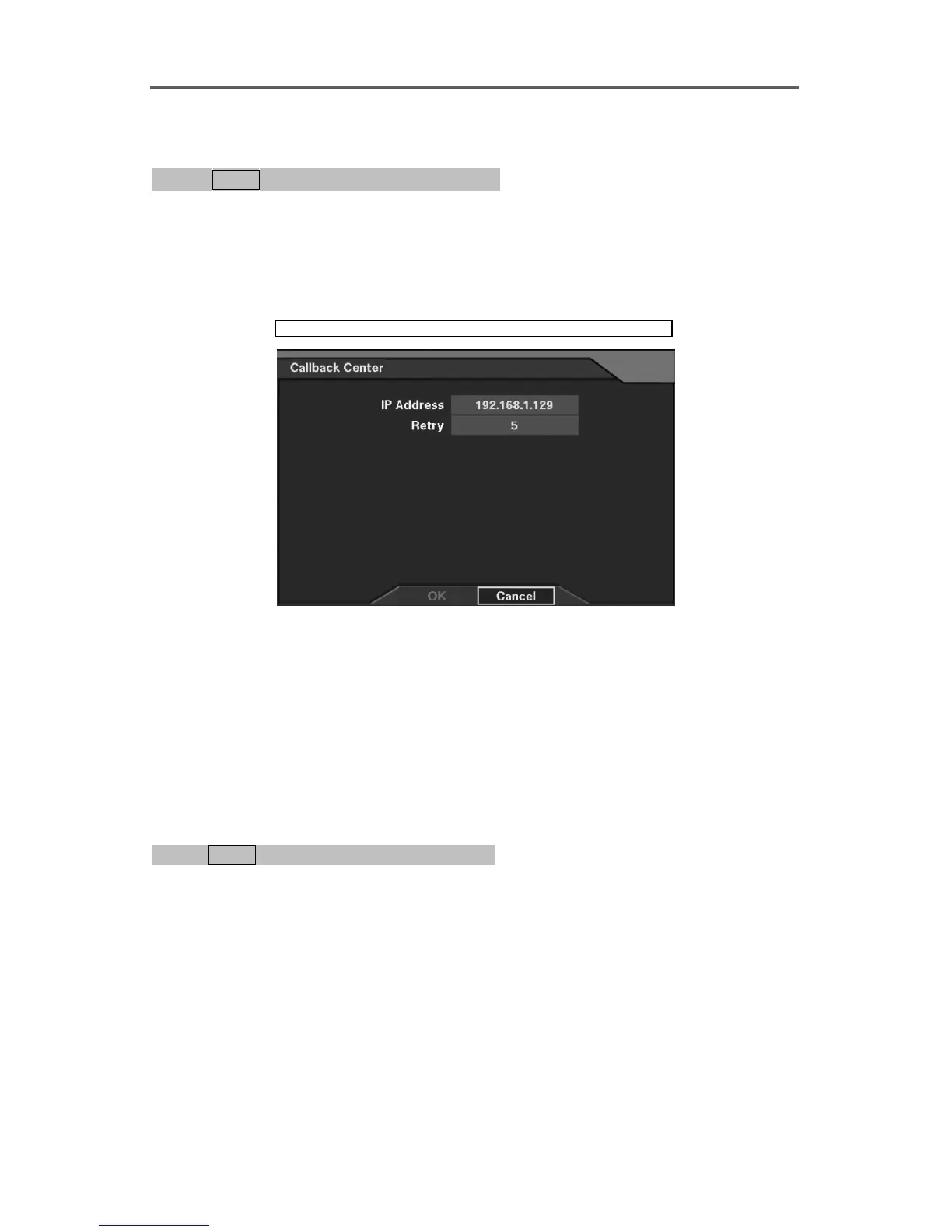
Network ► Callback Center (LAN)
Figure 38 Callback Center (LAN) Setup Dialog
Set up the callback center information.
• IP Address: Enter the IP address of the callback center to be notified upon event detection.
The values of each address field are entered by selecting the up/down-arrow buttons on the
front panel. The values may be indexed slowly by depressing the button or faster by
holding down the button.
• Retry: Set the retry count when failing notifying the event detection (1~10).
Set up Callback Center (Modem)
0PATH: MENU ▶ Network ▶ Callback Center0
1. Move to the Pager Number field, and enter the pager number.
2. Move to the Mailbox field, and enter the pager number to call when the pager uses a voice
mailbox.
3. Move to the Site ID field, and enter the site ID (1~999).
NOTE: This setup only works if the networking of the DVR is configured by the
modem.







 To Next Page