Four-Channel Digital Video Recorder
43
Network Setup
• Connection: Select either LAN or Modem as the networking type.
• Transfer Speed: Set the networking transfer speed per second that can be set up only when
using a LAN (1 image~30 images).
• Admin Password: Set up the administrator-level user's password for remote access.
• User Password: Set up the typical user's password for remote access.
NOTE: The factory default of Admin/User Password for remote access is 12345678.
A password can be composed of up to eight digits, and is entered using camera
buttons (1-4) on the front panel.
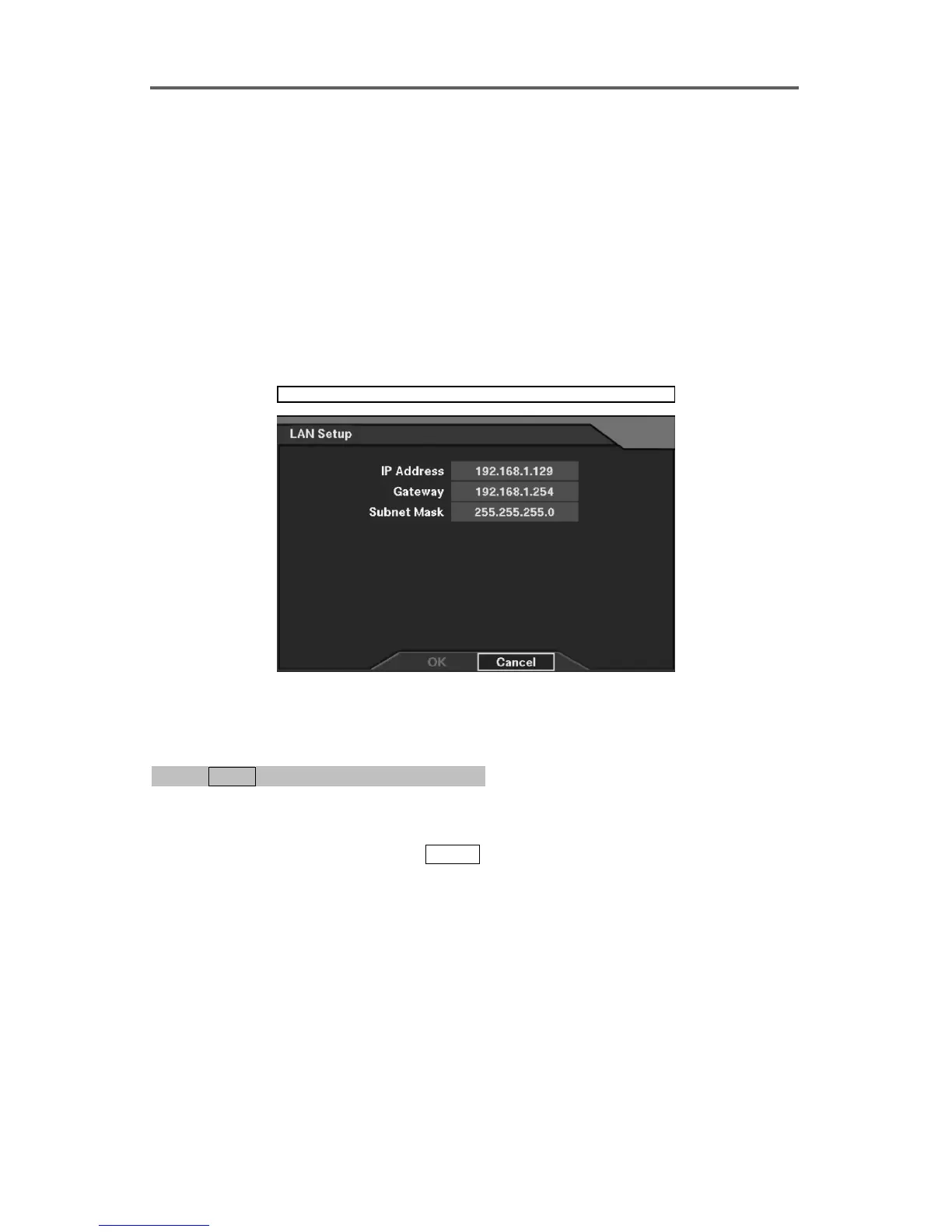
• Setup: Press the Setup button to display the LAN/Modem Setup dialog box
Network ► Network Setup ► LAN Setup
Figure 36 LAN Setup Dialog
Set up Network (Modem)
0PATH: MENU ▶ Network ▶ Network Setup0
(Refer to Figure 35 Network Setup Dialog.)
1. Move to the Connection field, and select Modem as the connection type.
2. Move to the Setup button, and press
ENTER to display the Modem Setup dialog box.
3. Set up the port communication for the modem.
NOTE: If the RS232 port is currently being used for the remote controller, the
message that the external modem cannot be used will be displayed when selecting
External Modem as the modem type in the Use field. Move to the RS232 setup, and
change the RS232 port use from the remote controller to the external modem first, and
then try again.







 To Next Page