User’s Manual
26
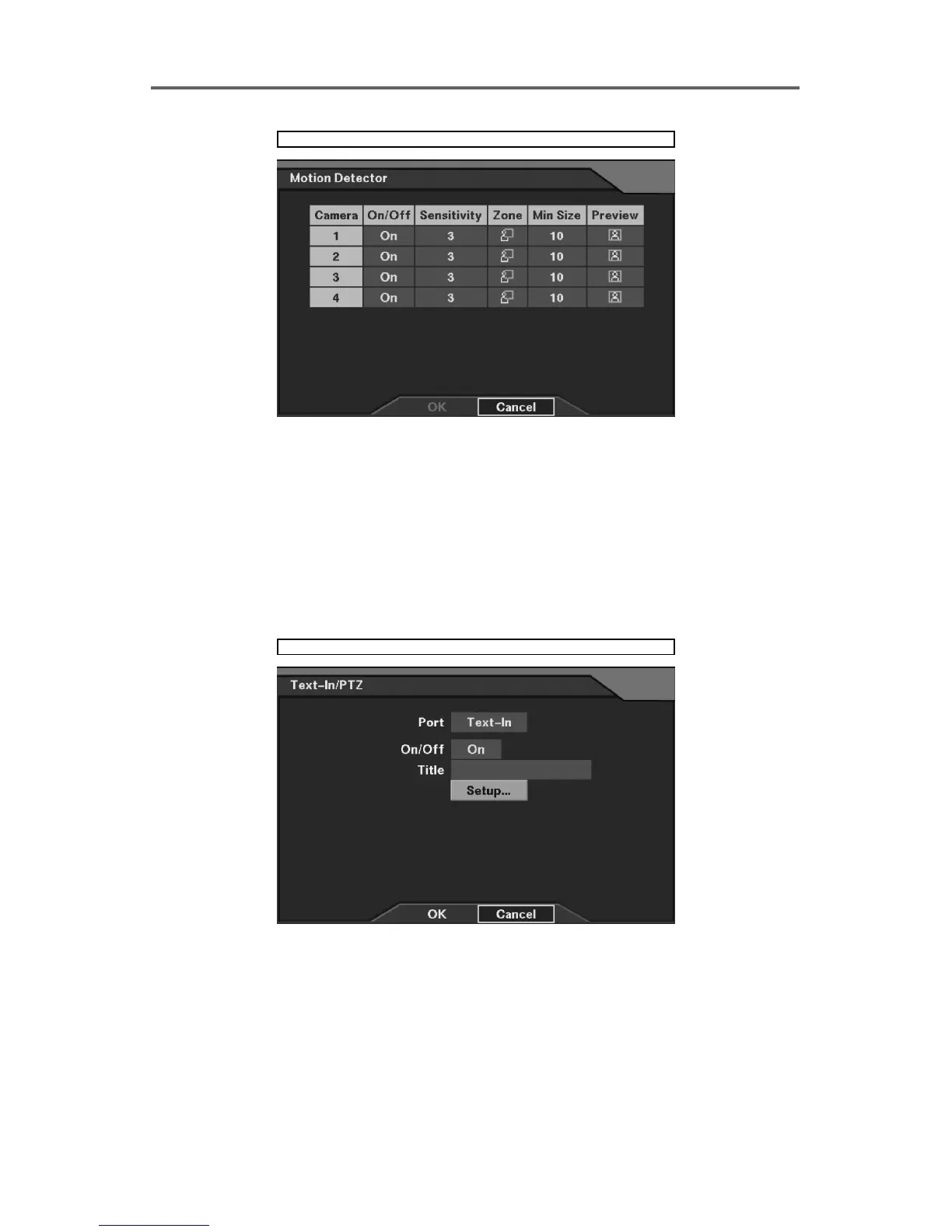
Devices ► Motion Detector
Figure 18 Motion Detector Setup Dialog
Set up the motion detector for each camera.
• On/Off: Enable or disable the motion detector.
• Sensitivity: Set the detection sensitivity (1~5).
• Zone: Set up the detection zone (Refer to Figure 27 Motion Detection Zone Setup Dialog.).
• Min Size: Set the number of minimum detective blocks (1~Selected block numbers in the
zone).
• Preview: Previews the motion detector.
Devices ► Text-In/PTZ
Figure 19 Text-In/PTZ Dialog







 To Next Page