User’s Manual
54
Change System Check List
0PATH: MENU ▶ System ▶ System Check0
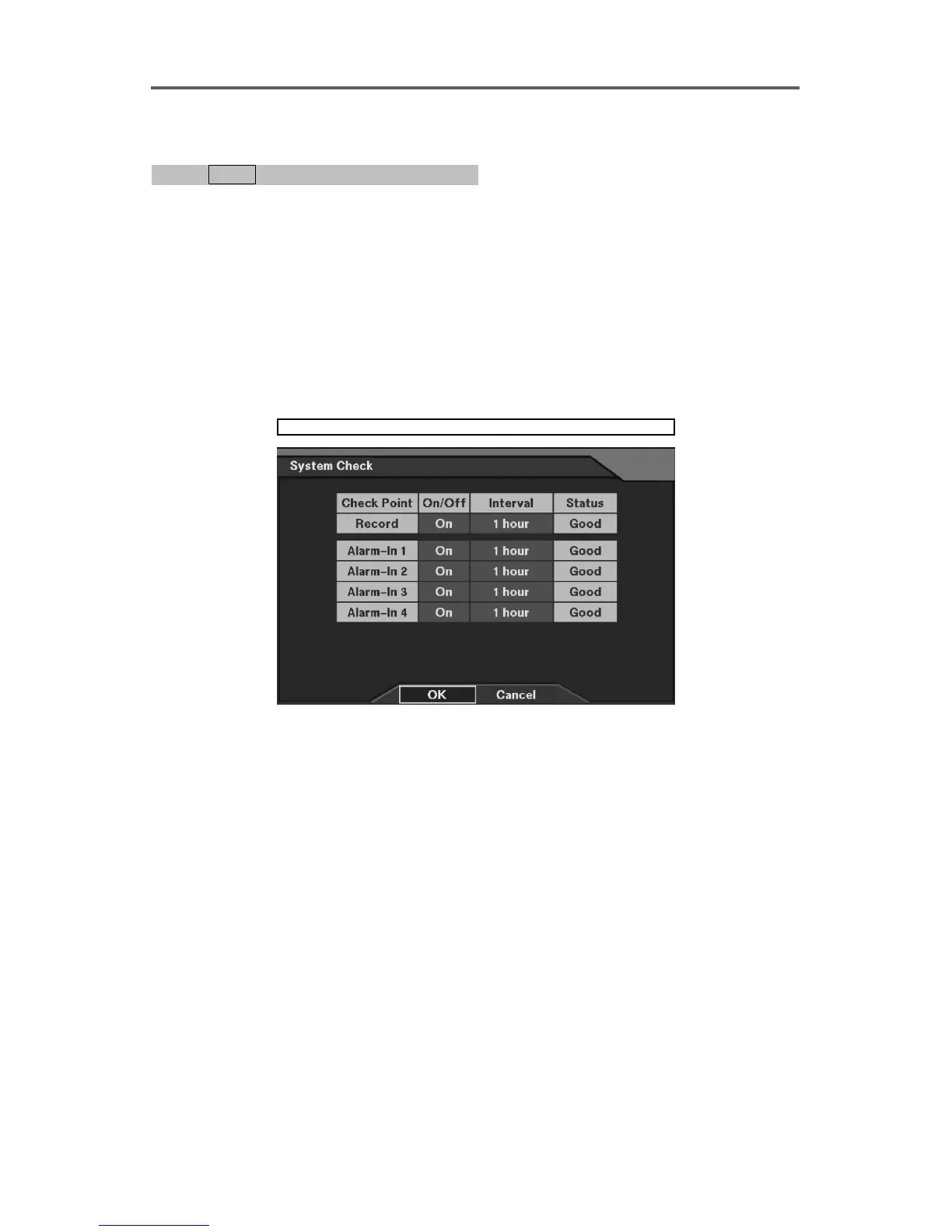
1. Move to the target check point, and select either On or Off.
2. When selecting On set the checking interval to be alarmed or to be recorded.
NOTE: This System Check feature is related with local setup. Once you enable this
and set the checking interval, the DVR will report a fault condition if there is no
recording or no alarm during the entered time.
NOTE: For the enabled check point (s), the log information will be recorded if the
recording or alarming has not been made during the preset intervals. Or, the RAS
(Remote Administration System) software checks the DVR at regular times, and reports
its status (Network-supported premium model only).
System ► System Check
Figure 48 System Check Setup Dialog
Set up the information of the system check.
• On/Off: Enable or disable checking the status of each check point.
• Interval: Set the checking intervals (1 hour~30 days).
• Status: Displays the system status (Good/No Good).







 To Next Page