Four-Channel Digital Video Recorder
17
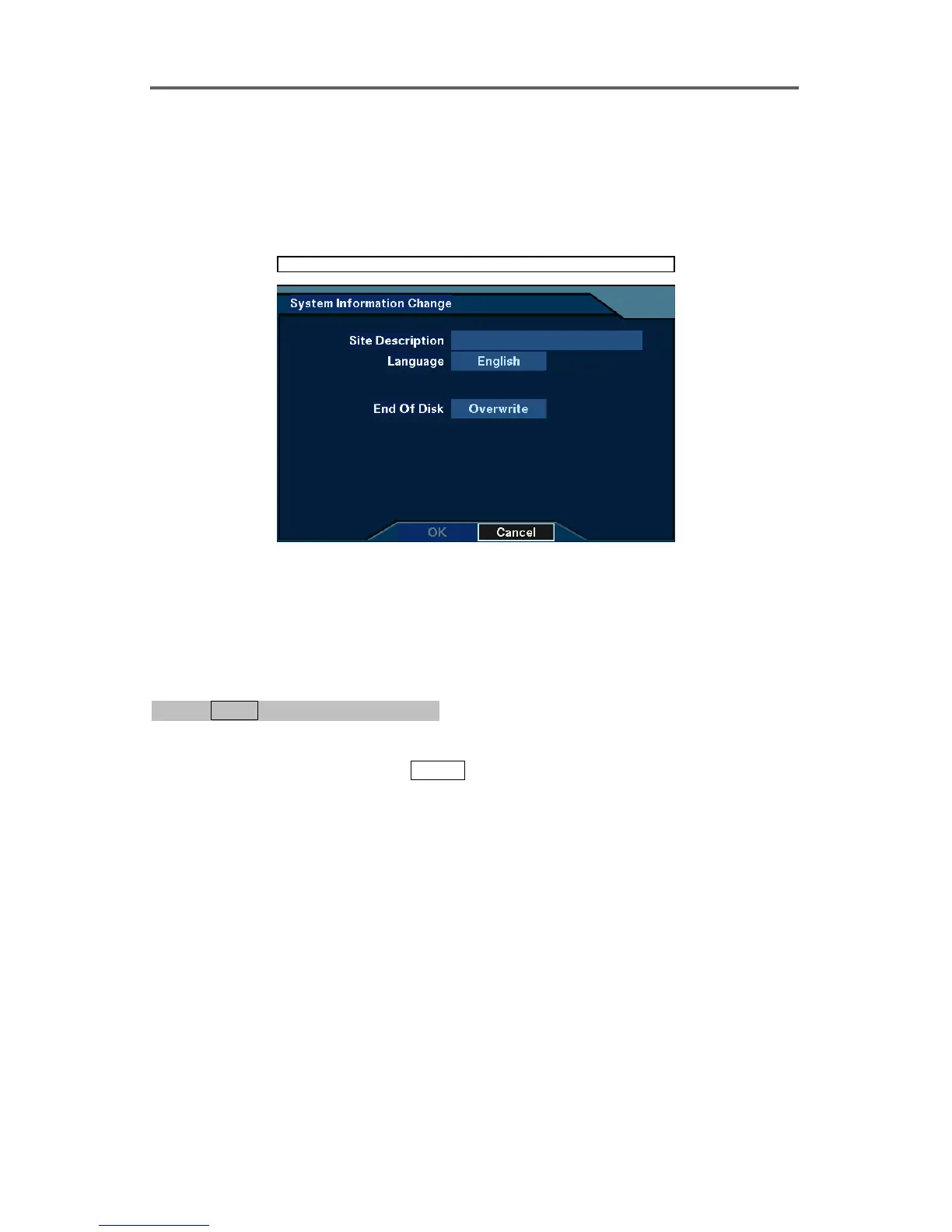
• End Of Disk: Enable or disable using Overwrite in case of recording space shortage.
• HDD: Displays the size of an installed hard disk and the remaining storage space.
• Recording From: The oldest recording time
• Recording To: The latest recording time
• Change: Change the settings for Site Description, Language, and End Of Disk.
System ►System Information ► Change
Figure 9 System Information Change Dialog
3.4 Configuring for live Monitoring
Enable/Disable Camera
0PATH: MENU ▶ Devices ▶ Camera0
1. Move to the On/Off field of the selected camera using arrow buttons on the front panel, and
select either On or Off by pressing
ENTER.
NOTE: Changing On/Off on the title bar applies the change to all cameras.
NOTE: Deactivate any inputs to which cameras are not connected by selecting Off;
otherwise the recording speed might be decreased somewhat.







 To Next Page