User’s Manual
34
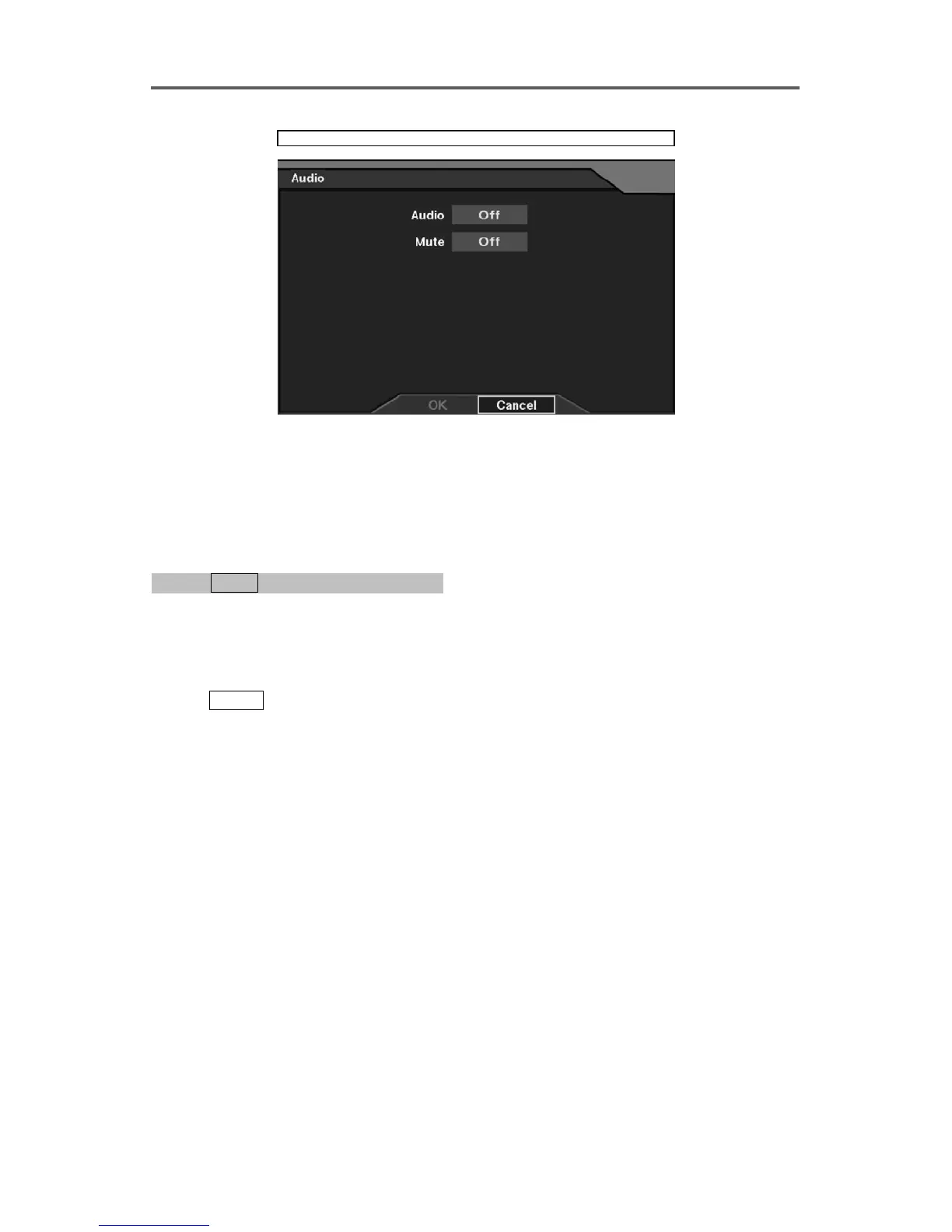
Devices ► Audio
Figure 26 Audio Setup Dialog
3.6 Configuring for Alarm-In/Out
Enable/Disable Alarm-In
0PATH: MENU ▶ Devices ▶ Alarm-In0
(Refer to Figure 17 Alarm-In Setup Dialog.)
1. Move to the selected alarm-in channel (1-4).
2. Move to the On/Off field and select either On or Off.
3. Move to the Title field of the selected alarm-in channel.
4. Press
ENTER to display the software keyboard and enter a description title for the alarm.
A total of 16 characters may be used.
Set up Alarm-In Type
5. Move to the NC/NO field and select either NC or NO.
NOTE: NO stands for Normally Open, and the alarm output is active when the terminal
is closed.
NOTE: Changing the selection on the title bar applies the change to all alarm inputs.







 To Next Page