User’s Manual
62
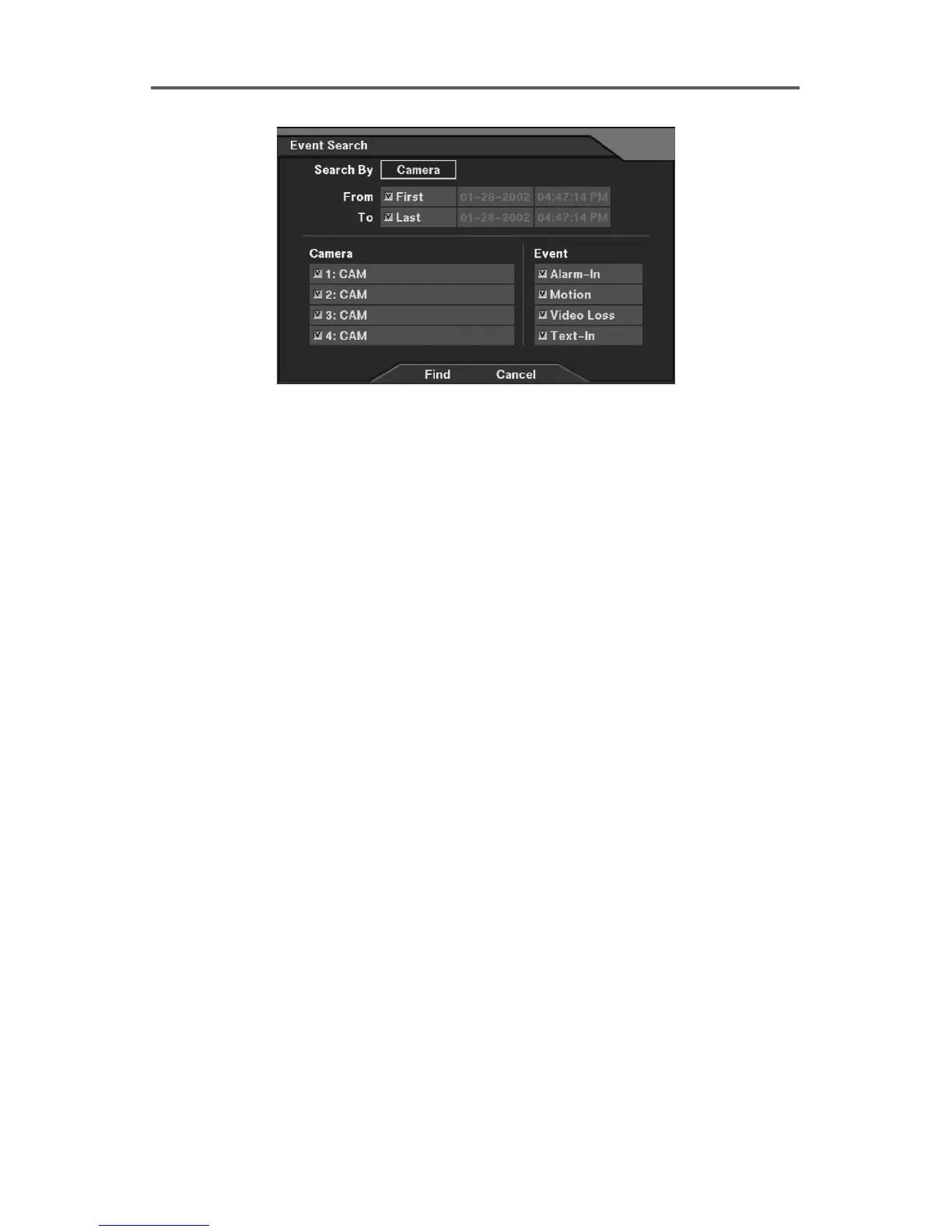
Figure 54 Event Search Dialog (2)
• Search By: Selects either Event or Camera as the search option.
• From: If this box is checked, search from the first recorded data. If you want to a specific
search starting date/time, remove a check and then set the desired date/time.
• To: If this box is checked, search until the last recorded data. If you want to a specific
search ending date/time, remove a check and then set the desired date/time.
• Alarm-In, Motion, Video Loss, Text-In: Select target channel(s) of each event-triggered
device (Search by Event only).
NOTE: When selecting Text-In as the event option, search text-in events that have the
identical value to any specific transaction number entered in the TR field. Otherwise,
search all text-in events when the TR field is empty.
• Camera/Event: Select target camera channel(s) associated with each event, and select
event option(s) (Search by Camera only).







 To Next Page