User’s Manual
36
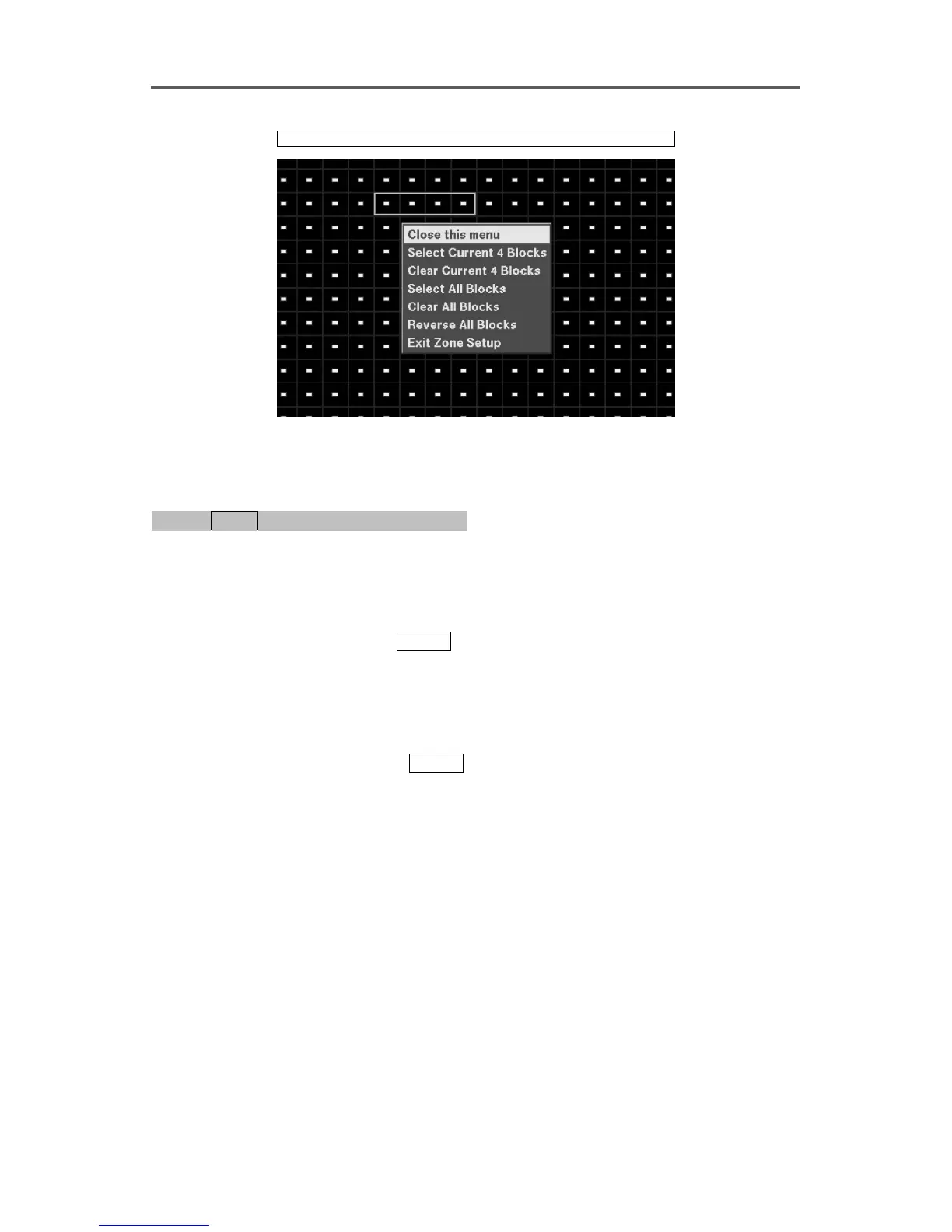
Devices ► Motion Detector ► Zone
Figure 27 Motion Detection Zone Setup Dialog
Enable/Disable Text-In
0PATH: MENU ▶ Devices ▶ Text-In/PTZ0
(Refer to Figure 19 Text-In/PTZ Dialog.)
1. Move to the Port field, and select Text-In.
2. Move to the On/Off field, and select either On or Off to enable or disable the Text-In
function.
3. Move to the Title field and press
ENTER
.
4. Enter the device name of the device using the software keyboard. A total of 16 characters
may be used.
Set up Text-In Port and Keyword
5. Move to the Setup field and press
ENTER
.
6. Enter the following information using the software keyboard:
• Keyword 1: Enter the first keyword that is used for the transaction of reporting in the
event log.
• Keyword 2: Enter the second keyword that is used for the transaction of reporting in the
event log.
• Delimiter: Enter the character string that divides each text-in line. The line feed
character ^J has been entered as a default, and the user can enter additional delimiters as
required. When using multiple delimiters, each delimiter must be separated with a space.
When entering any control character, enter the character with ^ after pressing Shift key.
• Line Count: Enter the line count of one complete transaction
7. Set up the communication parameters for the text-in port.







 To Next Page