User’s Manual
56
Devices ► RS232
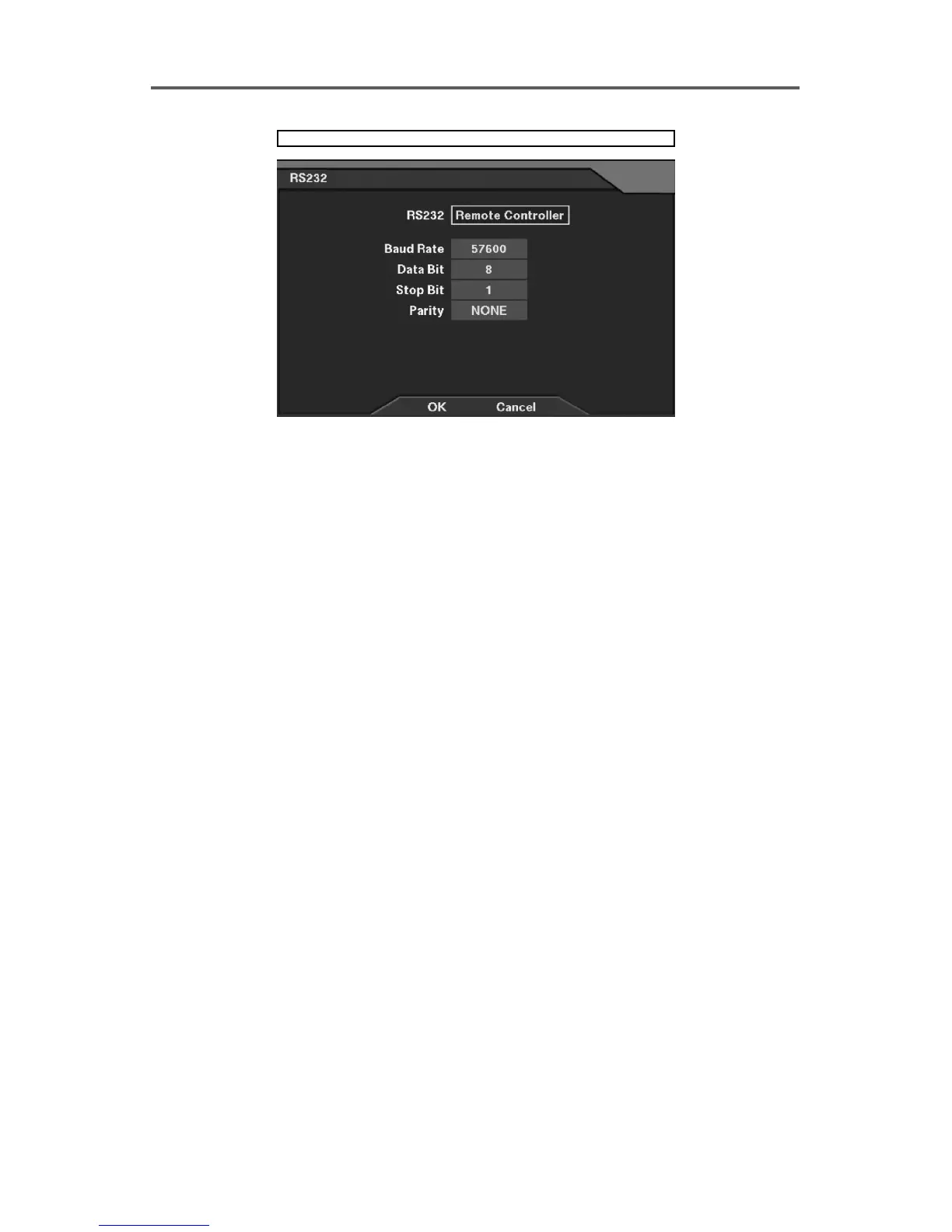
Figure 49 RS232 ─ Remote Controller Setup Dialog
RS232 Setup
• RS232: Select either Remote Controller or External Modem as the port use.
NOTE: Once Remote Controller is selected, the following options are available.
• Baud Rate: Set the Baud Rate of a modem (300~115200).
• Data Bit: Set the data bit (7/8).
• Stop Bit: Set the stop bit (1/2).
• Parity: Enable or disable the parity (NONE/ODD/EVEN).
NOTE: Selecting the External Modem in the RS232 field only decides the RS232 port
is used for the external modem connection. The external modem setup in detail will
be configured in the Modem Setup dialog box. Refer to the 3.7 Configuring for
Networking ─ Set up Network (Modem) section for details of setting up the external
modem.







 To Next Page