Four-Channel Digital Video Recorder
65
Appendix B. Quick Reference
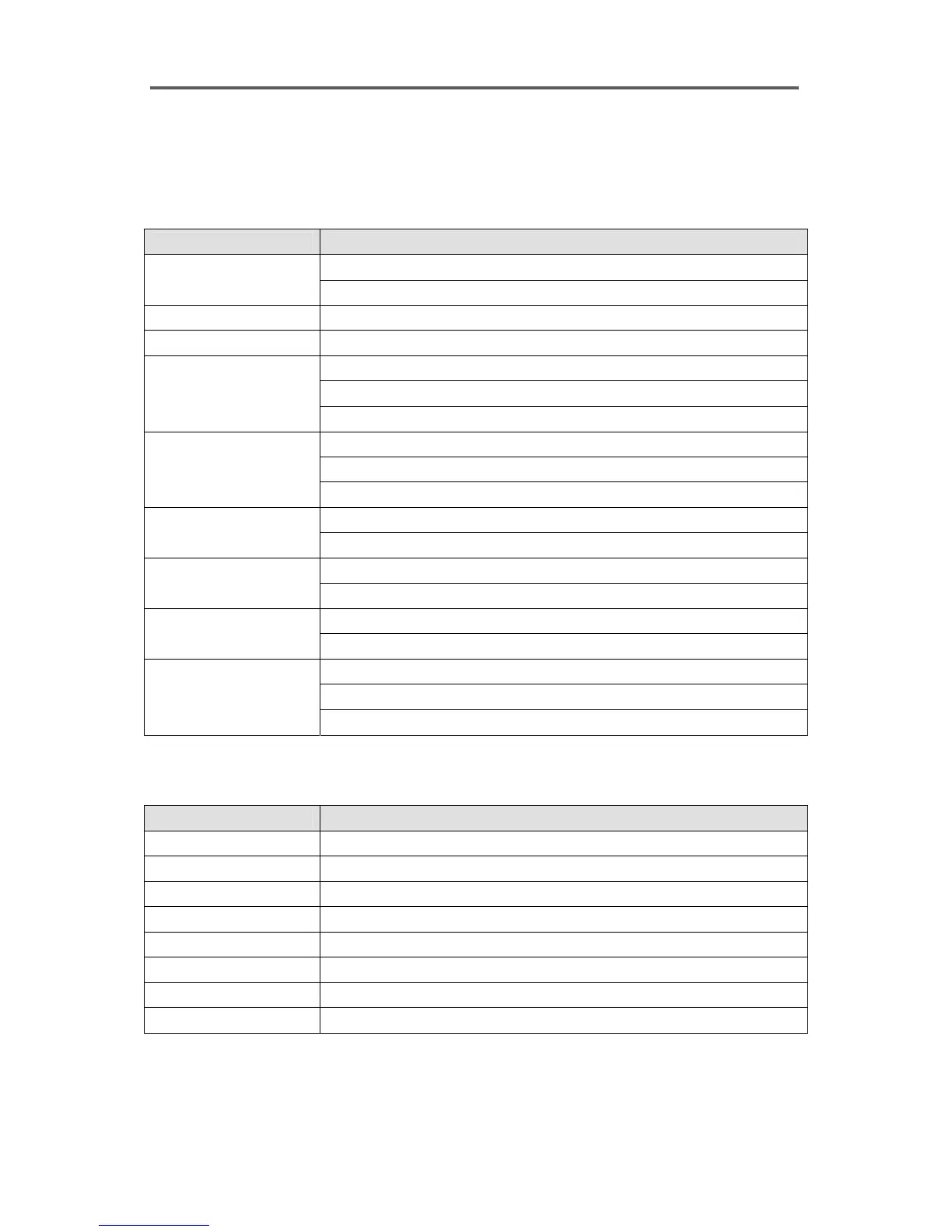
Buttons on the Front Panel
Button Operation
Displays corresponding camera image.
CAMERA (1-4)
Enters password.
DISPLAY
Switches between full screen mode and 2x2 screen mode.
FREEZE
Freezes live video.
Moves the cursor in the setup dialog boxes.
Plays, fast forwards and reviews in the playback mode.
ARROW
Controls pan in the PTZ mode.
Selects an item in the setup dialog boxes.
Enters to or exits from edit mode in the setup dialog boxes.
ENTER
Pauses in the playback mode.
Displays the menu dialog box.
MENU
Zooms in in the PTZ mode.
Searches the images.
SEARCH
Zooms out in the PTZ mode.
Turns on/off camera sequencing.
SEQUENCE
Used for near focus in the PTZ mode.
Resets an alarm during alarm activation.
Shows event list if alarm is not active.
ALARM
Used for far focus in the PTZ mode.
LEDs
LED Description
POWER
The DVR is on.
NETWORK
The DVR is networked either via Ethernet or modem.
BACKUP
Data is being backed up using the USB port.
CAMERA (1-4)
Corresponding camera image is displayed.
MENU
The DVR is in the setup mode.
SEARCH
The DVR is in the playback mode.
SEQUENCE
The DVR is in the sequence mode.
ALARM
Alarm output is activated.







 To Next Page