Four-Channel Digital Video Recorder
21
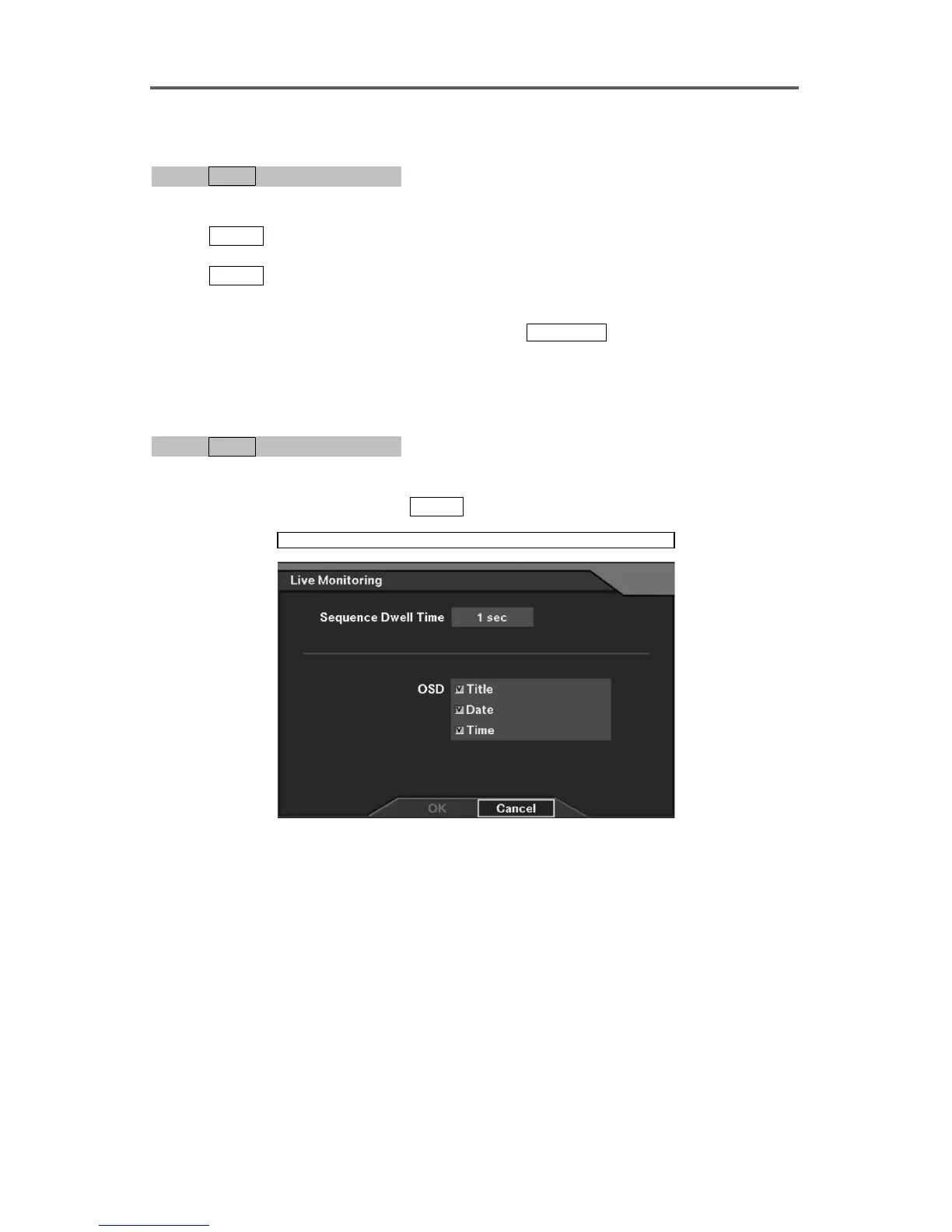
Set up Camera Sequencing Dwell Time
0PATH: MENU ▶ Live Monitoring0
1. Move to the Sequence Dwell Time field.
2. Press
ENTER to display the Sequence Dwell Time control bar, and set the camera
sequencing dwell time from 1 second to 6 seconds.
3. Press
ENTER to exit control bar.
4. Select OK to exit Sequence Dwell Time.
NOTE: To select the sequencing operation press
SEQUENCE on the front panel.
Sequence Dwell Time controls Live sequencing only. This dwell time does not affect
camera recording.
Set up OSD
0PATH: MENU ▶ Live Monitoring0
1. Move to the OSD option field.
2. Select the OSD option by pressing
ENTER. Multiple selections are available.
Live Monitoring
Figure 14 Live Monitoring







 To Next Page